Screenshots - Do you know how to show wanted actions?
Last updated by Matt Wicks [SSW] almost 2 years ago.See history This rule has been archived
Archived Reason: Please follow https://www.ssw.com.au/rules-legacy/screenshots-add-branding
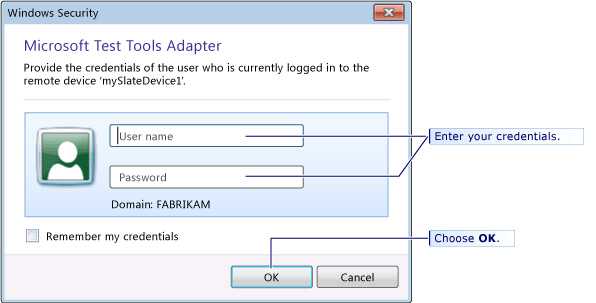
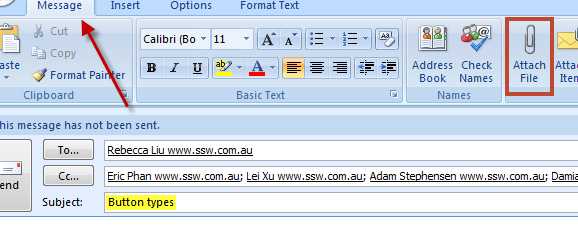
When using Snagit to show actions on a screenshot, follow this:
- To enter data – Use the yellow highlighting
- To click on a button – Put a square box around it
- To point out something – Use the arrow