 Home > SSW Standards > Wise Setup > Wise For Windows Installer - Screenshots
SSW's Wise Setup Template
Using the important features that Wise for Windows Installation Wizard provide,
SSW's applications have been able to deploy .Net solutions as well as Access
and VB6 solutions successfully onto destination machines.
Wise Setup User Guide
1. Prerequisites
2. SSW's Wise Template Process Screens
3. Next step
|
-
Prerequisites
-
SSW's Wise Template Process Screens
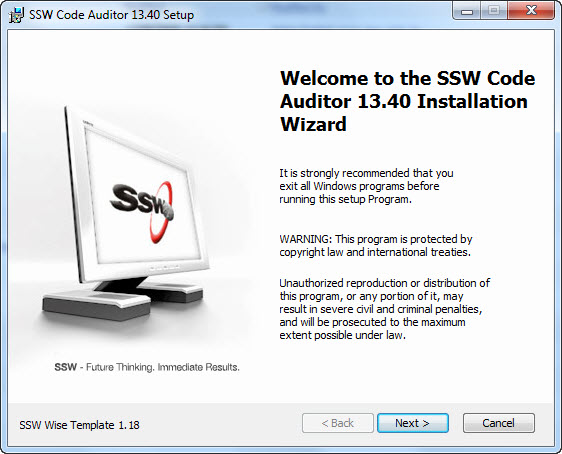
Figure 1: Welcome Dialog
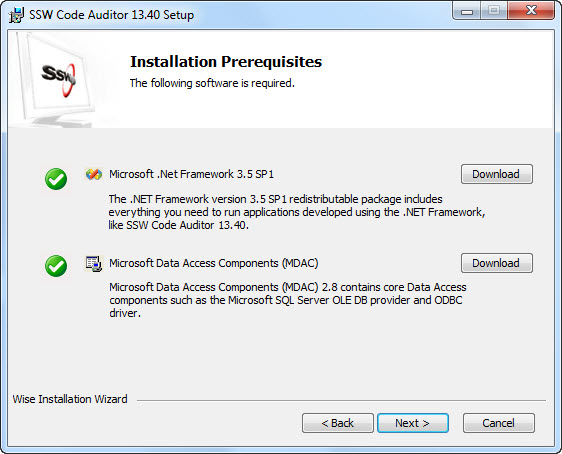
Figure 2: Installation Prerequisites Dialog
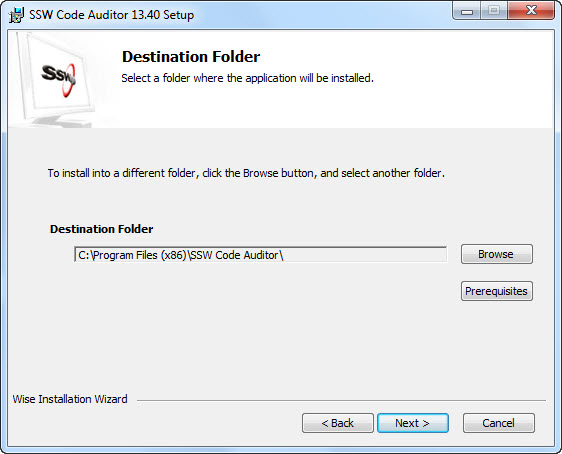
Figure 3: Selecting Destination Folder Dialog
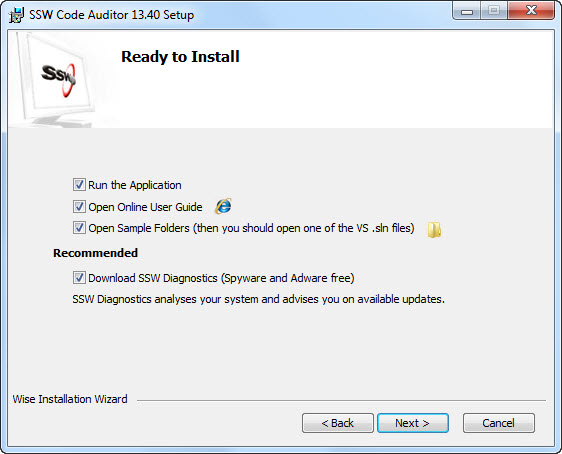
Figure 4: Selecting Options to Run after Installation is Complete
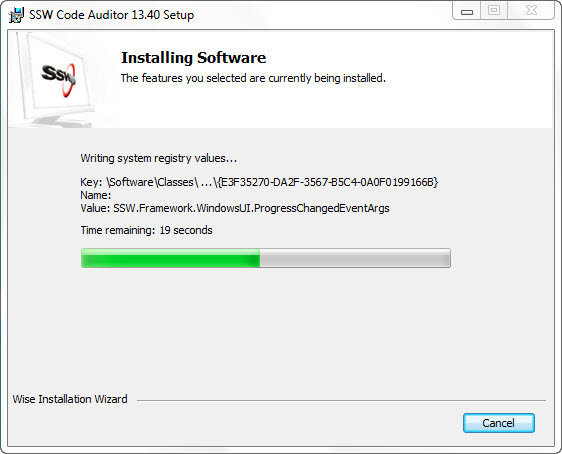
Figure 5: Updating System Dialog for Install
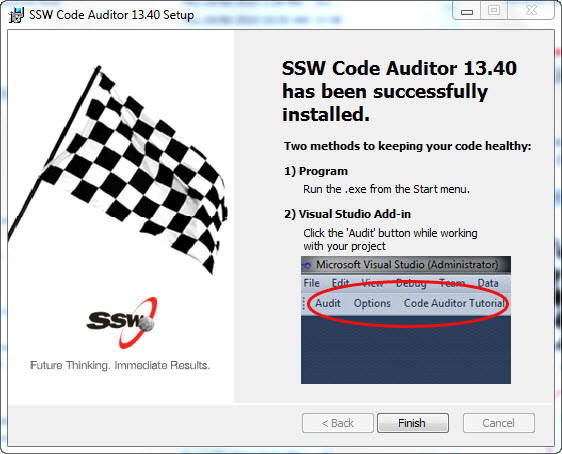
Figure 6: Finish Dialog
-
Next step
Do you want to know about how to purchase SSW Products?
To purchase view the Purchase User Guide
Acknowledgements
Peter Ahn