Do you add timestamp links to YouTube videos' descriptions?
Loading last updated info...
Timestamps break a video into sections (chapters) using captions in the description. They make it easy for users to jump to specific parts of longer videos via the YouTube timeline.
Steps to do this:
- Go to YouTube in your browser
- Play the video through the timeline until you reach the moment you want a link to
- Make a note of the time
- Type in the timestamp (E.g. 04:41) on the video description. This also works on comments
- Save and YouTube will automatically add a link to that exact time of the video
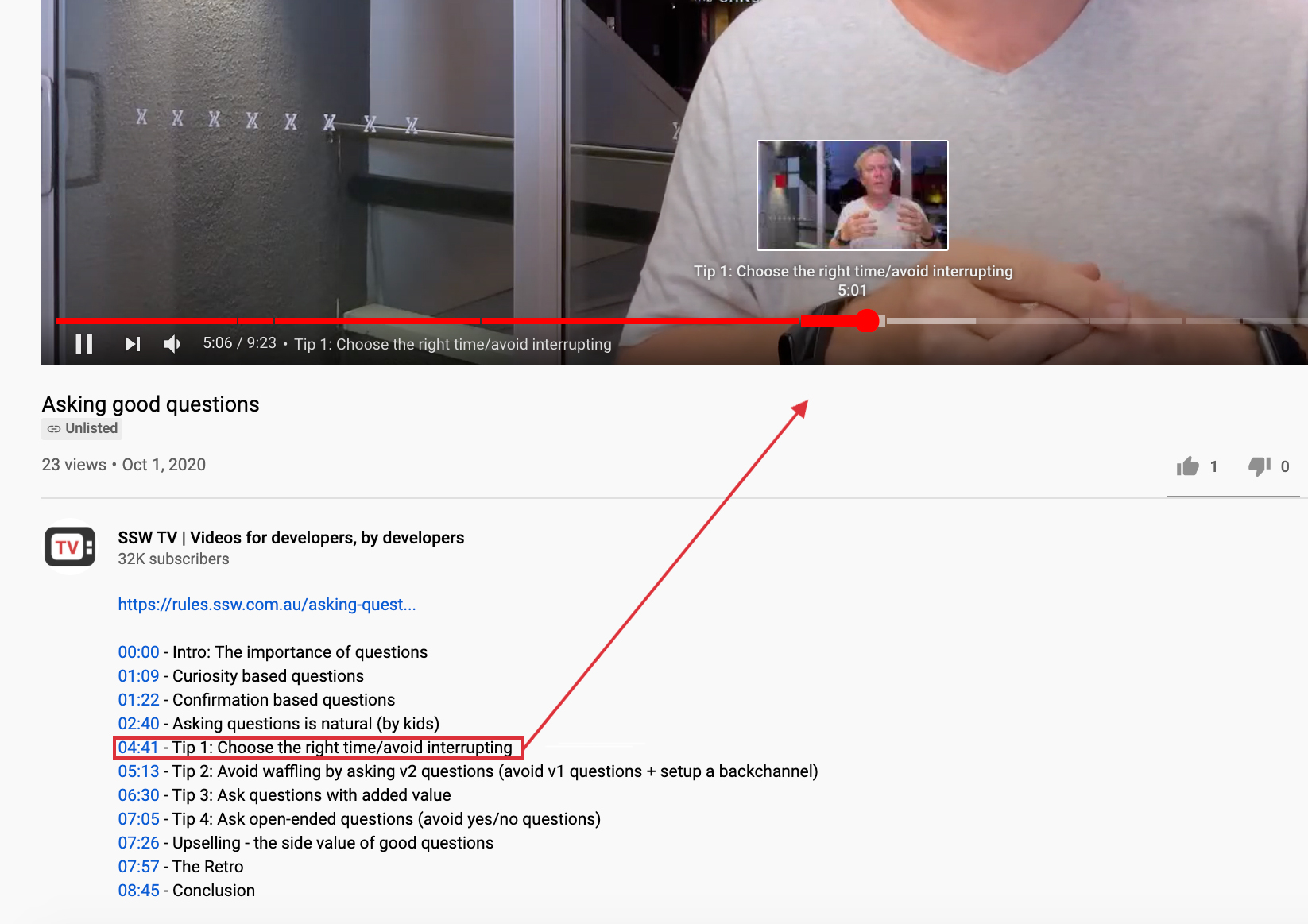
✅ Figure: Good example - Timestamps are interactive - Users can easily go to each section of the video by clicking on these links or using the slider
Extra - Chapter Markers
You can go extra and include Chapter Markers (table of contents) on the video frame. This is done in video editing tools.
Users see a new section highlighted in the screen, with an optional subtle sound effect, and a strikethrough on the section that just finished.
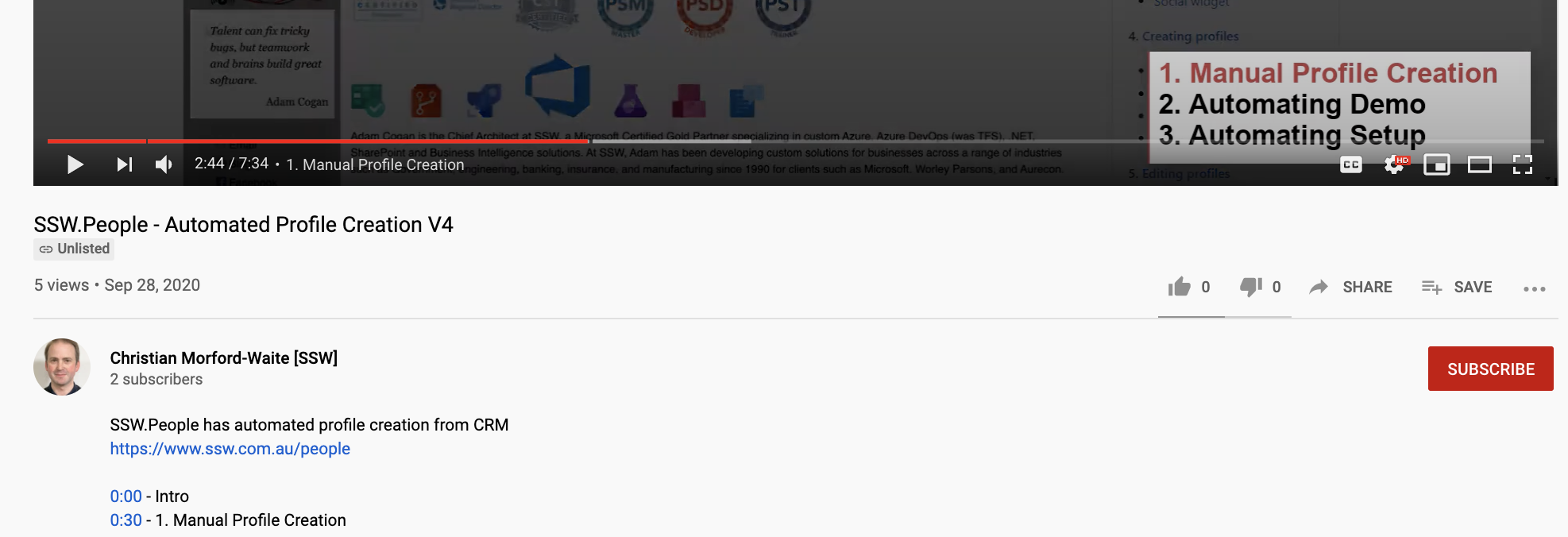
✅ Figure: Good example - Chapter Markers are rendered over the video and not interactive - A visual table of content inside the video frame