Do you avoid huge images or attachments in emails?
Loading last updated info...
Using screen captures is a good practice - pictures do tell a thousand words - but don't include unnecessarily huge images or attachments in your email.
When your attachment is too big, you should think twice.
Avoid large attachments
If you're sending an email with attachments or images over 1 MB, consider uploading the file to a server (e.g., Google Photos or Microsoft Teams) and include the link in the email instead.
Note: Photos taken with modern smartphones 📱 are often quite large. A single high-resolution image can easily be 2–5 MB, and some mobile devices produce photos over 10 MB - far above the ideal size for email attachments.
Some email clients may prompt you to resize images before sending, but if they don’t, consider resizing them yourself or sharing via a link instead.
To:
Bob Northwind
Subject:
Northwind app - New artwork
Dear Bob
Thank you for spending time with us to come to a better understanding of your business requirements. Please review the new version of the artwork attached
Regards, Dave
❌ Figure: Bad example - Sending a large attachment
To:
Bob Northwind
Subject:
Northwind app - New artwork
Dear Bob
Thank you for spending time with us to come to a better understanding of your business requirements. Please review the new version of the artwork at filename.png
PS: Sending the image as a link as it is too big to attach.
Regards, Dave
✅ Figure: Good example - Sending a link instead of an attachment
Note: An added advantage is that the document stays alive. If the URL has been updated and a user takes a week to get around to this email, they will view the latest version.
Tips
- Reduce the size by sending just the relevant part of the image you need
- Avoid .bmp. Use .jpg, .gif or .png instead
- If you are sending photos (every year cameras are making our photos bigger and bigger) you may need to resize them down
- If you have multiple files, consider .zip them
- SharePoint was built with sharing files in mind and is a great way to collaborate. If you are using SharePoint to send a file you simply need to open the context menu, click "send to" and "email a link" as shown:
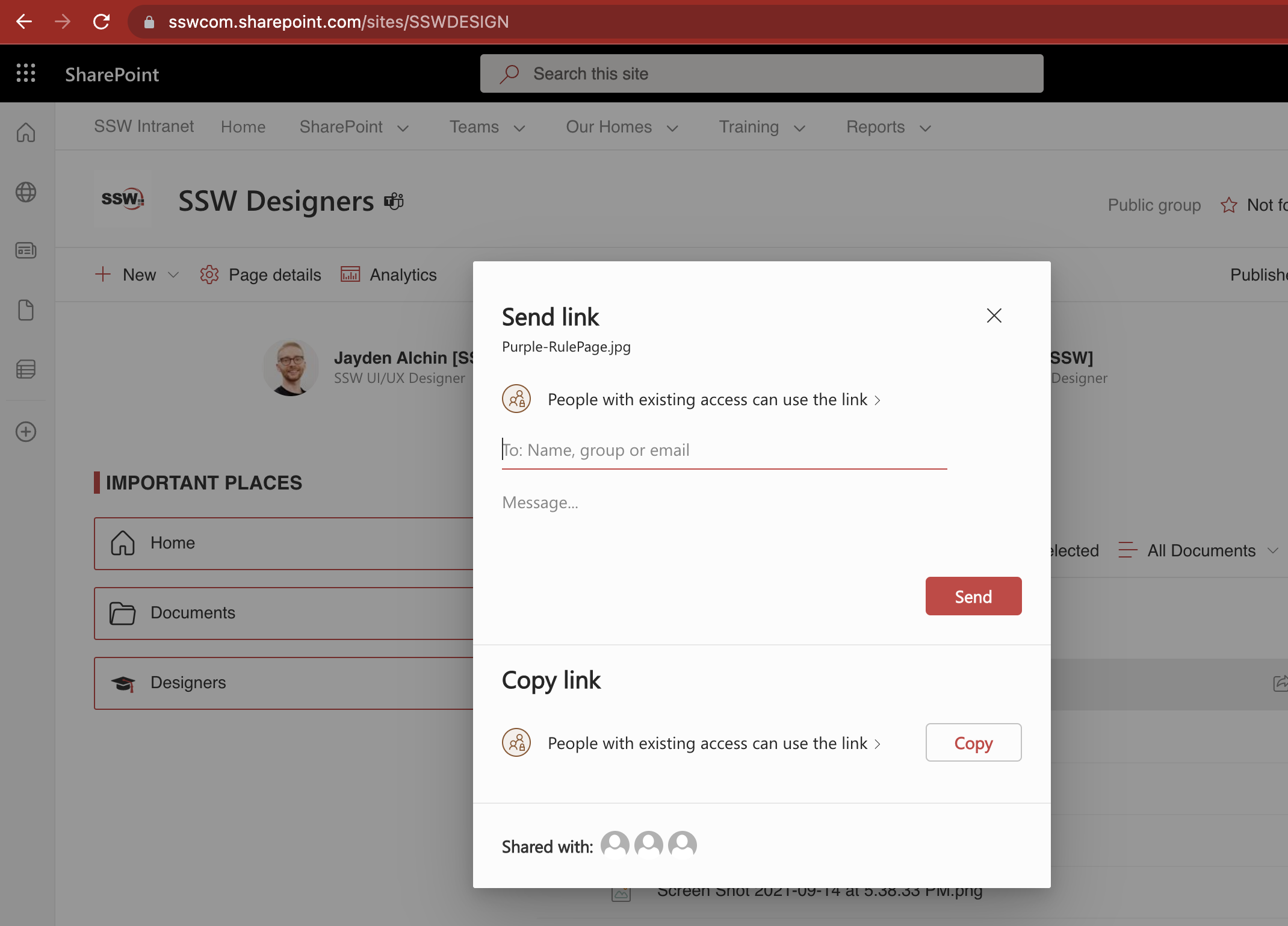
Figure: SharePoint makes it easy to share or just copy the link
When can you break these size rules?
Basically, you should be practical:
- There is no other way under particular circumstances
- To keep the history if the file is already part of the thread