Do you centralize your team's AI workflows?
Loading last updated info...
Your team has five developers using AI agents, and five slightly different /code-review skills. One checks for SQL injection, another lets it sail through. A new hire copies whichever version they stumble across first, and the checks that should be identical across the team have quietly drifted apart.
Centralizing your AI workflows means distributing skills, plugins, and agent config from one source of truth, so every developer's agent behaves the same way. Fix the source once and the whole team picks up the change.
Video: The Smarter Way to Share AI Skills | Ulysses Maclaren | SSW Rules (1 min)
Why centralize your AI workflows?
Skills and plugins are only worth writing once. If each developer maintains their own copy, you lose the main benefit - consistency.
- Consistent results - everyone's agent follows the same review checklist, commit format, and coding standards
- Faster onboarding - a new hire installs one marketplace and inherits the whole team's workflows on day one
- One place to fix - patch a skill at the source instead of chasing stale copies across repos and laptops
- Safer by review - shared skills go through PR review before they reach everyone, instead of unvetted files spreading ad hoc
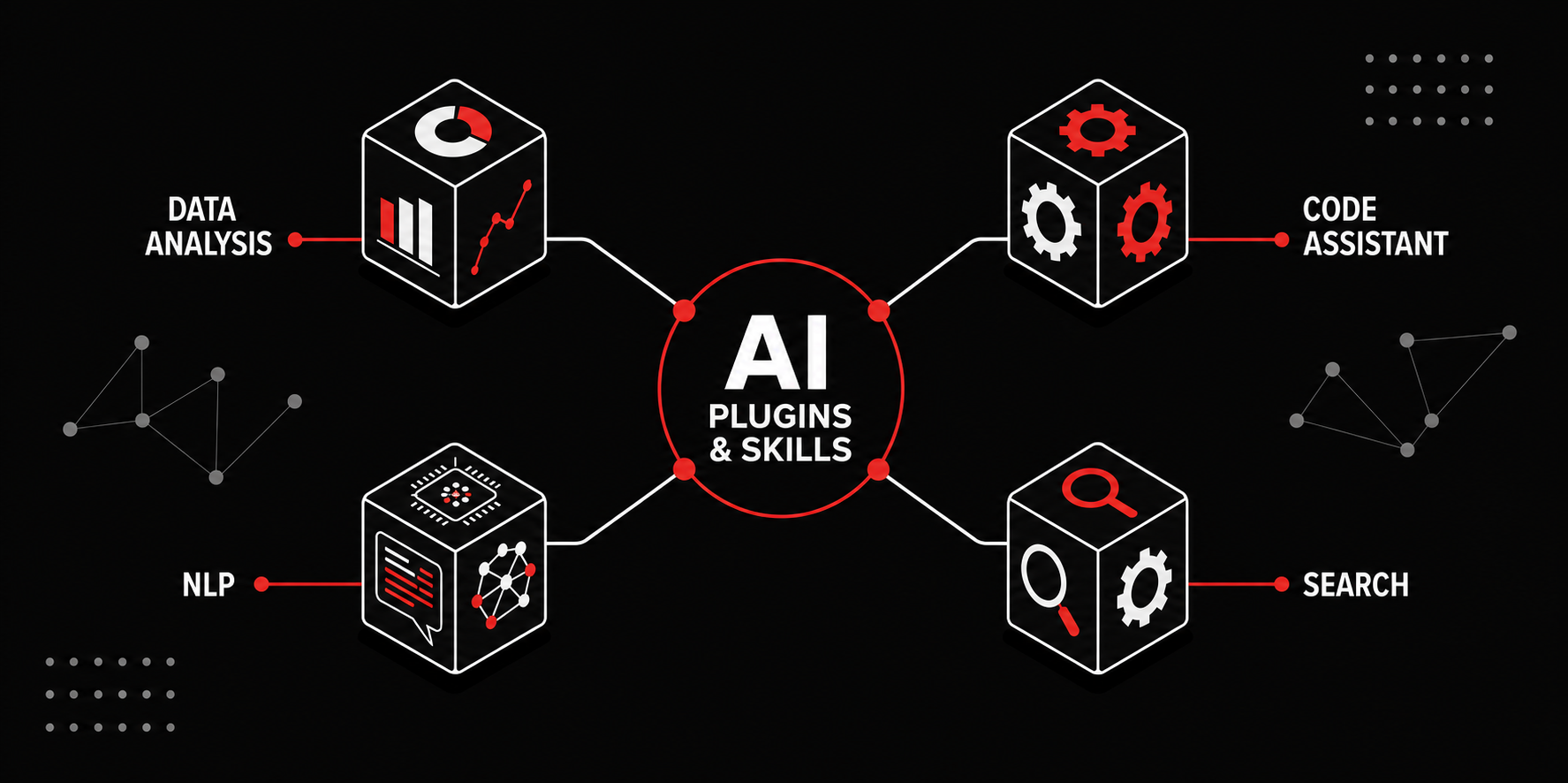
Figure: Centralize AI plugins and skills in one place to support consistent workflows
Examples
Every developer keeps their own skills in ~/.claude/skills/. Alice added a security check to her /code-review months ago after a bug slipped through - but Bob never got that fix, and last week his agent approved a PR with the exact same vulnerability. When a new hire asks "which version should I copy?", nobody has an answer.
❌ Figure: Bad example - Personal, per-machine skills drift apart and can't be reviewed
The team publishes its skills to a shared repository. Everyone runs /plugin marketplace add northwind/Northwind.AI.Skills once, installs the same reviewed skills, and gets updates by pulling the repo.
✅ Figure: Good example - One shared source of truth, installed the same way by everyone
How do the major tools handle this?
Major AI coding tools use some combination of admin-controlled config and shared repositories. The exact support depends on the tool and plan.
| Tool | Push org-wide (enterprise/admin) | Self-host (no enterprise plan) |
|---|---|---|
| Claude Code | Admins deploy a locked managed-settings.json that auto-registers marketplaces and force-enables plugins for everyone | Host a plugin marketplace in any git repo, then /plugin marketplace add owner/repo |
| GitHub Copilot | Enterprise/org policies, organization custom instructions, and Agent Skills across all surfaces | Commit Agent Skills to .github/skills/; Copilot CLI also supports a plugin marketplace |
| OpenAI Codex | ChatGPT Enterprise admins manage plugins and push a requirements.toml policy layer | Commit skills to .agents/skills/, or package them as a plugin for workspace install |
| Google Antigravity | Gemini Enterprise Agent Platform provides org-level access and data governance; centralized admin controls are coming soon | Commit skills to .agents/skills/, or plugins to .agents/plugins/ |
Skills themselves are portable - Claude, Copilot, Codex, and Antigravity all read the same SKILL.md open standard, and most tools now honor a shared AGENTS.md for project context. So a central repository can serve more than one tool at once.
What if you don't have an enterprise plan?
You don't need Claude Teams or Copilot Enterprise to standardize. Create a repository that acts as the source of truth for your team's general-purpose skills and plugins - for example github.com/northwind/Northwind.AI.Skills. Developers add it as a marketplace (or install it as an extension) and pull updates like any other dependency.
This keeps distribution in git, where it belongs: changes go through PR review, history is auditable, and a private repo keeps internal workflows internal. Project-specific skills still live in their own project repos.
You don't have to build everything yourself. There are some great community plugins worth adding - for example the Superpowers plugin by Obra, which packages a full development methodology as composable skills, from brainstorming and design through test-driven implementation, code review, and deployment.
✅ Figure: Good example - Pull proven community plugins into your central marketplace instead of reinventing them
Warning: Skills and plugins are prompt injections by design. A malicious one can instruct the agent to run destructive commands or exfiltrate data!
Before you distribute anything org-wide, verify its safety. Read it in full and review updates like code. A central, reviewed repository is safer than everyone grabbing files from random third-party marketplaces.
Learn more
- SSW: Do you use skills to standardize your AI workflows? - How to write and share the skills you'll distribute
- SSW: Do you give your AI agents context with MCP servers and skills? - When to reach for MCP servers instead
- Claude Code plugin marketplaces - Host and distribute plugins from a git repo
- GitHub Copilot Agent Skills - Shared skills across Copilot surfaces
- Google Antigravity plugins - Package skills, rules, MCP servers, and hooks
- AGENTS.md - The open standard many tools read for project context