Do you meet color contrast requirements for accessibility?
Loading last updated info...
WCAG criterion 1.4.3: Contrast (Level AA) recommends text, images of text, and graphics (e.g. icons) have a contrast ratio of at least 4.5:1. Always check your colors and make your content readable regardless of a user’s ability or circumstance.
Contrast checkers
Most automated accessibility checkers or browser plugins will check color contrast. However, you should try to avoid contrast issues from being flagged altogether!
Use dedicated color checkers to determine acceptable color combinations before implementation.
Note: Keep in mind that opacity and font weight affect contrast too.
Recommended tools:
- WhoCanUse – Highly detailed, includes color blindness, sunlight, and low vision checks
- Adobe Color – A vs AA vs AAA compliance checks, import colors from a file, color blindness tools
- Coolors – Simple, easy to use tool for beginners
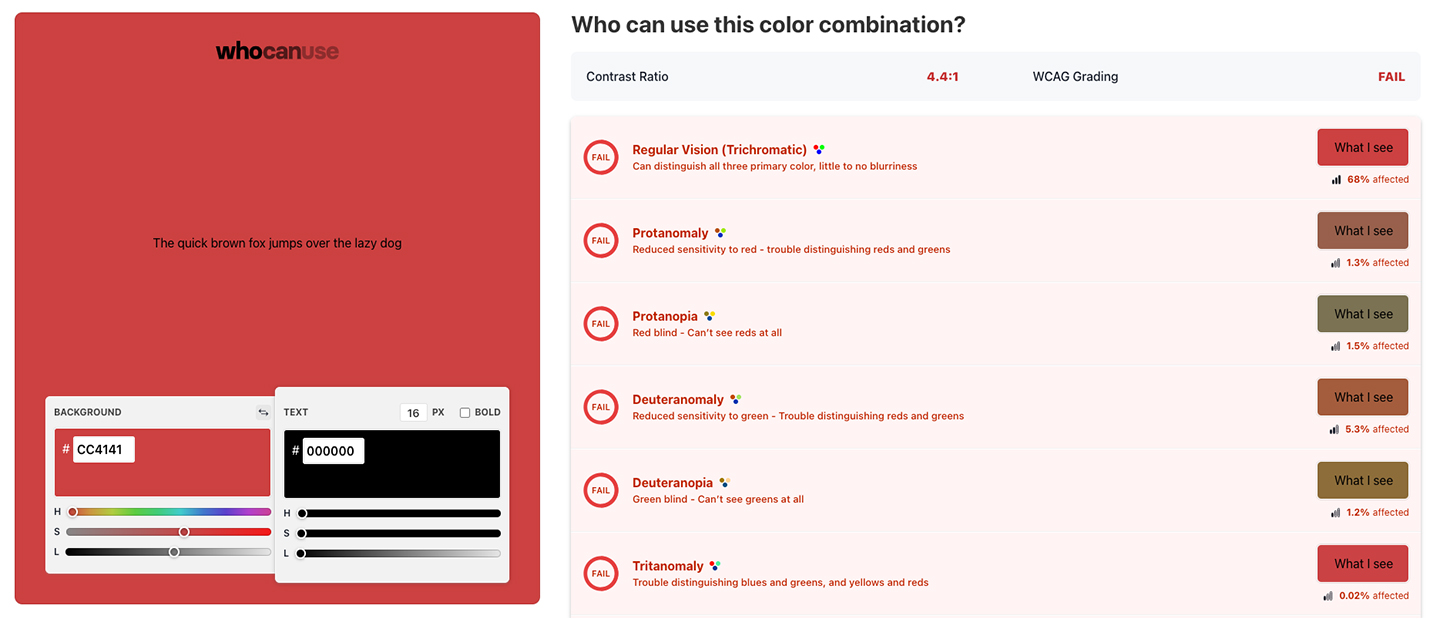
❌ Figure: Bad example - Black text on SSW Red fails contrast checks
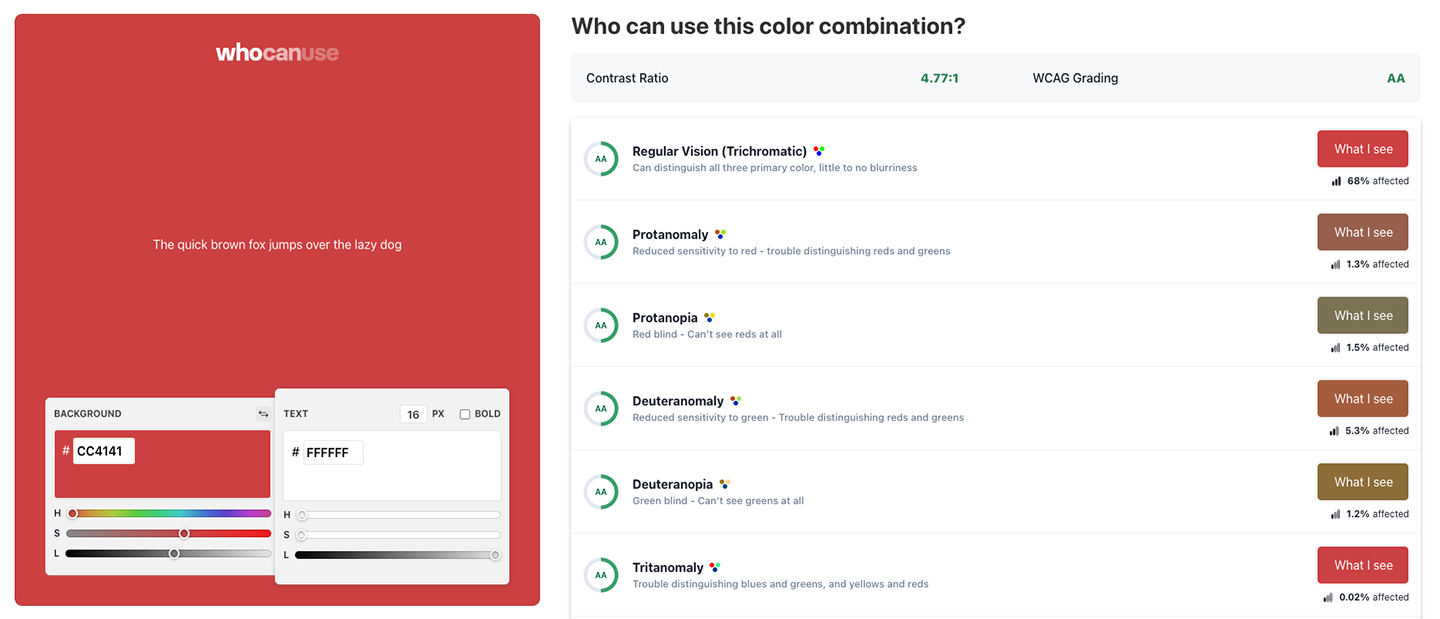
✅ Figure: Good example - White text on SSW Red passes contrast checks
Check color contrast on live websites using browser DevTools
Browser DevTools provide a quick way to check color contrast directly on a live website.
How to check contrast in Google Chrome:
- Open DevTools
- Activate the Inspect tool
- Hover over an element
- View the accessibility tooltip, including the text’s contrast ratio

Figure: Google Chrome DevTools showing the accessibility information and contrast ratio for inspected text
More info on Docs | Chrome | DevTools | Accessibility | Make your website more readable.
Note: This is also available in Microsoft Edge and Firefox, although the interface may differ slightly.
Notable exceptions
There are few acceptable exceptions to the contrast criteria, including:
- Incidental text (disabled, inactive, hidden, or purely decorative)
- Logos (Text included in a logo or brand name)
- Large-scale text (which only needs to meet a contrast ratio of 3:1)
Even in these circumstances it’s good practice to make your text as readable as possible.