Project setup - Do you containerize your dev environment?
Loading last updated info...
Developers love the feeling of getting a new project going for the first time. Unfortunately, the process of making things work is often a painful experience. Every developer has a different setup on their PC so it is common for a project to require slightly different steps.
The old proverb is "Works on my machine!"
Luckily, there is a way to make all development environments 100% consistent.
Video: Dev Containers from Microsoft (was Remote Containers) with [Piers Sinclair](https://www.ssw.com.au/people/piers-sinclair) (5 min)
Dev Containers let you define all the tools needed for a project in a programmatic manner. That gives 3 key benefits:
✅ Consistent isolated environments
✅ Pre-installed tools with correct settings
✅ Quicker setup (hours becomes minutes)
How do I set it up?
Microsoft has a great tutorial and documentation on how to get it running.
How does it work?
Dev Containers are setup with a few files in the repo:
- devcontainer.json - This specifies the setup instructions for your Dev Container e.g. post creation commands, VS Code extensions
These files define an image to use, tools to install and settings to configure.
Once those files are configured, you can simply run a command to get it running.
Where to run it - locally or in the cloud?
There are 2 places that Dev Containers can be run:
- Your PC - Dev Containers in VS Code
- In the cloud - GitHub Codespaces
Locally works awesome if you have a powerful PC. However, sometimes you might need to give an environment to people who don't have a powerful PC or you might want people to develop on an iPad. In that case it's time to take advantage of the cloud.
⚠️ Warning - Supported Tools
The following tools are not supported yet
- .NET Framework (because it is a linux container)
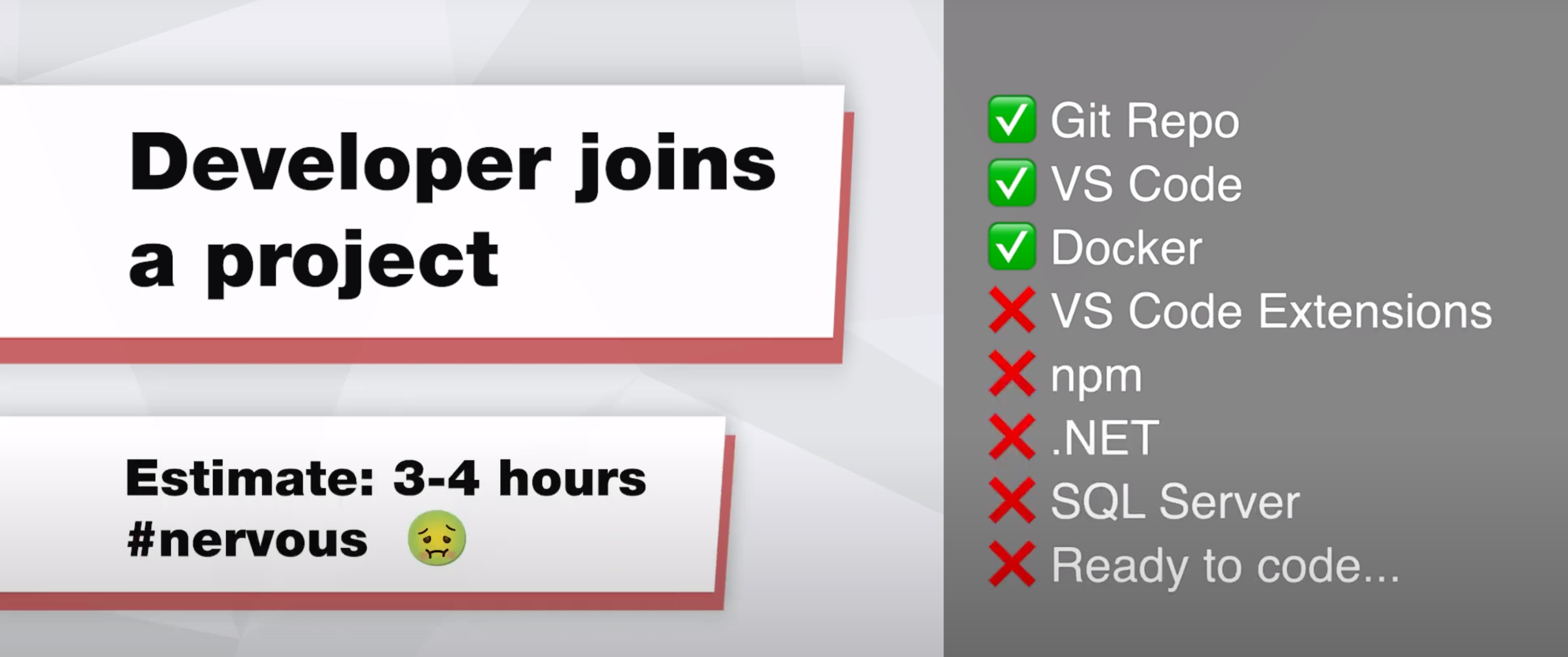
❌ Figure: Bad example - Before using Dev Containers you would be missing a lot of pre-requisites!
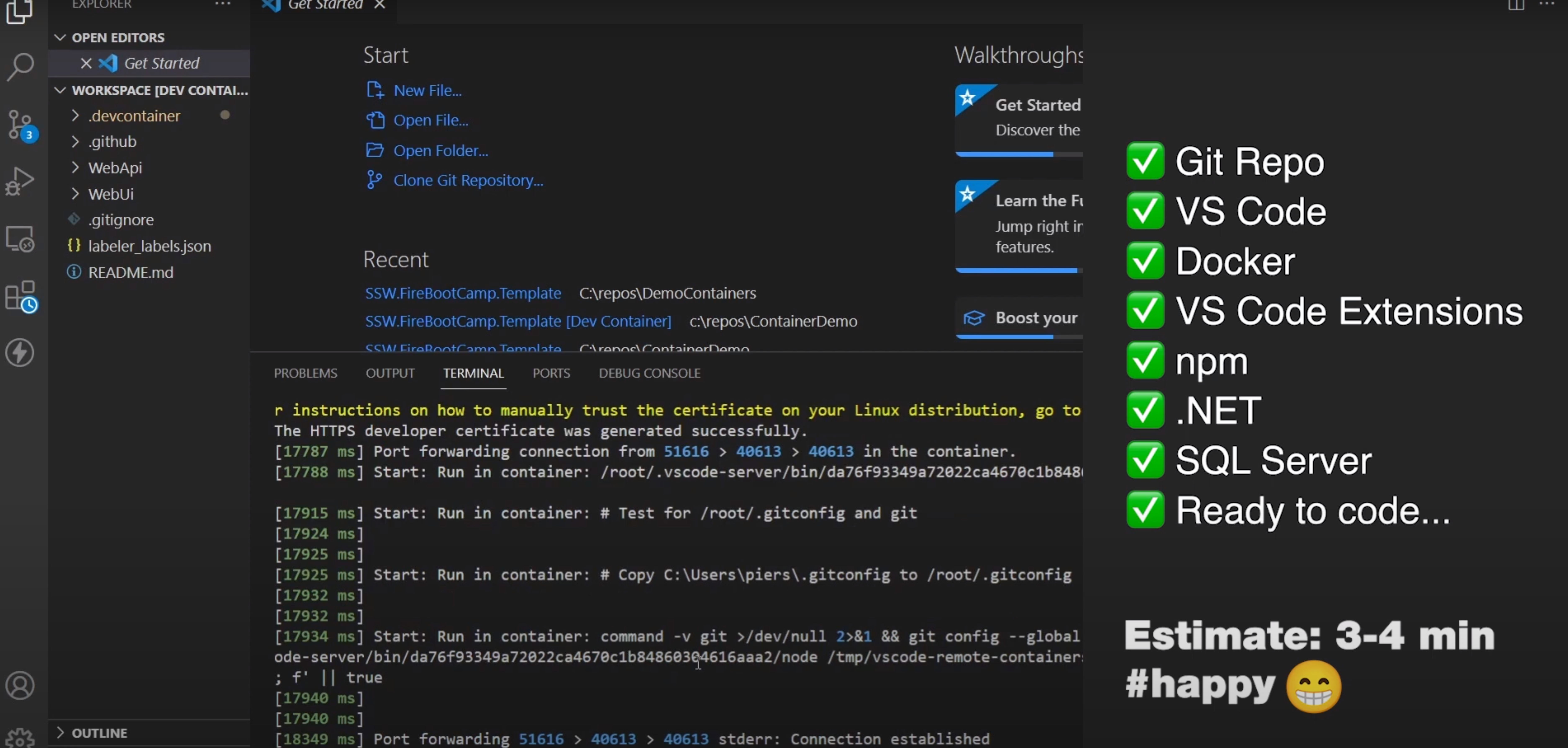
✅ Figure: Good example - After using Dev Containers you would be as happy as Larry!
If you have a reason for not doing all of this, you should at least containerize your SQL Server environment.