Do you identify Development, Test and Production web servers by colors?
Loading last updated info...
As per rule "Do you have separate development, testing, and production environment?", it's better to use different background colors to identify Development, Test and Production servers.
CRM
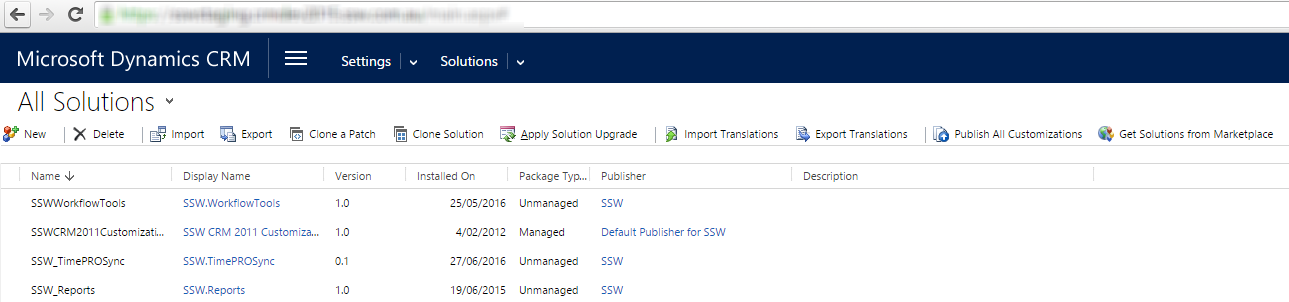
Figure: Staging uses blue background
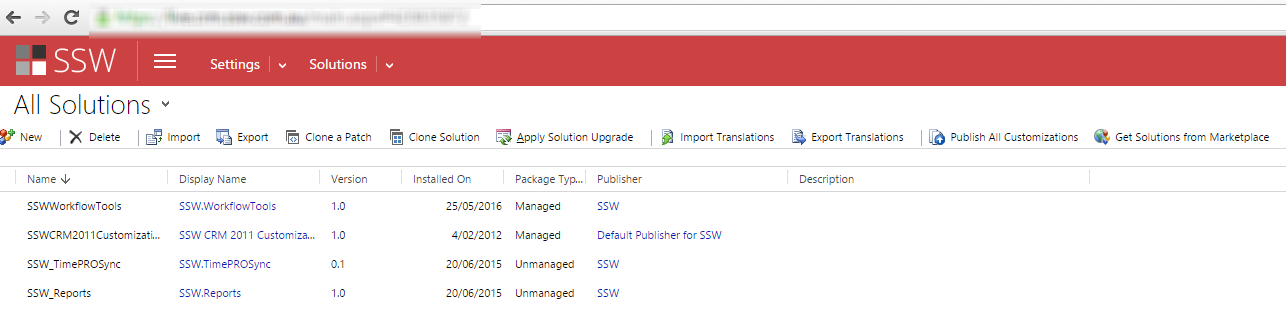
Figure: Production uses red background
The way to change the default background color is to edit the CRM CSS files. These changes aren't supported and may be overwritten when CRM Rollups are applied.
CRM 2015 and CRM 2016
Using theme feature to change the environment color.
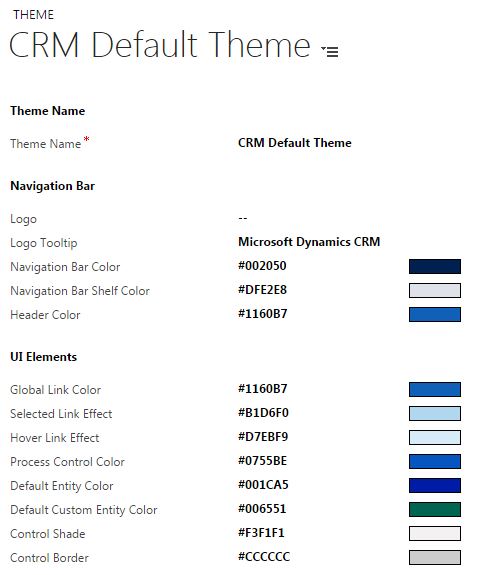
Figure: Changing CRM 2016 UI by using theme feature
CRM 2013
Edit {{ CRM WEBSITE ROOT }}\_controls\navbar\navbar.css:
.navigationControl {background-color: #006600;margin: 0;z-index: 999;float: left;width: 100%;position: relative;}
Figure: Edit the background color to reflect the environment
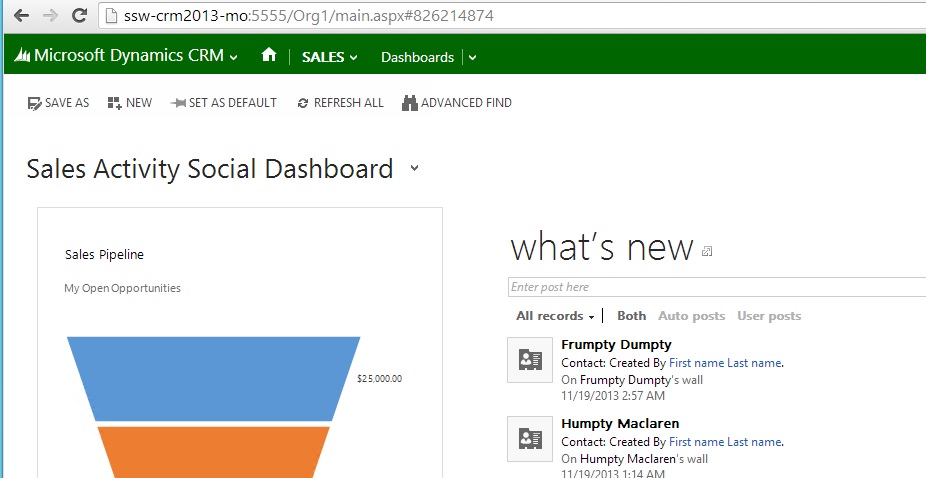
Figure: CRM 2013 with a green navigation bar
CRM 2011
Edit {{ CRM WEBSITE ROOT }}\_static\css\1033\cui.css, locate and modify the section ms-cui-tabBody so that it reads:
background-color: #ffffff;
Change color to a suitable color for the environment:
background-color: #bbffaa;
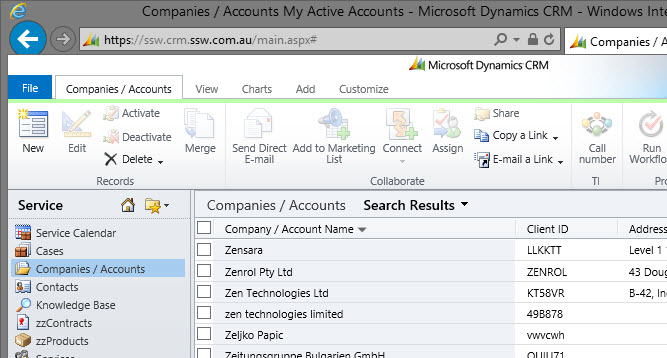
Figure: CRM Ribbon color green to signify production environment
CRM 4
Edit, {{ CRM WEBSITE ROOT }}\_common\styles\global.css.aspx
body.stage{<% if (CrmStyles.IsRightToLeft) { %>dir:rtl;<%} %>border-top:1px solid #6893cf;/* background-color: #d6e8ff; */background-color: #ffff00;padding: 4px;/* background-repeat: repeat-x;background-image: url(/_imgs/app_back.gif);*/}
Figure: In C:\Inetpub\wwwroot\\_common\styles\global.css.aspx comment out and change the reference in yellow so the users know what server they are on
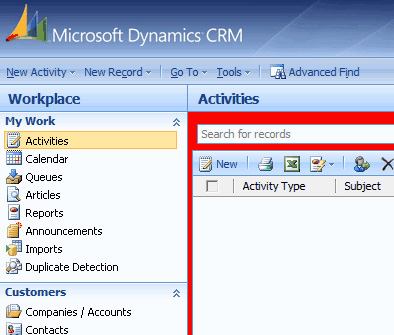
Figure: Color of CRM Development Server - Red
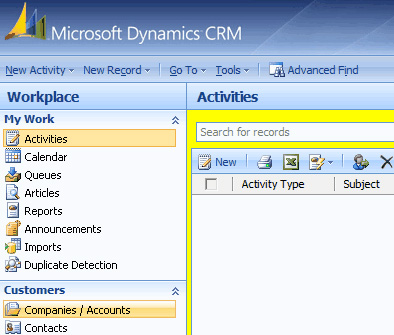
Figure: Color of CRM Test Server - Yellow
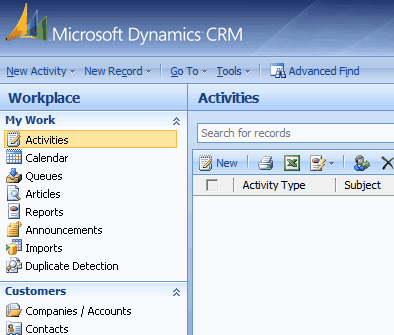
Figure: Color of CRM Production Server - Default
SharePoint Online
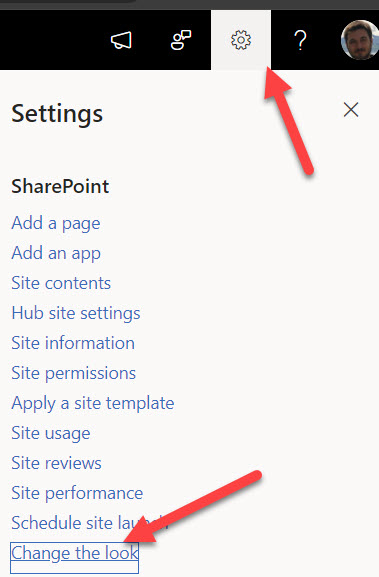
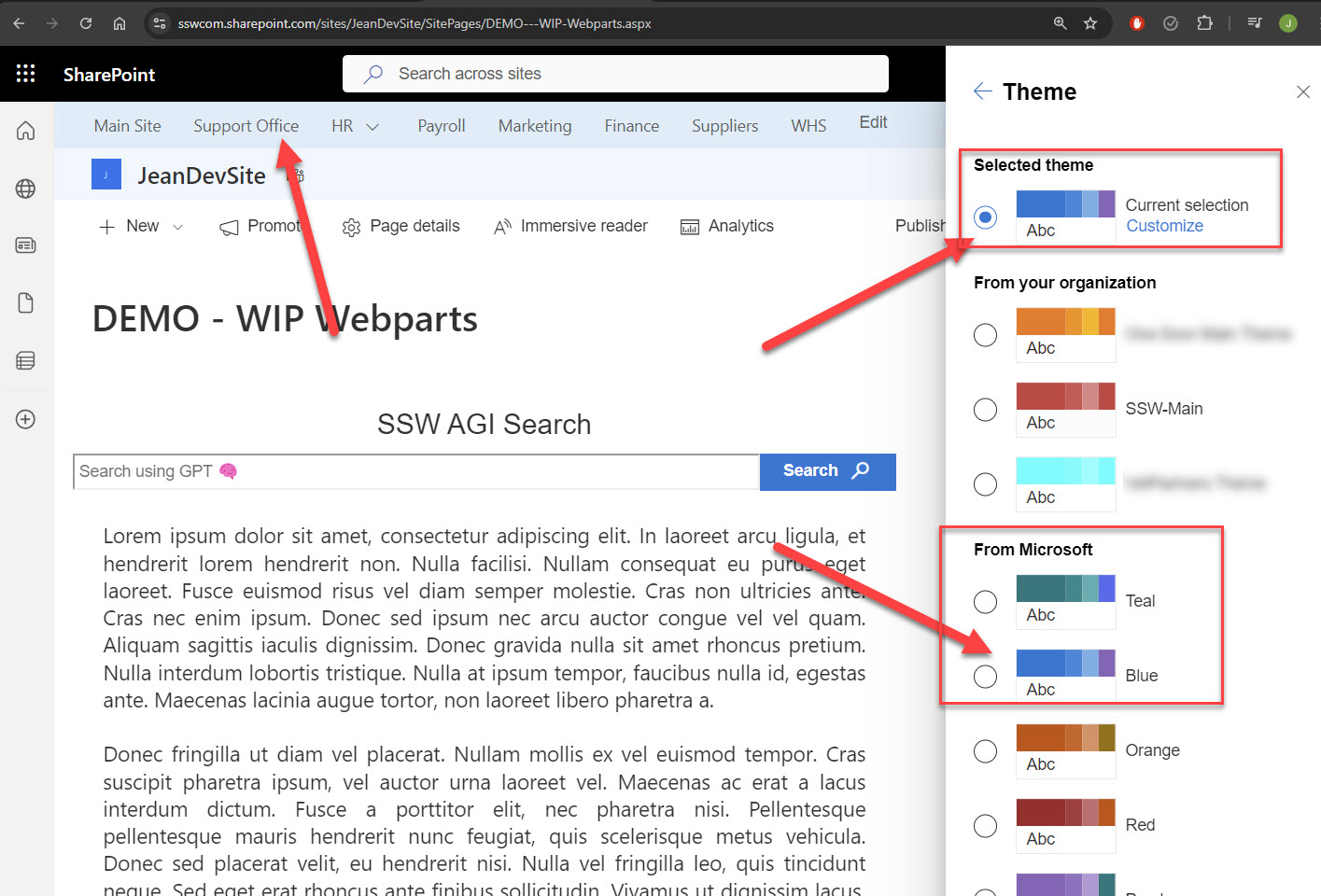
In SharePoint Online, we use Theme colours to differentiate between Production and Development environments.
To change the Theme, simply navigate to Site Settings | Change The Look | Theme
Development - Default Microsoft Blue Theme
Production - SSW Custom Theme
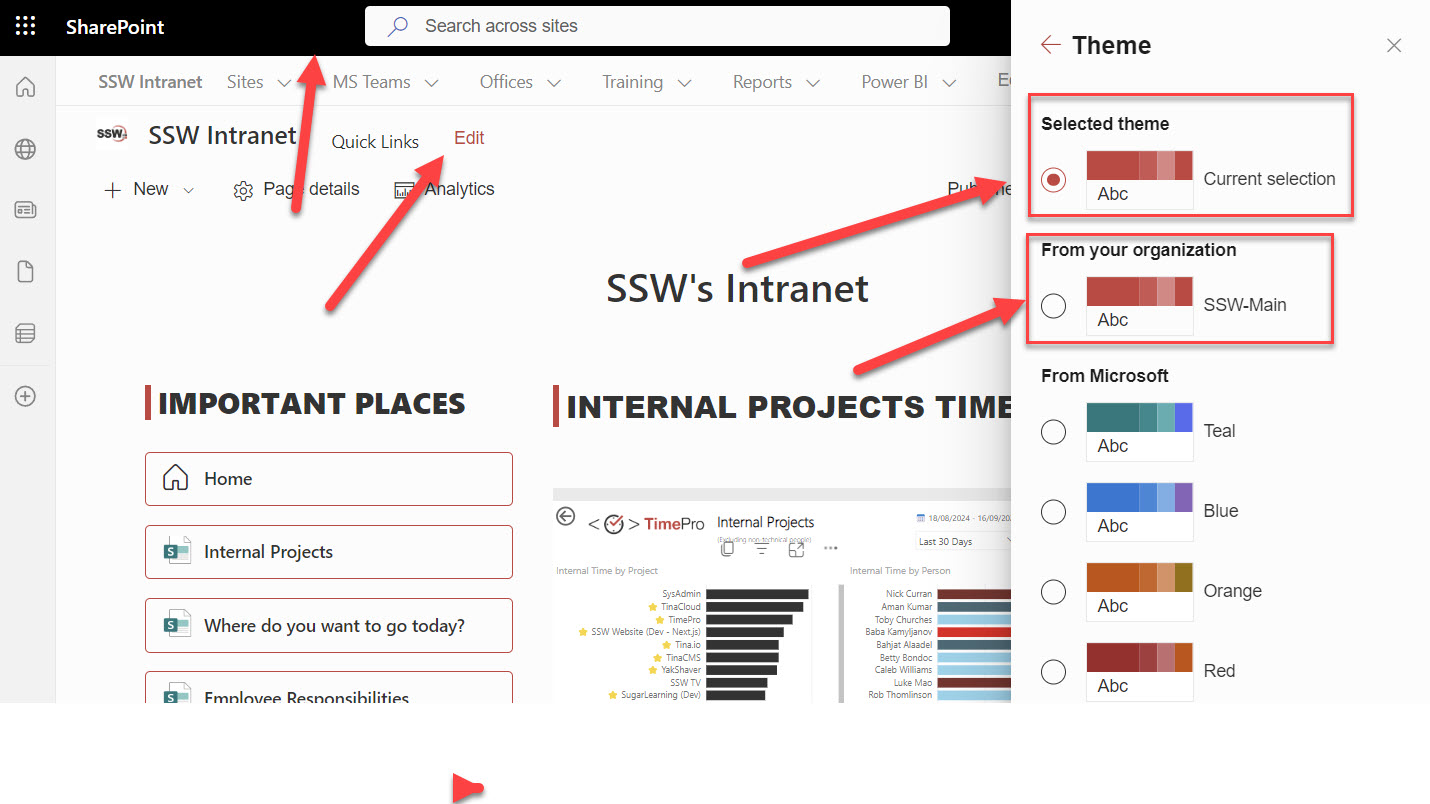
Figure: Selecting Red SSW Custom theme for Production
More about SharePoint Online custom themes: https://learn.microsoft.com/en-us/sharepoint/dev/general-development/how-to-deploy-a-custom-theme-in-sharepoint?WT.mc_id=DX-MVP-33518