Do you know how to see if your PowerPoint is using the latest template?
Loading last updated info...
Unfortunately, there is no easy solution to this. What we need is a 'version' field and an 'Update' button - See our Suggestions to Microsoft PowerPoint: Check for Updates
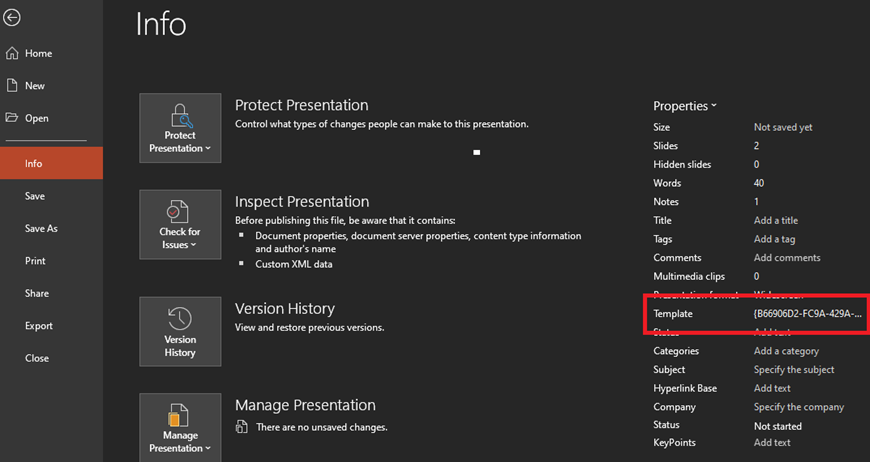
Figure: This feature is broken on PowerPoint - the template field could show as an uncomprehensive code
We recommend to store the template version number on a slide on the PowerPoint template, which the presenter could remove.
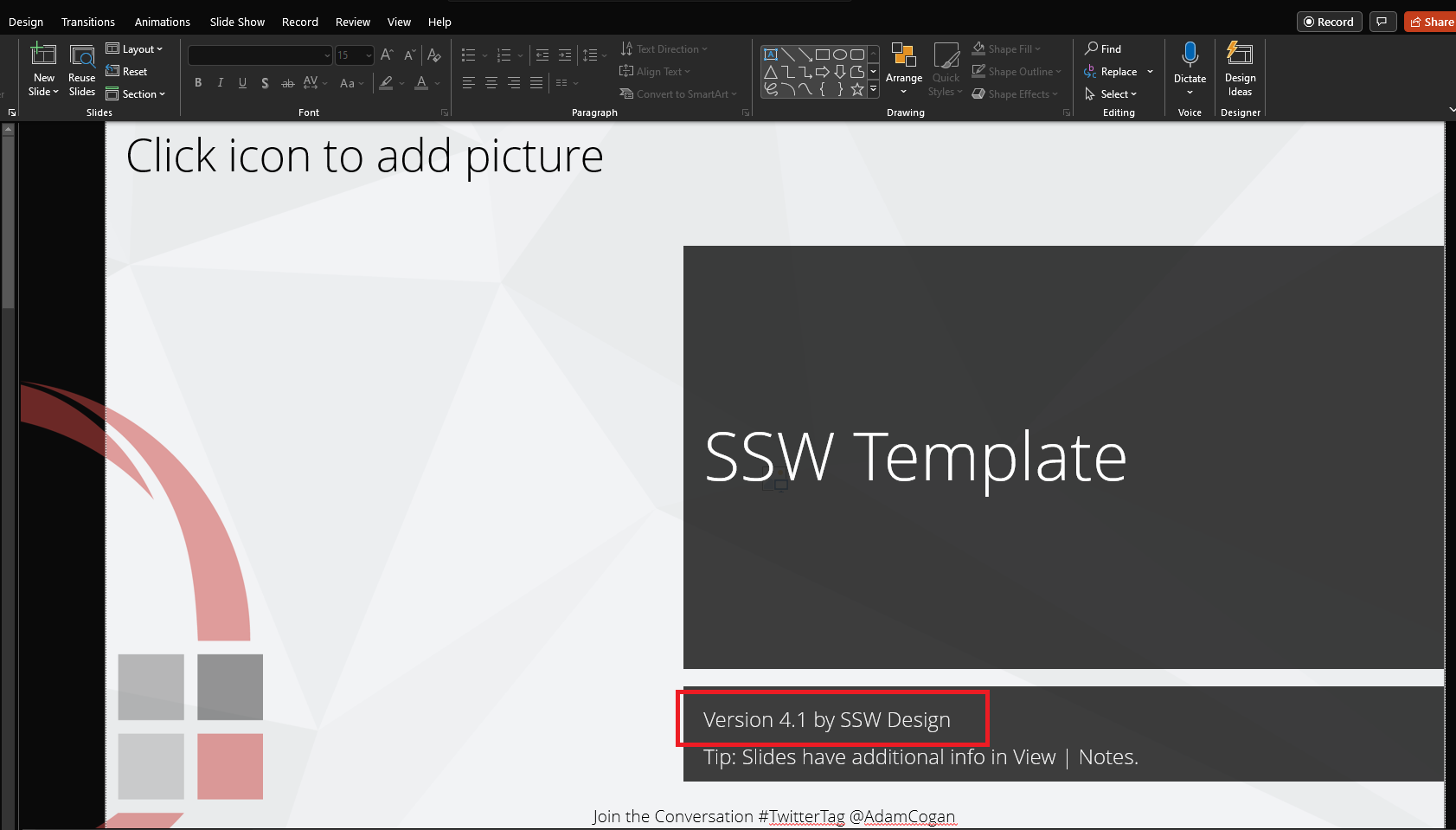
Figure: Version number is on the slide