Do you know how to setup your Outlook to send but not receive?
Loading last updated info...
When using your presentation computer you may want to still be able to send emails but not want to download your entire Exchange mailbox to your Boot2VHD image. This is especially relevant for people with large mailboxes.
Here is how you do it:
- Open Outlook and create a new Exchange account:
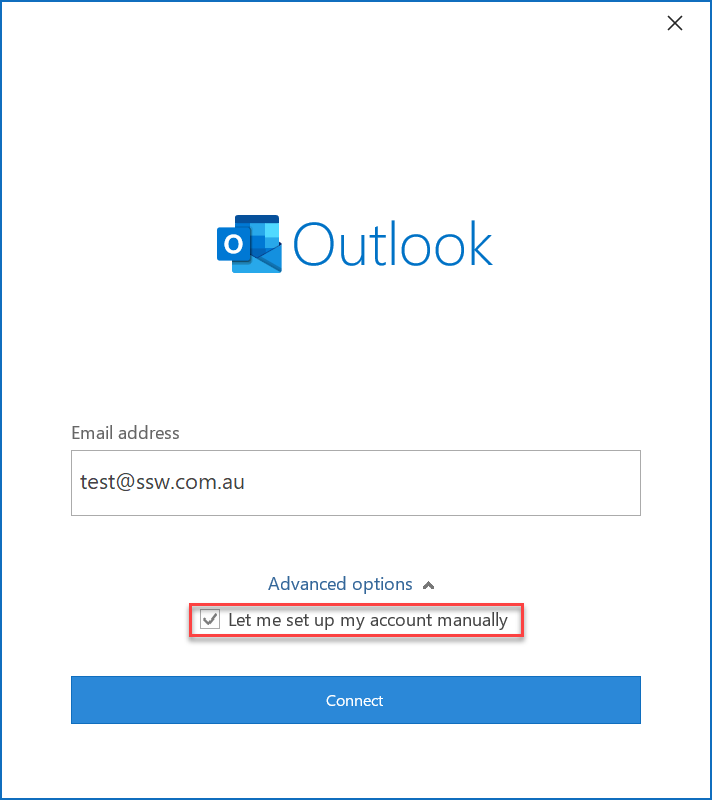
- Enter your server name and username, but un-tick Use Cached Exchange Mode :
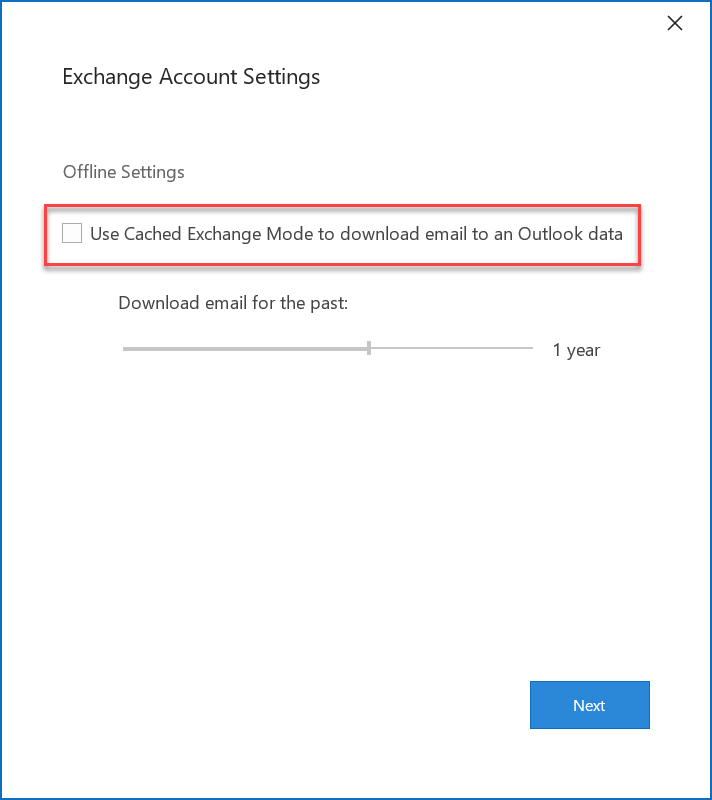
- Finish the setup and then open Outlook
- Configure your Send / Receive Groups:
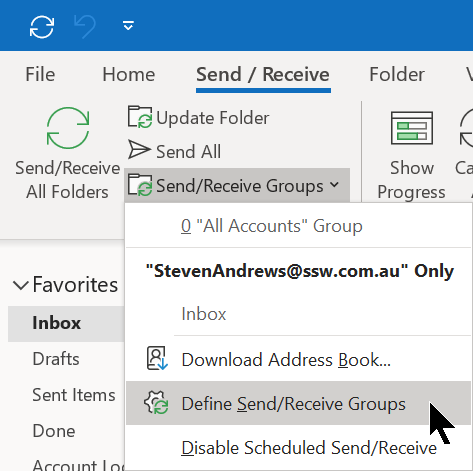
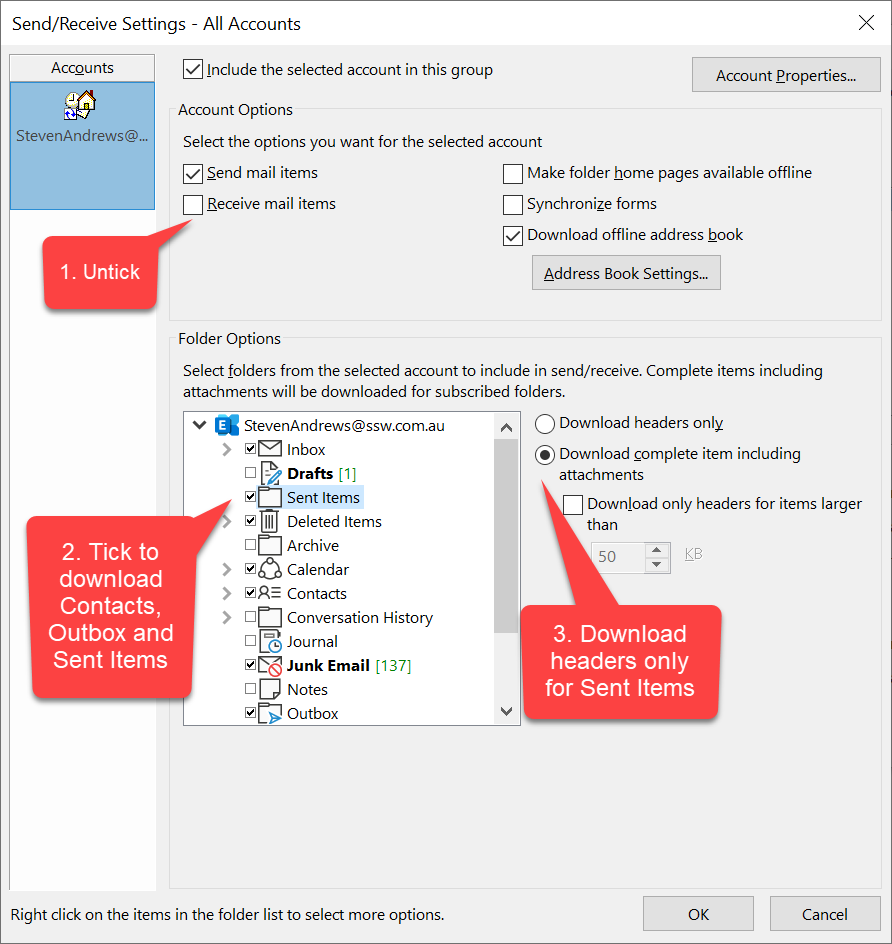
- Now we can choose the parts of our mailbox we want to synced to our PC. The following options are recommended:
- Untick Receive Mail Items
- Tick Download offline address book
- Tick the Outbox folder
- Tick the Contacts folder
- Tick the Sent Items folder,
- and select Download headers only
- When back in the main Outlook window click Send / Receive All Folders and this will sync your sent items and contacts which will now be available offline
Suggestion to the Microsoft Outlook Team:
- Give us a "Sync last x weeks" for each folder
- Give us a "Work in Minimal Mode" that does the above