Do you make sure your Visual Studio encoding is consistent?
Loading last updated info...
Make sure your Visual Studio encoding is consistent with Sydney to avoid encoding problems in the future.
Open file with Encoding:
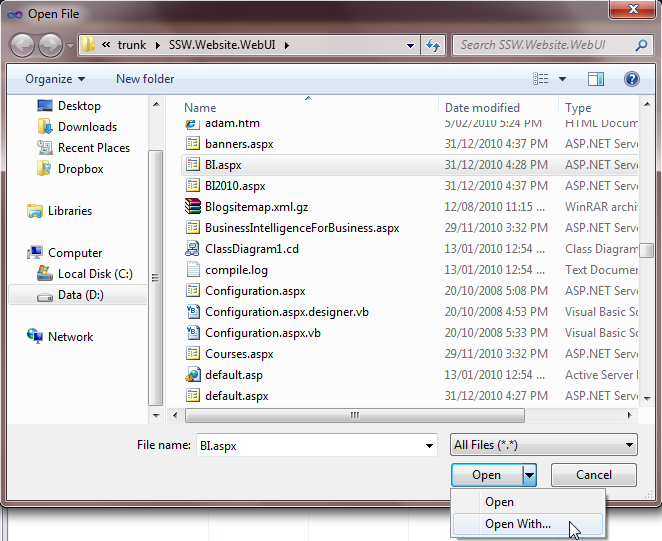
Figure: Use "Open With...&Figure: Use "Open With..." in Visual Studio to open the file
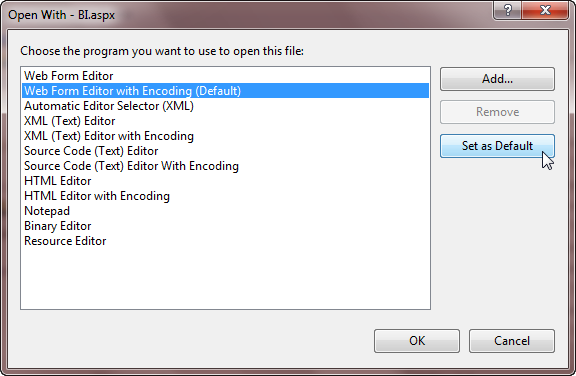
Figure: Set "... Editor with Encoding" as the Default Editor
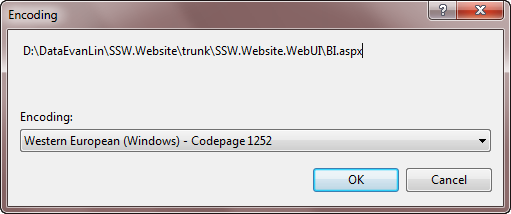
Figure: Make sure your encoding is consistent with Sydney
Save file with Encoding: (Optional - it will be saved w (Optional - it will be saved with opened encoding automatically.)
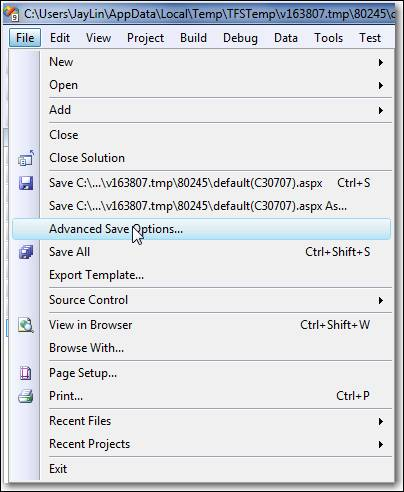
Figure: Open "Advance Save Options..." in Visual Studio before checking in
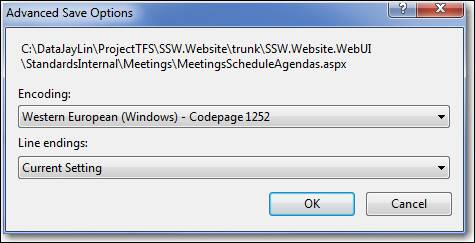
Figure: Make sure your setting is consistent with Sydney