Do your applications support XP themes?
Loading last updated info...
All applications should be compatible with the Windows XP user interface and should be fully themed. Applications that do not use XP themes look like they were designed only for an earlier version of Windows. Mixing themed and non-themed controls looks equally unprofessional.
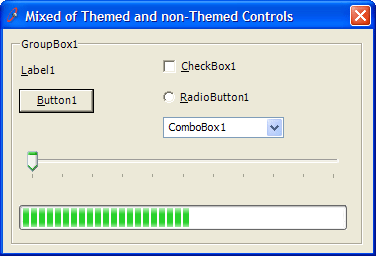
❌ Figure: Bad example - XP themes are not used
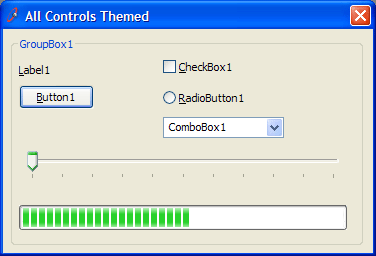
✅ Figure: Good example - XP themes are used
Implementing XP Themes
We recommend using manifest file to support XP Themes in .NET. Follow this to use the manifest file.
- Set the FlatStyle Property in all our controls to "System"
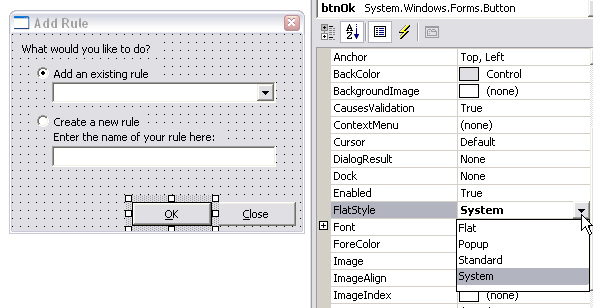
Figure: How to set the Button's FlatStyle Property
- Copy XPThemes.manifest file to your bin folder By default, you can get it from
C:\WINDOWS\Microsoft.NET\Framework\v1.1.4322\XPThemes.manifest - Rename "XpThemes.manifest" to "ApplicationName.exe.manifest"
Note: In .NET 1.1 you can use Application.EnableVisualStyles to support XP Themes. This approach is not recommended because it can cause an 'SEHException' to be thrown and some common controls could disappear.