Do you choose the right platform for end-user documentation?
Loading last updated info...
Developer Documentation
Developer documentation is stored close to the code. Examples are GitHub wiki and Azure DevOps wiki. What about end user documentation?
Video: GitBook vs. TinaCMS: Best Options for End-User Documentation | Seth Daily (4 min)
End-User Documentation
Option 1: Word document
✅ Pros:
- Content - Easy to edit
- Navigation - Has nice navigation on the left
❌ Cons:
- Copying Code - No code elements for technical training
- No Google Analytics
- Not native to the web
Option 2: Plain HTML pages
✅ Pros:
- You have complete control over how it looks
- Can add Google Analytics
❌ Cons:
- Content - Hard to edit using HTML
- Navigation - Does not have any navigation
- Copying Code - No code elements for technical training
- Lacks basic features, like search
Option 3: GitBook
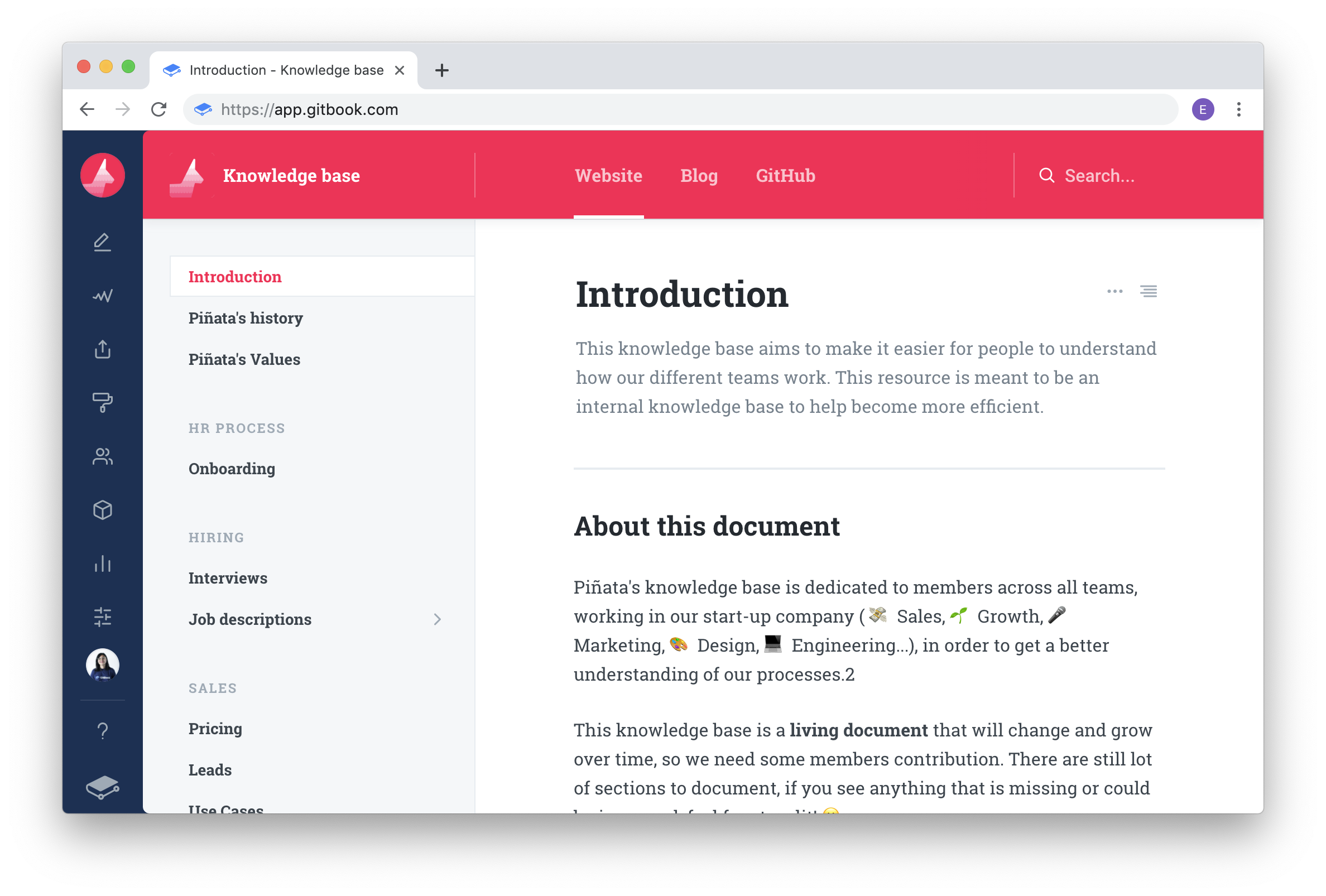
✅ Pros:
- Content - It's in Markdown
- Navigation - Has nice navigation on the left
- Copying Code - If you have code elements for technical training it allows easy copying and pasting
- Simple Branding options
- It's in GitHub - allows people to give suggestions
- Integrated search
- Integrated with Google Analytics
❌ Cons:
- $ 6.70 USD per user per month (expensive)
Option 4: Nextbook
✅ Pros:
- Content - It's in Markdown
- Navigation - Has nice navigation on the left
- Copying Code - If you have code elements for technical training it allows easy copying and pasting
- It's in GitHub - allows people to give suggestions
❌ Cons:
- No Integrated search
- No Integration with Google Analytics
- No Branding options
- Solo maintainer
- Clunky menu system
Option 5: Docusaurus
✅ Pros:
- Content - It's in Markdown
- Navigation - Has nice navigation on the left
- Copying Code - If you have code elements for technical training it allows easy copying and pasting
- Branding via CSS
- It's in GitHub - allows people to give suggestions
- Maintained by Meta (Facebook)
- Highly customizable via plugins
- Integrated search (Algolia and more)
- Integration with Google Analytics (plugin)
- Internationalization (i18n) support
- Free
❌ Cons:
- Need to self-host
Option 6: TinaCMS (recommended)
✅ Pros:
- Content - Supports Markdown
- Editing - user-friendly WYSIWYG editor
- Copying Code - Supports easy copying and pasting of code elements
- Customization - Freedom to build custom React components
- Seamless with GitHub - Allows for pull requrests and suggestions
- Internationalization (i18n) support
- Pricing - Free for small projects and flexible pricing for larger ones
- Hosting - free to choose - no lock in
- Works with Docusaurus
❌ Cons:
Developer investment - You get the best experience by taking the time to develop custom components