Do you make ChatGPT easily accessible across your devices?
Loading last updated info...
ChatGPT is most useful when it's easy to access throughout your day. Whether you're working at your desk, using your phone, or on the go, having quick access to ChatGPT helps you capture ideas, ask questions, and get assistance without interrupting your workflow.
Using the desktop and mobile apps also provides convenient features such as keyboard shortcuts, voice conversations, and quicker access compared to opening a browser.
Pick whichever option is quickest on each device - the browser for zero setup, and the desktop and mobile apps for faster, richer access.
Use ChatGPT in your browser
The web version at chatgpt.com needs no installation and always runs the latest version. It is the quickest way to get started and the best option on machines where you can't install apps.
Download ChatGPT for mobile
The mobile apps keep ChatGPT with you on the go, with voice conversations and photo sharing built in.
Install the official ChatGPT desktop app
OpenAI ships a native desktop app for Windows and macOS. It gives you a dedicated window, the Alt + Space companion shortcut, screenshot and file sharing, and the latest models.
Download it from the official ChatGPT download page.
No desktop app? Add ChatGPT as an Edge app
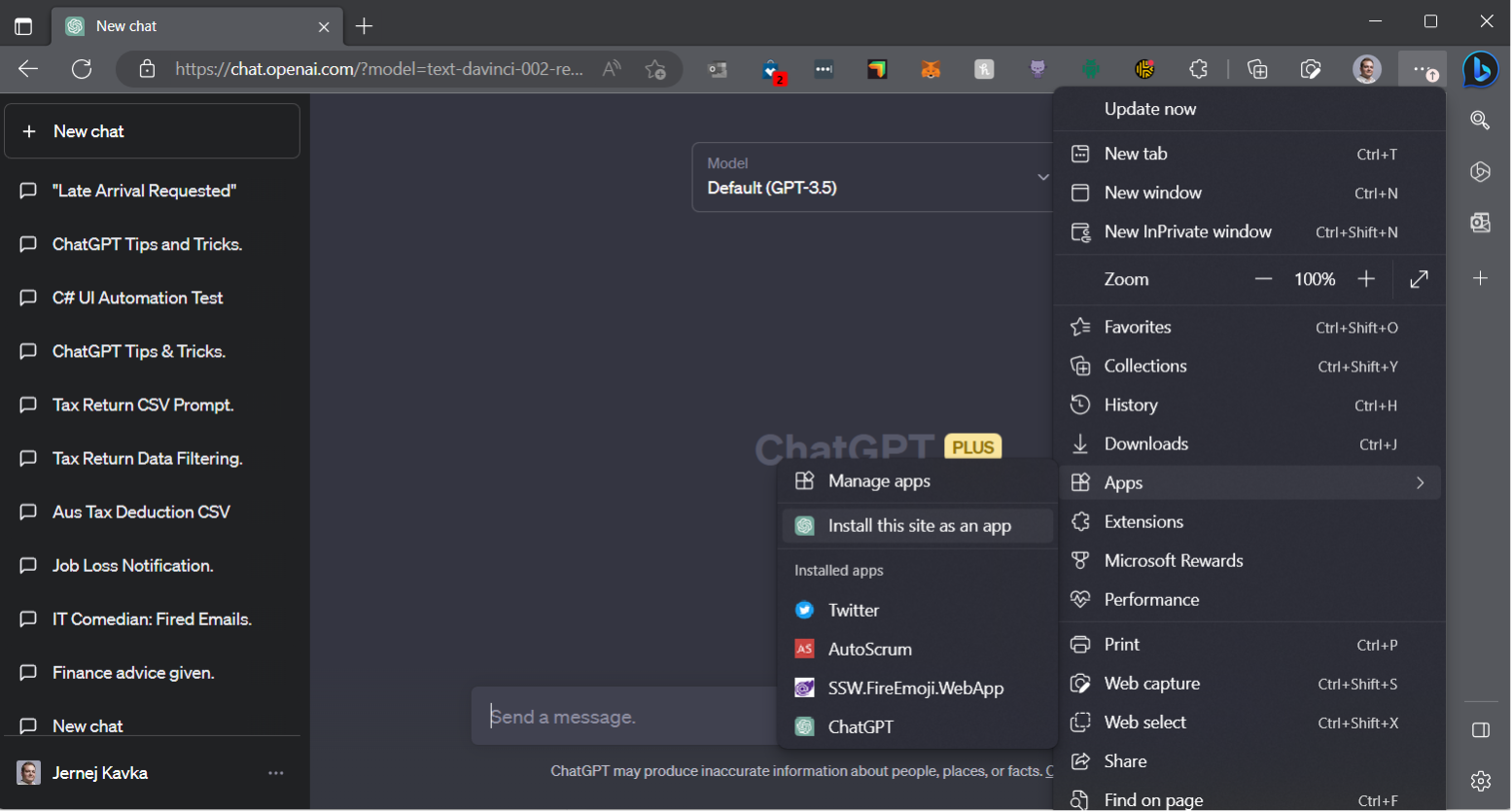
Figure: Go to ... | Apps | Install this site as an app

Figure: See it in the taskbar
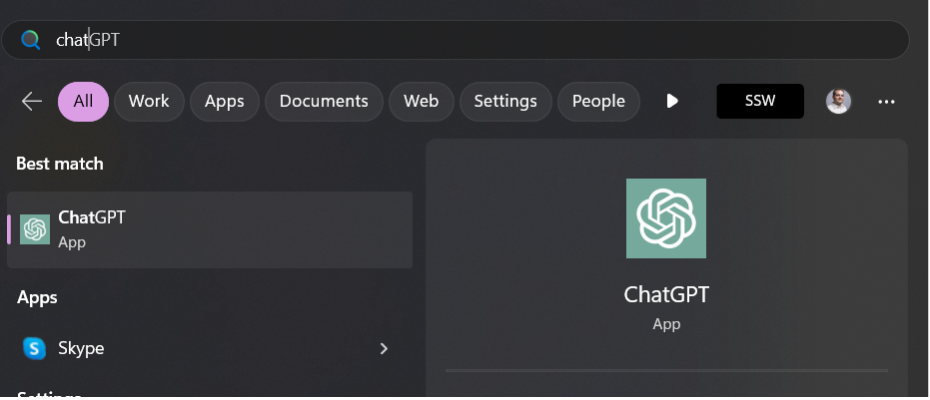
Figure: You can run it from Start
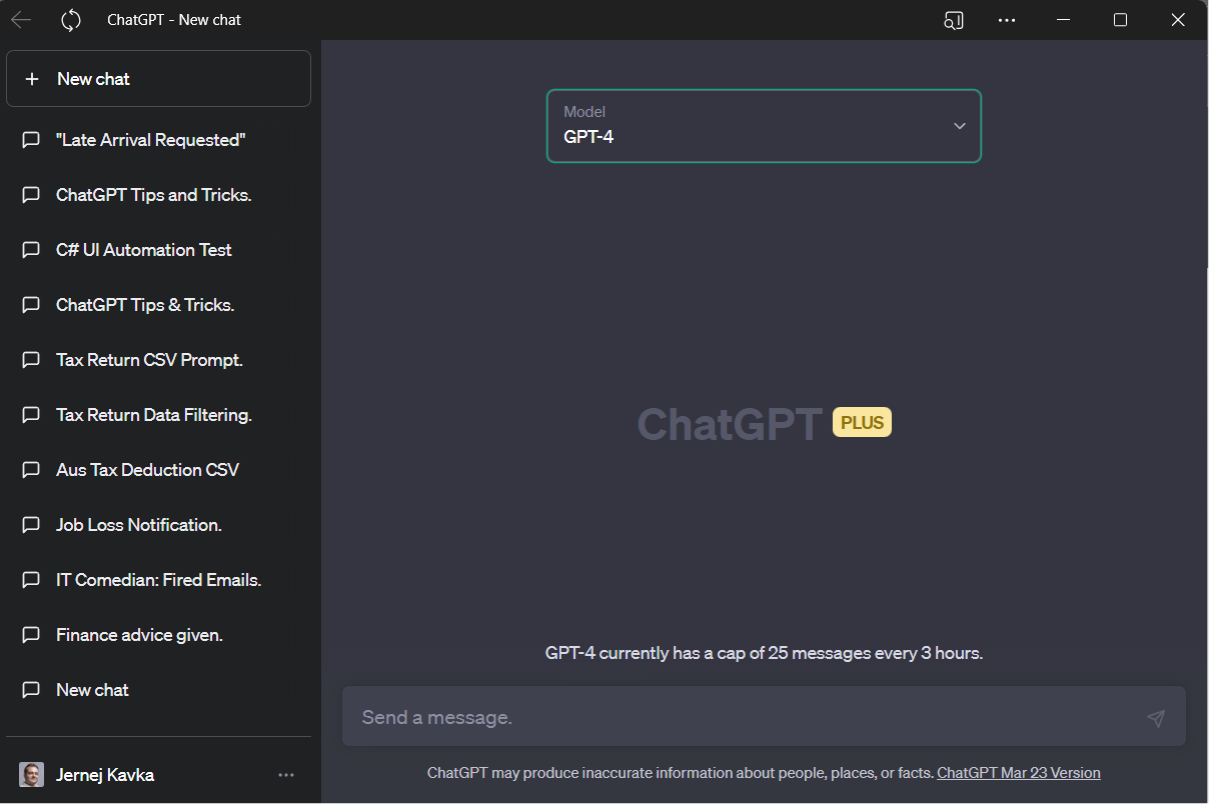
Figure: It looks and feels like an app