Do you install the Dynamics 365 iPhone/Android app?
Loading last updated info...
You should have Dynamics 365 installed on your phone so you can capture updates as they happen, keep work moving between commits, and walk into every meeting already briefed.
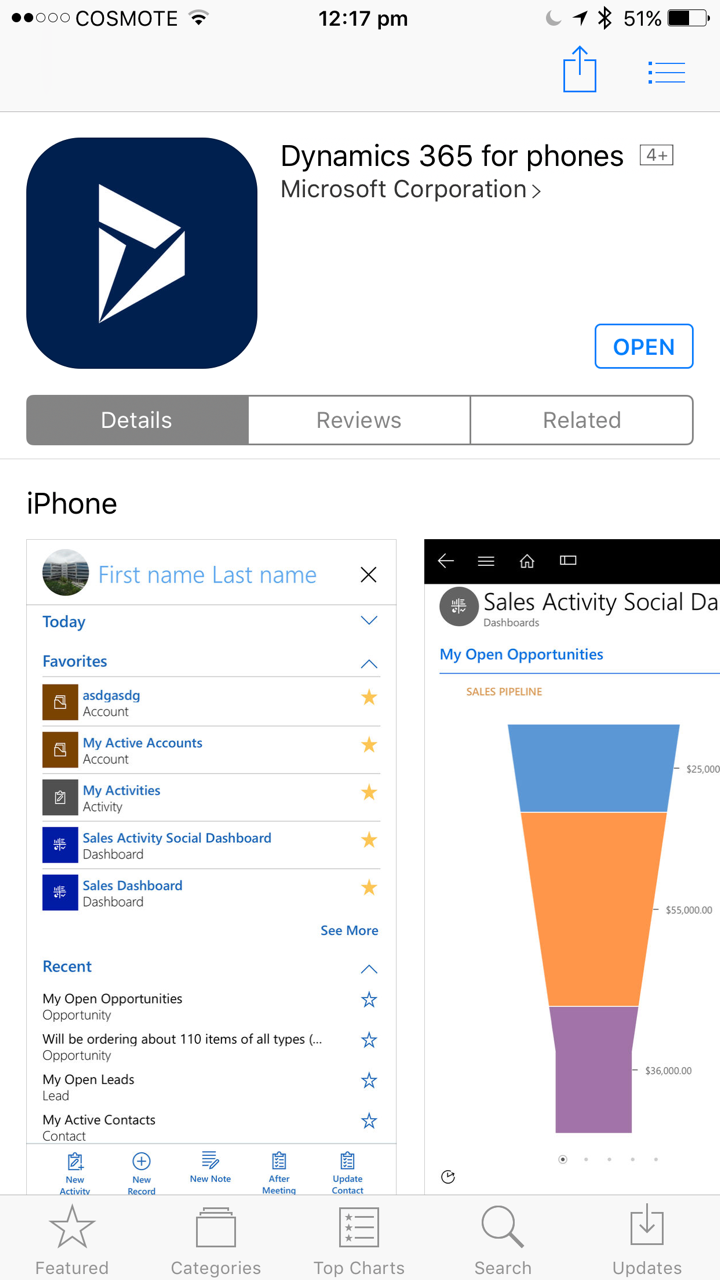
Figure: Dynamics 365 in app store
Benefits
- Instant updates – Edit opportunities, contacts, and activities right after a meeting
- Faster follow-ups – Reply to leads and cases with real-time push notifications
- Capture everything – Add photos, voice notes, and files straight into the right record
- Business card scanning – Create contacts/leads in seconds with OCR
- Offline work – Review accounts, log notes, and auto-sync when you’re back online
- Location-aware – See nearby customers and plan routes on the fly
- Approvals on the go – Move quotes, orders, and workflows forward
- Task discipline – Create activities the moment you promise them
- Single source of truth – Keep the team off side notes and in the same data
- Better client experience – Arrive informed and leave with next steps logged