Do you share your developer secrets securely?
Loading last updated info...
You may be asking what's a secret for a development environment? A developer secret is any value that would be considered sensitive.
Most systems will have variables that need to be stored securely; OpenId shared secret keys, connection strings, and API tokens to name a few. These secrets must not be stored in source control. It's not secure and means they are sitting out in the open, wherever code has been downloaded, for anyone to see.
There are different ways to store your secrets securely. When you use .NET User Secrets, you can store your secrets in a JSON file on your local machine. This is great for development, but how do you share those secrets securely with other developers in your organization?
Video: Do you share secrets securely | Jeoffrey Fischer (7min)
An encryption key or SQL connection string to a developer's local machine/container is a good example of something that will not always be sensitive for in a development environment, whereas a GitHub PAT token or Azure Storage SAS token would be considered sensitive as it allows access to company-owned resources outside of the local development machine.
❌ Bad practices
❌ Do not store secrets in appsettings.Development.json
The appsettings.Development.json file is meant for storing development settings. It is not meant for storing secrets. This is a bad practice because it means that the secrets are stored in source control, which is not secure.
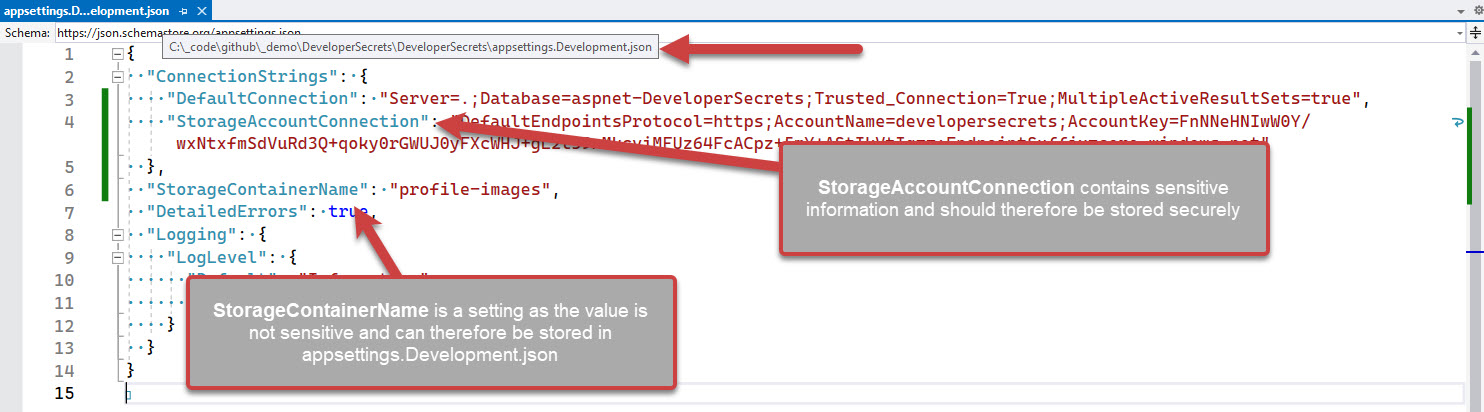
❌ Figure: Bad example - Overall rating: 1/10
❌ Do not share secrets via email/Microsoft Teams
Sending secrets over Microsoft Teams is a terrible idea, the messages can land up in logs, but they are also stored in the chat history. Developers can delete the messages once copied out, although this extra admin adds friction to the process and is often forgotten.
Note: Sending the secrets in email, is less secure and adds even more admin for trying to remove some of the trace of the secret and is probably the least secure way of transferring secrets.
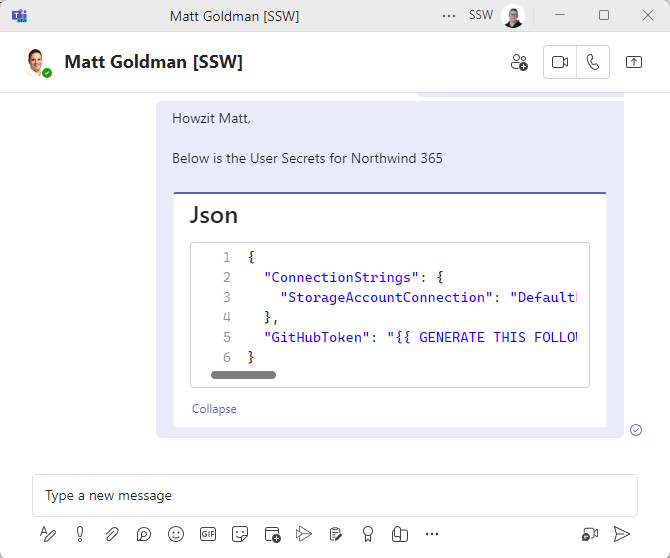
❌ Figure: Bad example - Overall rating: 3/10
✅ Good practices
✅ Remind developers where the secrets are for a project
For development purposes once you are using .NET User Secrets you will still need to share them with other developers on the project.

As a way of giving a heads up to other developers on the project, you can add a step in your _docs\Instructions-Compile.md file (see rule on making awesome documentation) to inform developers to get a copy of the user secrets. You can also add a placeholder to the appsettings.Development.json file to remind developers to add the secrets.
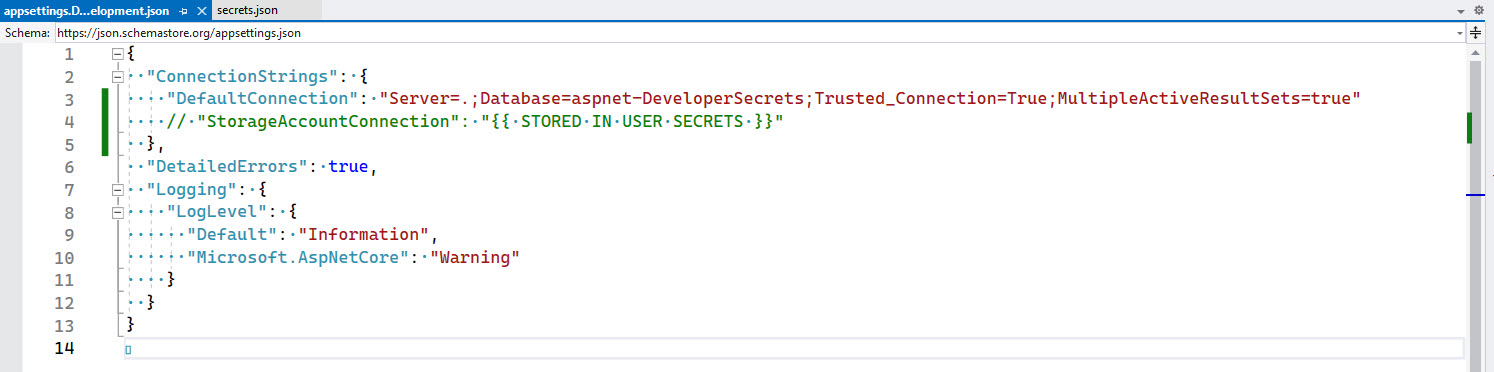
✅ Figure: Good example - Remind developers where the secrets are for this project
✅ Use 1ty.me to share secrets securely
Using a site like 1ty.me allows you to share secrets securely with other developers on the project.
Pros:
- Simple to share secrets
- Free
Cons:
- Requires a developer to have a copy of the
secrets.jsonfile already - Developers need to remember to add placeholders for developer specific secrets before sharing
- Access Control - Although the link is single use, there's no absolute guarantee that the person opening the link is authorized to do so
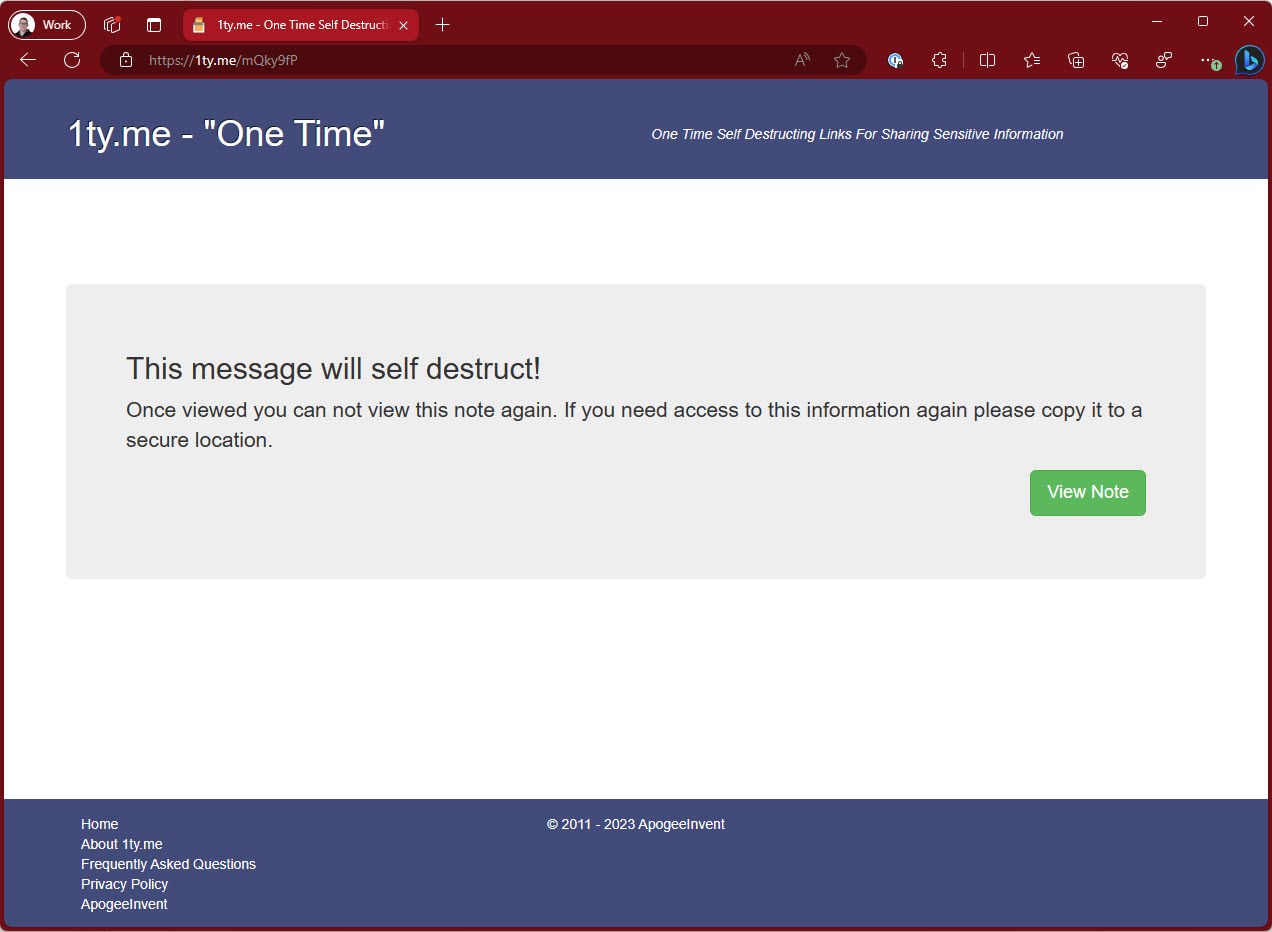
✅ Figure: Good example - Overall rating 8/10
✅ Use Azure Key Vault
Azure Key Vault is a great way to store secrets securely. It is great for production environments, although for development purposes it means you would have to be online at all times.
Pros:
- Enterprise grade
- Uses industry standard best encryption
- Dynamically cycles secrets
- Access Control - Access granted based on Azure AD permissions - no need to 'securely' share passwords with colleagues
Cons:
- Not able to configure developer specific secrets
- No offline access
- Tightly integrated into Azure so if you are running on another provider or on premises, this may be a concern
- Authentication into Key Vault requires Azure service authentication, which isn't supported in every IDE
✅ Figure: Good example - Overall rating 8/10
✅ (Recommended) Use Enterprise Secret Management Tool – Keeper, 1Password, LastPass, Hashicorp Vault, etc
Enterprise Secret Management tools have are great for storing secrets for various systems across the whole organization. This includes developer secrets
Pros:
- Developers don't need to call other developers to get secrets
- Placeholders can be placed in the stored secrets
- Access Control - Only developers who are authorized to access the secrets can do so
Cons:
- More complex to install and administer
- Paid Service
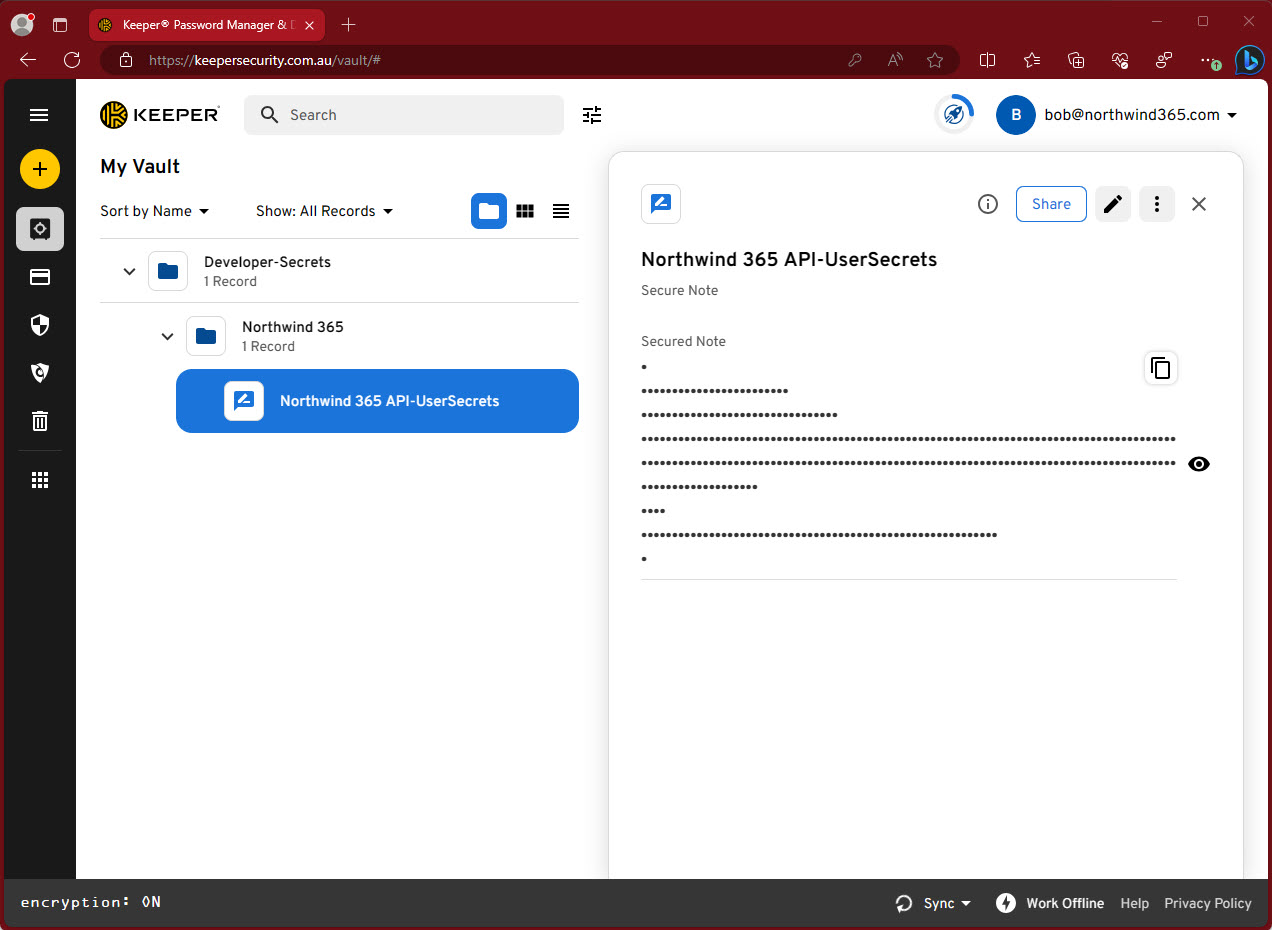
✅ Figure: Good example - Overall rating 10/10
Tip: You can store the full secrets.json file contents in the enterprise secrets management tool.
Most enterprise secrets management tool have the ability to retrieve the secrets via an API, with this you could also store the UserSecretId in a field and create a script that updates the secrets easily into the correct secrets.json file on your development machine.