Do you use Environment variables for environment-specific configurations?
Loading last updated info...
If your Power Apps solution has any environment-specific configuration items, then an Environment Variable in the Solution gives you a configurable input parameter. Environment variables avoid hardcoding configuration information and having to keep track of and change configuration data when importing a solution.
Some of the benefits of using environment variables are:
- No need to manually edit configurable values in a production environment.
- Configure one or more variables in one place and reference like a parameter across multiple solution components.
- Enter different values while importing solutions to other environments.
- Update values without a code change.
- Granular level security managed by Common Data Service.
- Unlimited number of variables (max solution size is 29 MB).
- Service the definitions and the values independently or together.
- Supported by Solution Packager and DevOps tools enable continuous integration and continuous delivery (CI/CD).
- Support for localization.
- Can be used to control feature flags and other application settings.
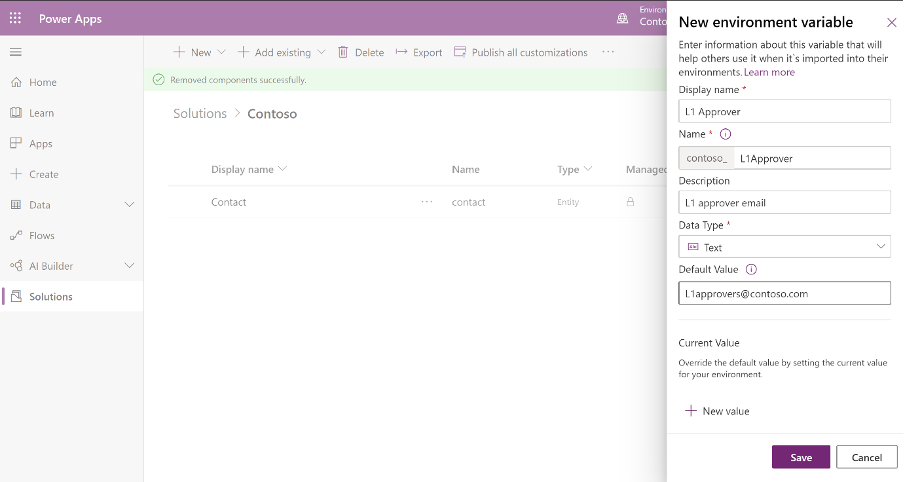
Figure: Environment variable make configuration information easy
More information here: https://docs.microsoft.com/en-us/powerapps/maker/common-data-service/environmentvariables?WT.mc_id=DP-MVP-33518