Do you use Mermaid diagrams?
Loading last updated info...
When your product owner asks for an architecture Diagram on your project choosing the right software can easily lead to decision paralysis. Mermaid diagrams give you a convenient text based editing format and can easily be tweaked, changed, and maintained without using proprietary software.
What is Mermaid?
Mermaid is a Javascript, node based charting tool inspired by markdown. It's supported by a number of Markdown parsing engines like GitHub, and TinaCMS.
flowchart LR
    A[Add Item to Cart] --> B[Go to Checkout]
    B --> C[Enter Payment Details]
    C --> D[Process Payment]
    D --> E[Order Confirmed]
Figure: Mermaid syntax for an online checkout flow
Why Mermaid excels for collaboration
Visual tools like Draw.io or Excalidraw are excellent for white boarding and quick brainstorming. However, they start to fall down when diagrams need to be:
- Maintained over time
- Reviewed in pull requests
- Kept in sync with code
When to use Mermaid
- Documentation sites - Because Mermaid diagrams can be stored in Markdown it's good to use them on for documentation pages that are updated frequently.
- GitHub - Mermaid diagrams are supported by GitHub, meaning they can be embedded in Issues, Pull requests, comments, and documentation.
See Do you have an architecture diagram? for more information on tools for creating architecture diagrams.
Some other choices you have:
- Draw.io
- Excalidraw
- Miro
- Diagrams.net
- Visio
- Lucid chart
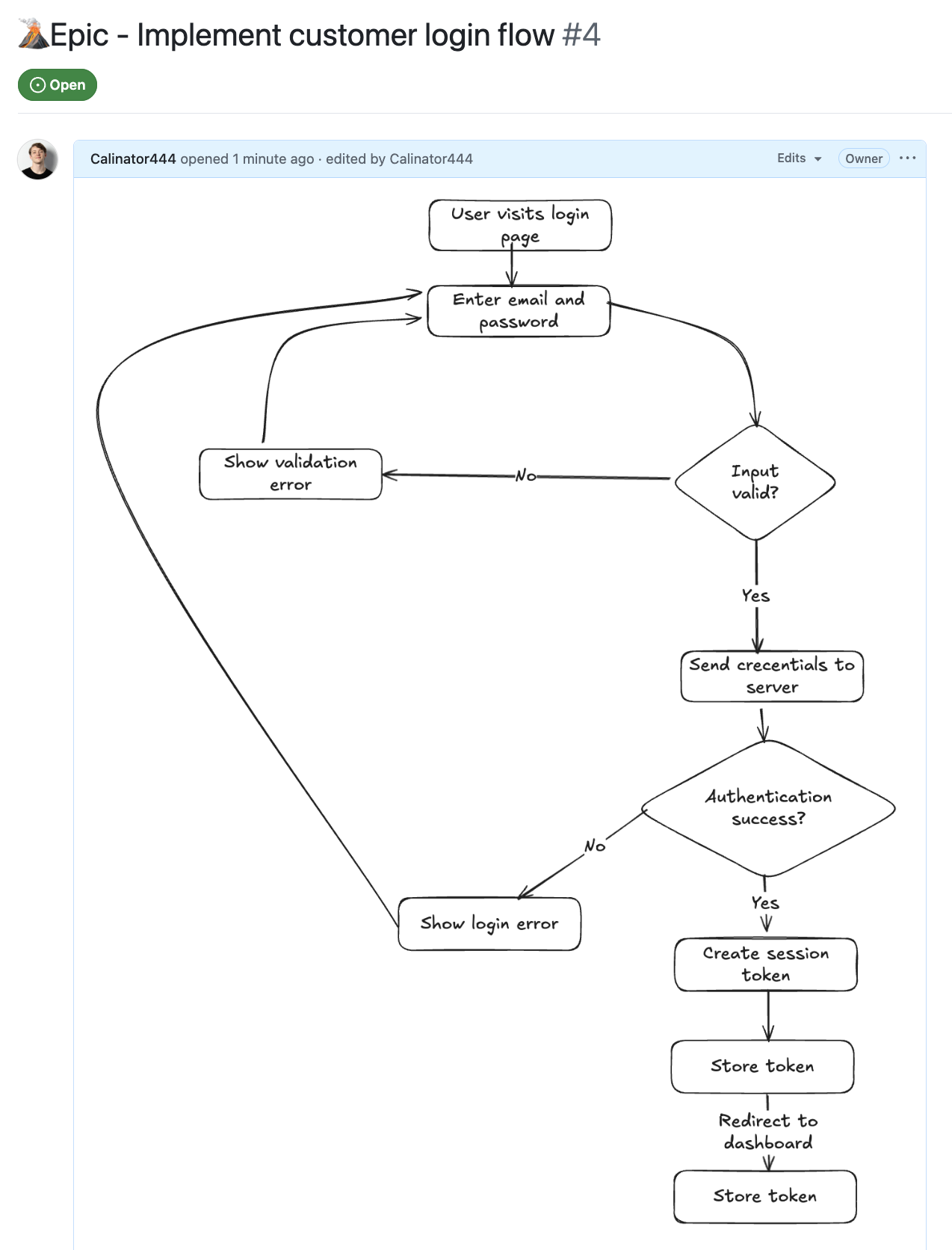
❌ Figure: Bad example - Images embeds in GitHub issues are difficult to edit
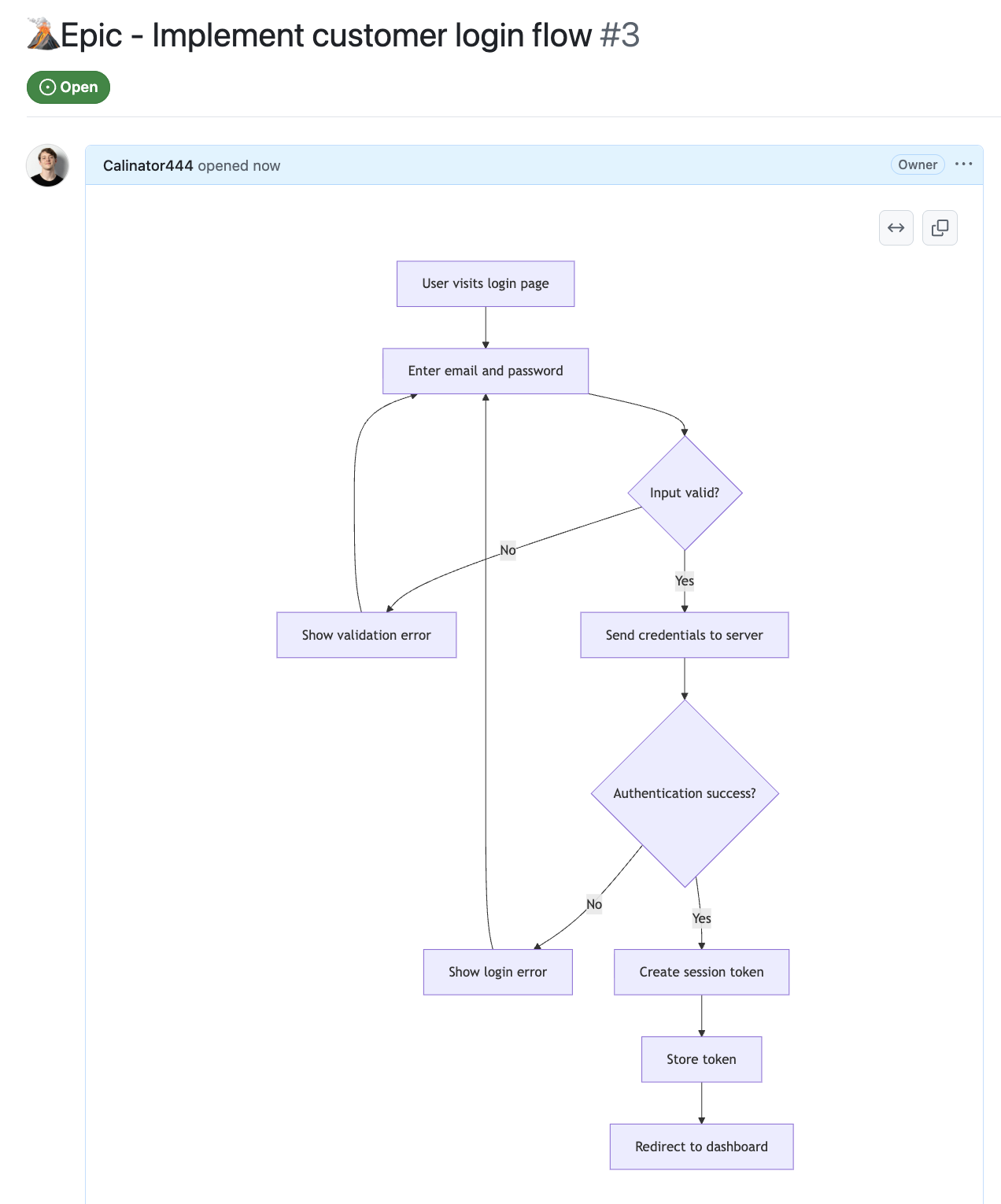
✅ Figure: Good example - Mermaid diagrams are easier to edit for contributors
AI-friendly
Because mermaid diagrams are text based, they can quickly be churned by AI tools like ChatGPT and Claude Desktop, making it quicker and easier to draft changes.