Home
>
Archive
>
SSW Standards
>
Rules
>
SSW Rules to Better Command Lines
Do you agree with them all? Are we missing some?
Let us know
what you think.
-
Do you have a UI for a command line utility?
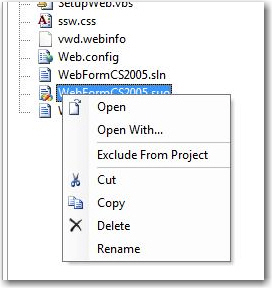
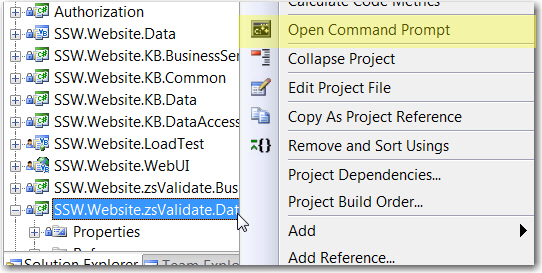
There should never be a command line utility without a UI. Take
an example of Visual Studio 2008:
-
-
Figure: Bad Example: In website project, Visual Studio does
not have a UI for its command line.
-
-
Figure: Good Example: In web application project, Visual
Studio provides a UI for its command line.
-
Do you open UI by default when you type [ApplicationName].exe?
It is always a good practice to have UI opened when specifying
[ApplicationName].exe from command line. If the GUI is not done,
show a messagebox "GUI coming..."
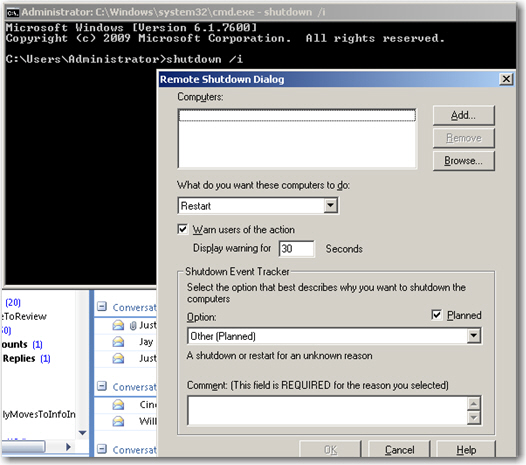
Note: If you prefer for not putting UI as the default, it should
have be at least "/GUI" as the argument. DO NOT use "/i",
because too many command lines are using “/i”
already.
-
-
Figure: Bad example: /i should not be needed to get to the GUI
– it should be by default.
-
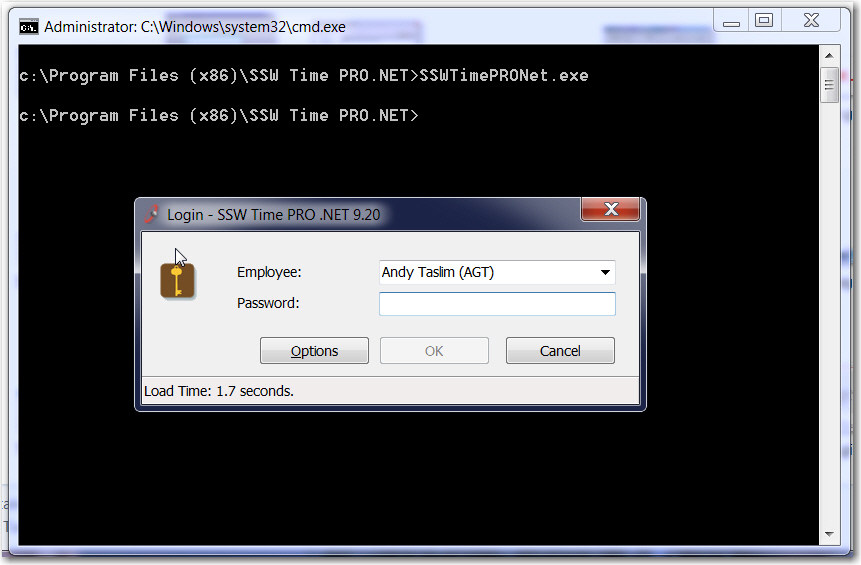
- Figure: Good Example: UI is opened by default.
-
Do you provide list of arguments?
When you develop an application that supports command line, you
must provide a list of arguments / help on how to use the
application through command line.
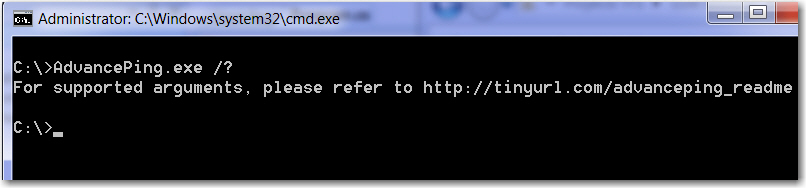
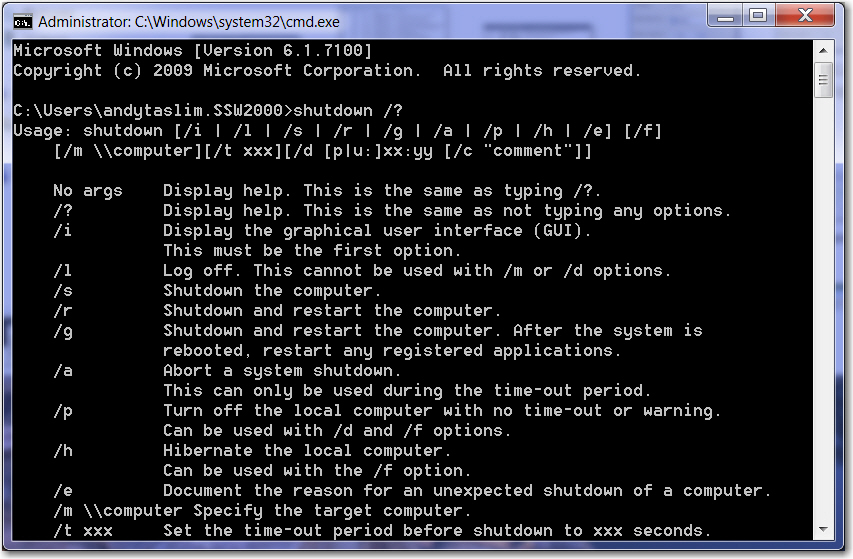
It can be as easy as typing: [ApplicationName].exe /? for
listing the arguments.
-
-
Figure: Bad example: Do no provide supported argument through
/?.
-
-
Figure: Good Example: Provide supported argument through /? .
Acknowledgements
Adam Cogan
Andy Taslim