Home
>
Products
>
Agile Template
>
SSW Agile Template - Screenshots
This product is no longer supported.

Keep your team agile
Do you want to have a better understanding of your
project progress? SSW Agile Template is built on top of
MSF Agile Template, and it has customized work item
types to help you track your project as well as identify
issues. Check our
Rules to Better Project Management with TFS
for more details.
-
Baseline tracking
With our SSW Agile Template task work item, you can
enter baseline work for each task; together with
Remaining work and Completed work, it allows you to
track your progress and budget usage.
-
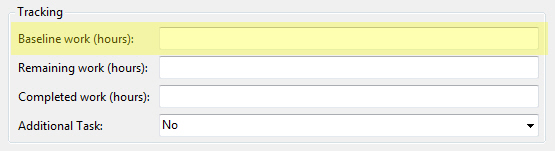
- Figure: Baseline tracking
-
Baseline tracking
Additional requirement is common in software
project, however this kind of task will affect your
delivery schedule and blow out your budget; using
SSW Agile Template, you can put additional task into
different category, which allow the project manager
track these sensitive items easily.
-
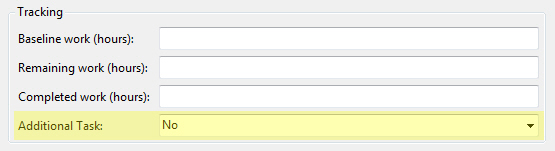
- Figure: Additional Task
-
URL
Link your work item with the actual URL of the
website page; this is especially useful when you
have a big amount of pages to maintain.
-
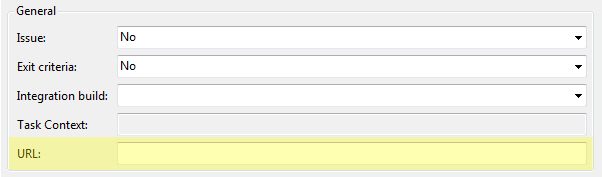
- Figure: URL
-
Description, Support HTML
HTML is extremely useful to describe the
requirement; the old MSF Agile template
doesn¡¯t allow you to use HTML in your
description, we finally have this fixed in our
template.
-
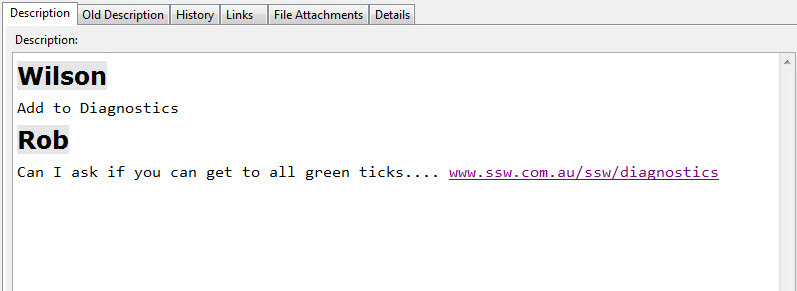
- Figure: Description, support HTML
-
Release Plan Report
Release plan report will give you an overview of the
project, and help the project manager have a better
idea of the work load. View our
sample report on our real project SSW Code
Auditor.
-
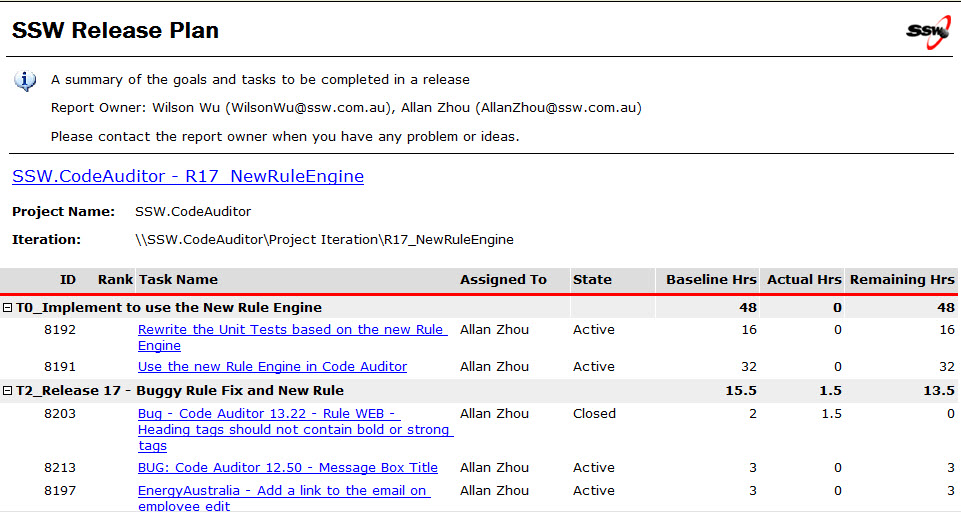
- Figure: Release Plan Report
-
Release Update Report
Client involvement is one of the key factors in
Agile Development Process, SSW Release Update Report
can easily help your client to understand the
progress as well as help the project managers to
identify issues and take action. View our
sample report on our real project SSW Agile
Template.
-
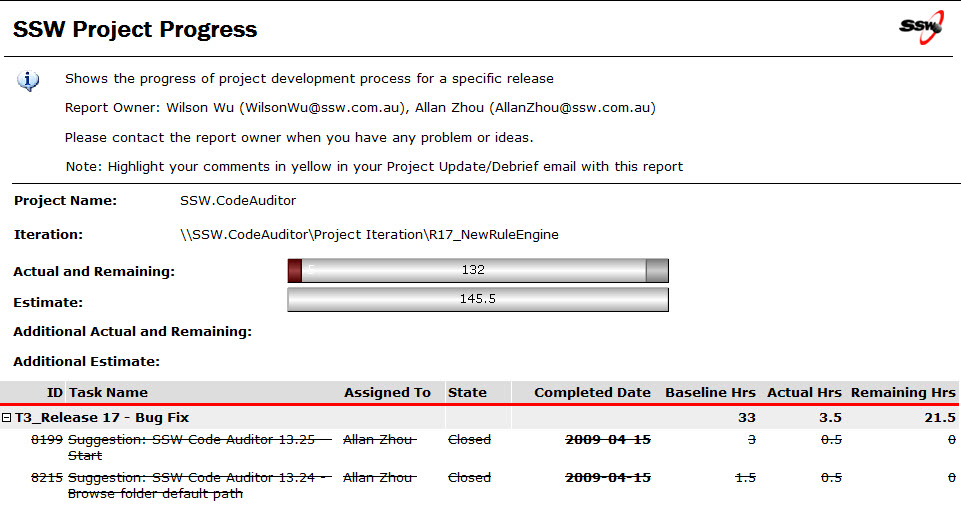
- Figure: Release Update Report