Welcome Practical Web Projects Readers
Congratulations, you are eligible for a FREE copy of SSW
Code Auditor.
Here is a list of instructions to follow in order to
unlock you FREE copy of SSW Code Auditor!
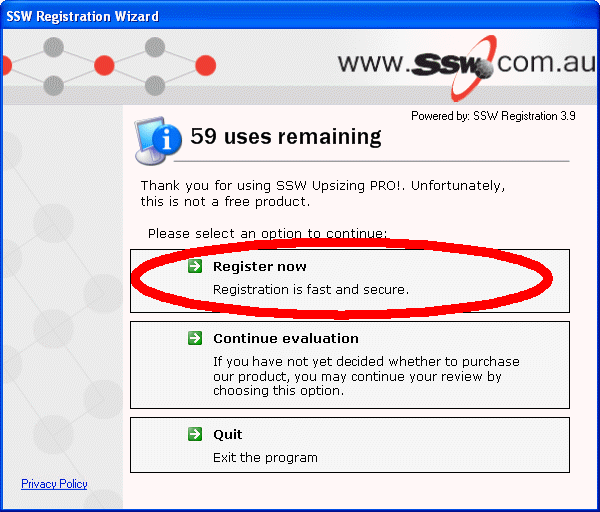
Firstly install the program, when running SSW Code
Auditor for the first time, a screen like this should
appear.
- Click on the Register now button
-
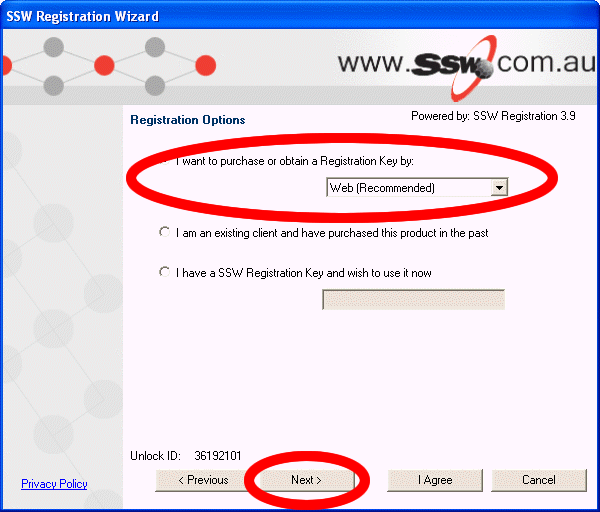
Now Select the register over the web option, then
press Next
-
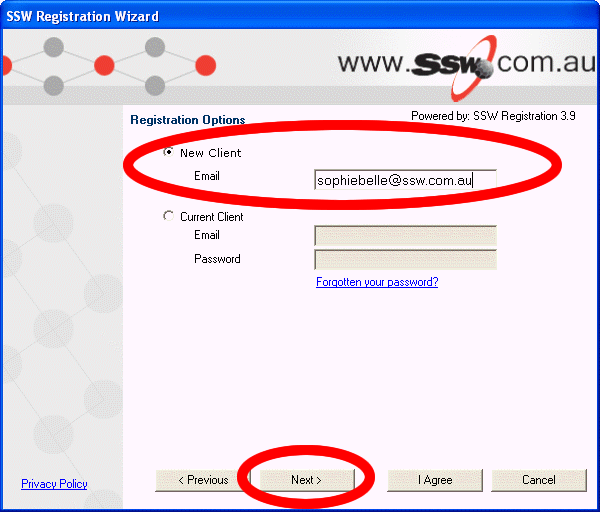
Select New Client, then enter your email address and
press Next
-
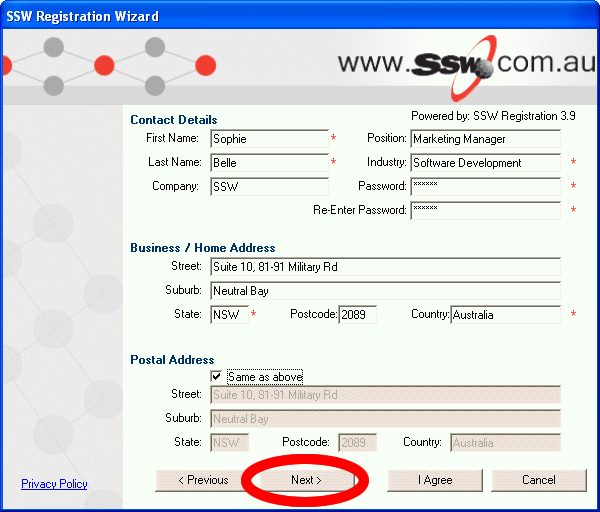
Enter in all your details and a password which you
will need later, then press Next
-
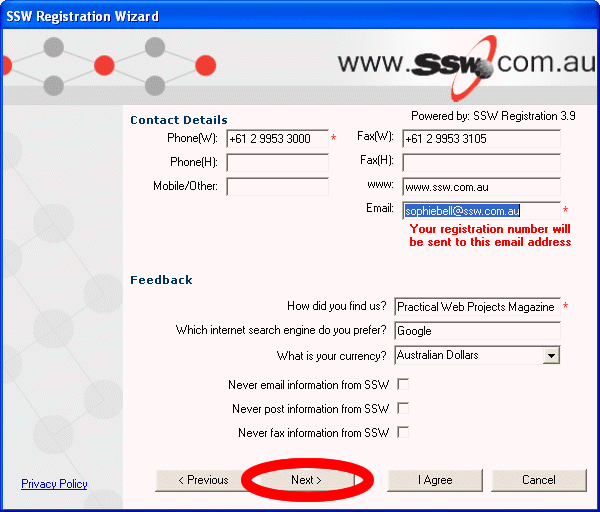
Enter in all your details, make sure your email
address is correct, then press Next
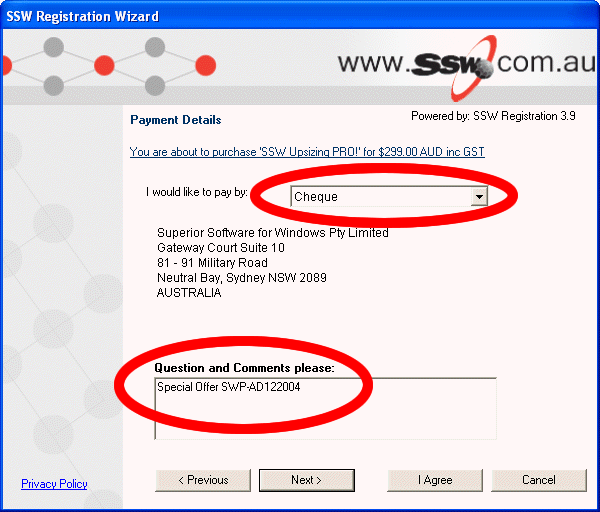
- Select you would like to pay by cheque
-
In the notes field type this code 'Special Offer
SWP-AD122004'