Automatic Migration ASP.Net 1.1 to ASP.Net 2.0
Note: In case you are trying it on your own project,
please make sure your Code Auditor report is zero.
Setup your sample project
-
Normally the Code Auditor ASP.NET 2.0 migration sample
Virtual Directory is created for you by the setup
package. If not (or you need to recreated the sample
migration virtual directory), go to SSW Code Auditor
Samples in your start menu or go to the following
directory:
C:\Program Files\SSW Code
Auditor\samples\ASPMigration.
-
Right click on the ASPMigration folder, go to Sharing
and Security -> Web Sharing.
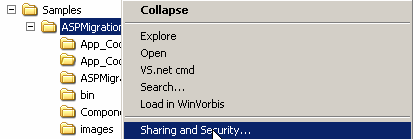
Figure: Enable web sharing
-
Select share this folder and add an Alias name. For
example ASPMigration.
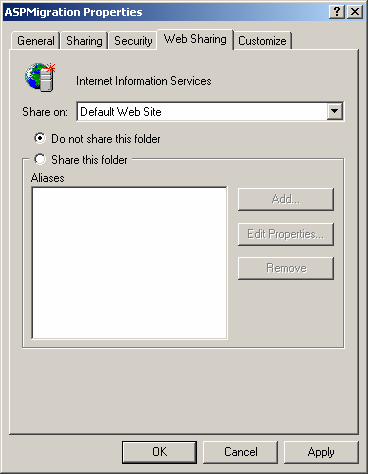
Figure: Add share folder
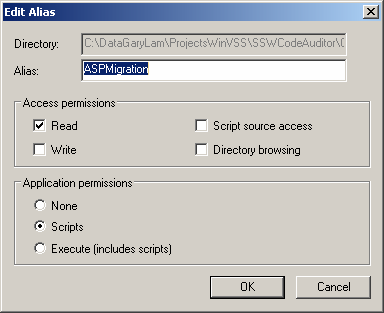
Figure: Setup Alias name
-
Open the Solution file (ASPMigration.sln) in Visual
Studio 2003 and confirm that it compiles.
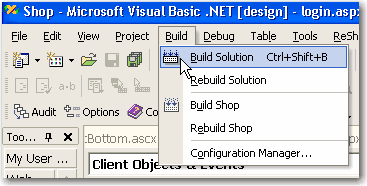
Figure: Compile your application in Visual Studio
2003 first
Note:
As a general rule for any ASP.NET migration, you
should make sure that
-
Your ASP.NET 1.1 web application compiles in
Visual Studio 2003 before attempting a migration
-
You have removed any pages that are not used
anymore. e.g. zzBasket.aspx or _Basket.aspx_old
-
TIP: If you have a small website, you can
precompile your whole web site using hidden
function of ASP.NET 1.1. See the
details
. This ensures that all page directives and server
tags in your aspx pages are valid. This is not
done by the VS 2003 compiler.
-
Go to your browser and go to this location
http://localhost/ASPMigration/Default.aspx.
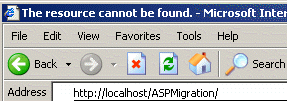
Figure: Open http://localhost link
-
Now this is your ASP.Net 1.1 test application.
(Optional) We can run Code Auditor rule ASP 2.0
Migration Prerequisite. This step is optional because it
is not critical for the compilation of the migrated site
This step will list:
-
All the script tags (e.g. Javascript) which will be
removed by the Master Page migration process. These
can be manually migrated at a later. The report can be
used for future reference.
-
Recommended directory locations (e.g. all ascx files
should be in the /Components directory).
We will start the migration to ASP.Net 2.0 using Code
Auditor now.
-
The built-in Microsoft VS 2005 ASP.NET 2.0 migration
wizard does not take advantage of Master pages, you
need to create them manually.
Let's see how Code Auditor help us to take advantage
of master pages automatically in ASP.Net 2.0.
-
Start Code Auditor Application and choose the job
"Migrating to ASP.Net2".
-
Check the scanning folder is your virtual path that
you just created.
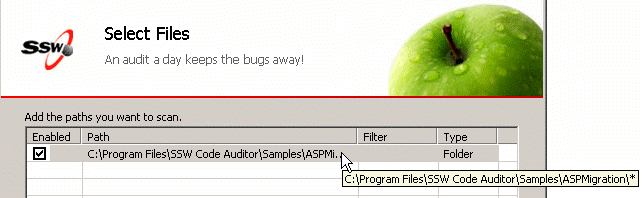
Figure: Check folder path
Note: If you have aspx pages or ascx files (controls)
in subdirectories of your ASP.NET 1.1 web solution,
make sure that you check on the "Search Subfolders"
option when choosing the path to scan - otherwise it
will not convert these files
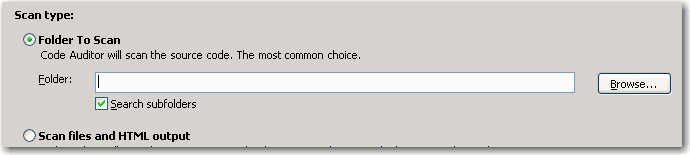
Figure: Ensure that subfolders are checked on if you
want to migrate your controls and pages in
subdirectories as well
-
Run the Scan in Code Auditor.
Figure: Scan the project
-
Replacement Screen come up.
Warning! if you doing this on your live project please
make sure you backup all you pages.
-
Click on the replace button. You will have a list of
options. You can replace them one by one or you can
replace them all in one click.
In this example we recommended you to click Replace
All.
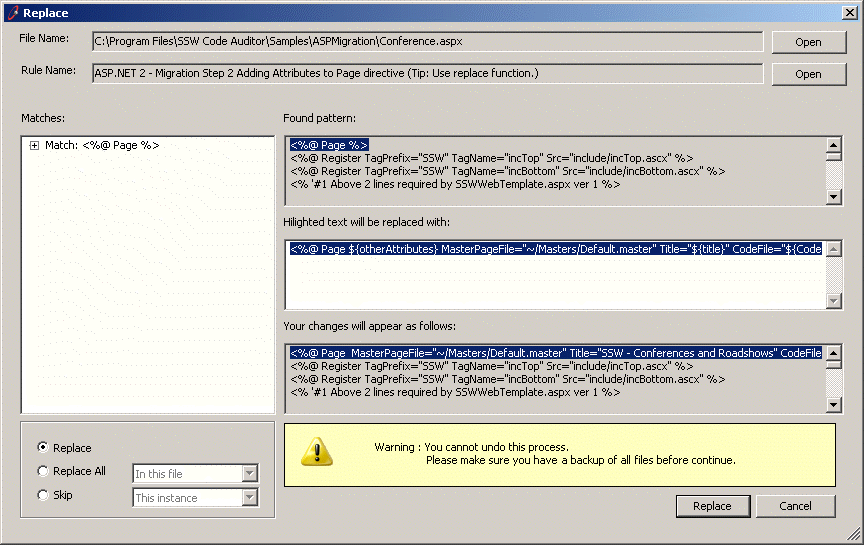
Figure: Replace All button
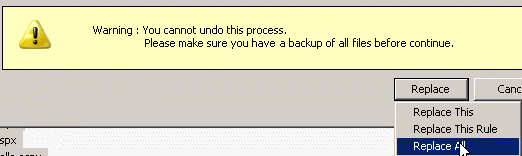
Figure: List of replacement buttons
-
After that you can view your report. It will show all
the lines that have been modified by Code Auditor
-
To Ensure your Migration is successful. You need to
make sure Code Auditor report is zero.
Please click back button and run the scan again.
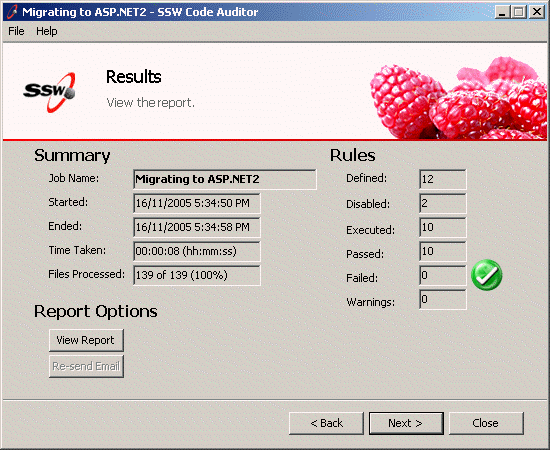
Figure: Zero warnings in Code Auditor report
Important
Because the header (<HEAD></HEAD>) area is
in the master page, the following will typically
should be moved into the master page
-
Anything between <SCRIPT> </SCRIPT> tags
- Any <LINK HREF > tags
Open the solution in VS 2005 and use the VS 2005 ASP.NET
Migration Wizard
-
Complete the steps in the wizard.
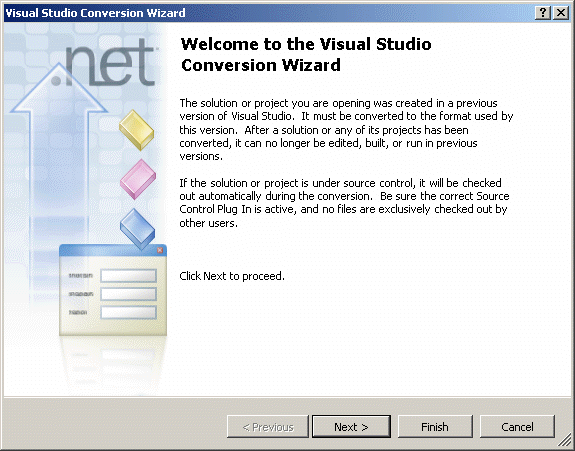
Figure: VS 2005 migration wizard page 1
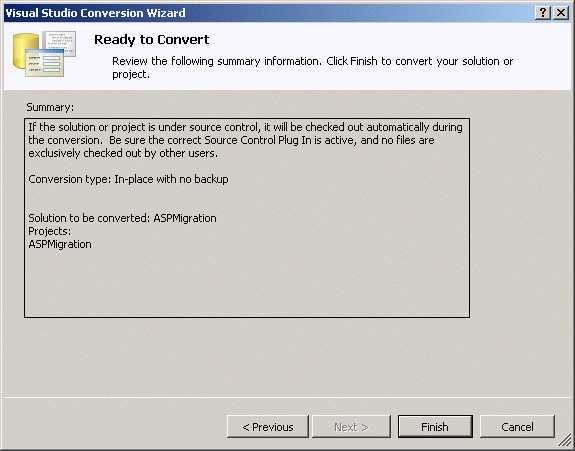
Figure: VS 2005 migration wizard page 2
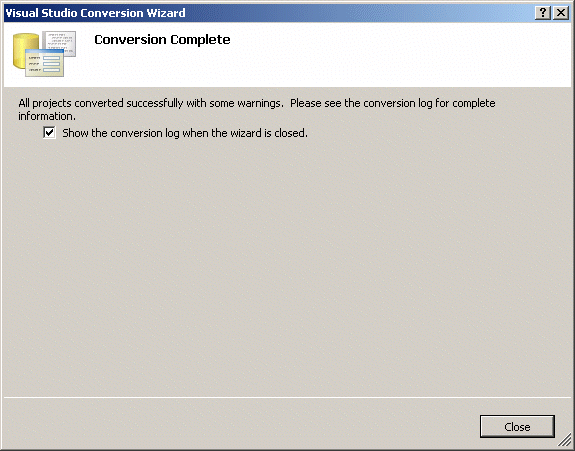
Figure: VS 2005 migration wizard page 3
-
Your pages are all using master pages now. Here is
what we have done in Code Auditor.
Steps to ASP Migration
-
You can swap to designer view see how we are using
Master Page now.
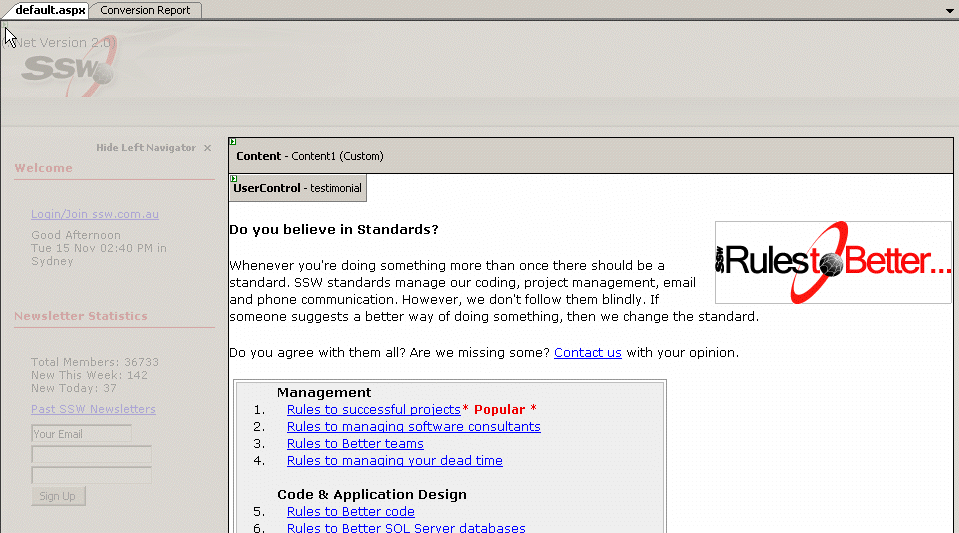
Figure: Designer view in VS 2005
Now you have your ASP.Net 2.0 pages ready, but you still
need to configure IIS
-
When You try to reload the Testing page again you will
see the following error, which means your IIS settings
is still on .Net 1.1.
Figure: Error page shows IIS configuration is still
on .Net 1.1
-
Bring up IIS
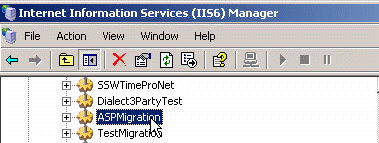
Figure: Open IIS in control panel
- Find your Virtual Directory ASPMigration
-
Configure the ASP.Net Framework from 1.1 to 2.0
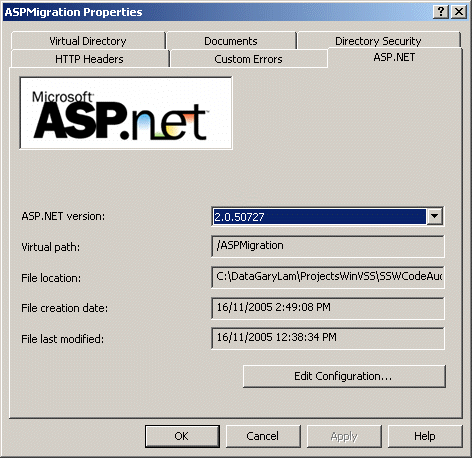
Figure: Change Framework version
-
Attempt to compile your project. If you recieve errors
in your temporary ASP.NET 2.0 files such as
"c:\WINDOWS\Microsoft.NET\Framework\v2.0.50727\Temporary
ASP.NET
Files\shoptest3\074c93d5\ccad2056\App_WebReferences.x32dixwx.0.cs(2828,26):
warning CS0436: The type
'SSW.SSWWebService.clsContactFullDetails' in
'c:\WINDOWS\Microsoft.NET\Framework\v2.0.50727\Temporary
ASP.NET
Files\shoptest3\074c93d5\ccad2056\App_WebReferences.x32dixwx.0.cs'
conflicts with the imported type
'SSW.SSWWebService.clsContactFullDetails' in
'c:\WINDOWS\Microsoft.NET\Framework\v2.0.50727\Temporary
ASP.NET"
when compiling your project, it is recommended that
you:
- Stop IIS and close VS 2005
-
Go to your ASP.NET 2.0 temporary files (typically
C:\WINDOWS\Microsoft.NET\Framework\v2.0.50727\Temporary
ASP.NET Files) and delete all the folders there
-
Now you can refresh your Browser and enjoy ASP.Net 2.0
pages