The right way to book someone in for a meeting.
Booking meetings for others in any office can be a
tricky task. Contacting people can be difficult, getting
confirmation and rescheduling can all create longer
delays and increase inefficiency. SSW has developed the
SSW Team Calendar to help streamline that process.
Here's a scenario: The Office Administrator Jonathan
gets a call from client Richard. Richard needs to book
David K in for a meeting. Jonathan wants to insert the
meeting on Richard's Calendar, but not his own.
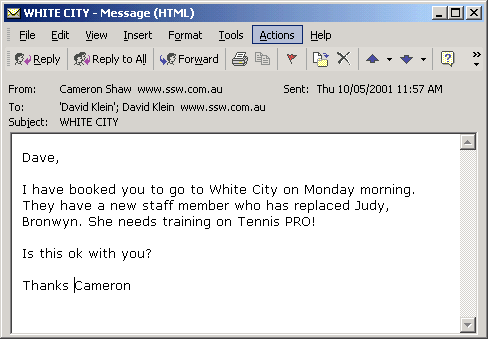
If Jonathan is using Outlook 97-2002 then he could email
Richard a meeting request, but it will be added to his
calendar as well. Not the ideal method.
So what is the recommended way?
Step 1: Find out
when Richard is available, using the Team Calendar URL,
for example http://Intranet/TeamCalendar
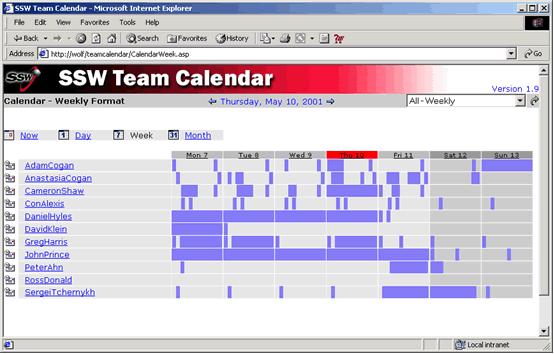
David's next available time is Wed 9th. So Jonathan the
Office Administrator clicks on Richard's hyperlink.
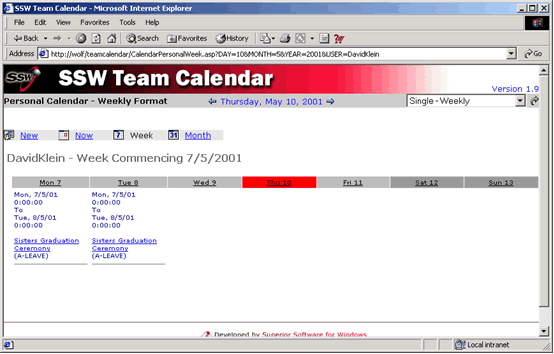
…then clicks on New to make a new appointment
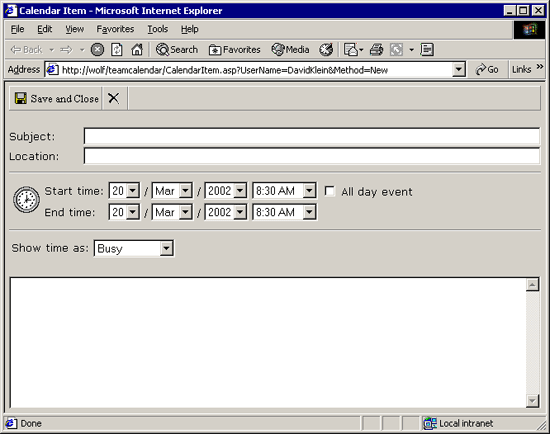
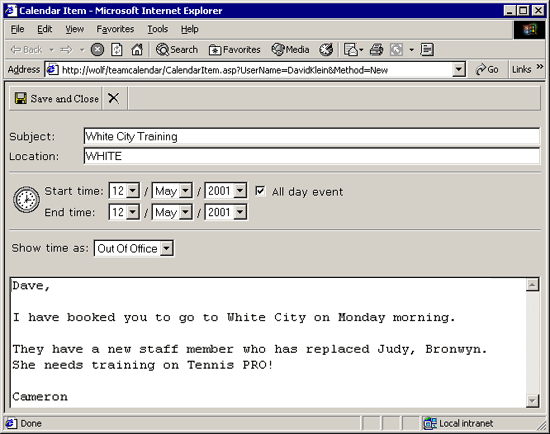
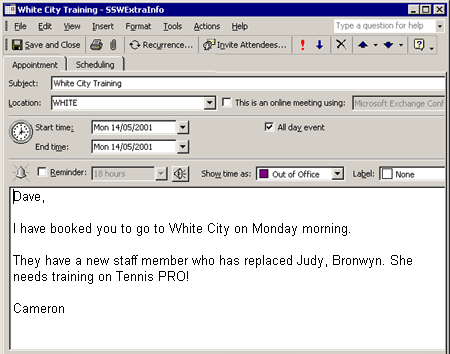
The appointment is added to his Calendar.