Do you check for unanswered questions first?
Loading last updated info...
It's easy to jump into a group chat, type your question and hit send. But if someone asked a question last week and nobody answered it, your new message pushes it even further up the chat. The question gets buried, the person who asked is still blocked, and it looks like nobody is reading the chat.
Video: Do you check for unanswered questions first? (49 sec)
A chat only works when questions get answers. Taking a few seconds to look after the questions already in the chat unblocks your teammates sooner, shows you are reading what others write, and stops important questions from quietly getting lost.
Scroll up before you ask
Before you post a new question in a Teams chat, scroll up and check for any questions that never got a reply.
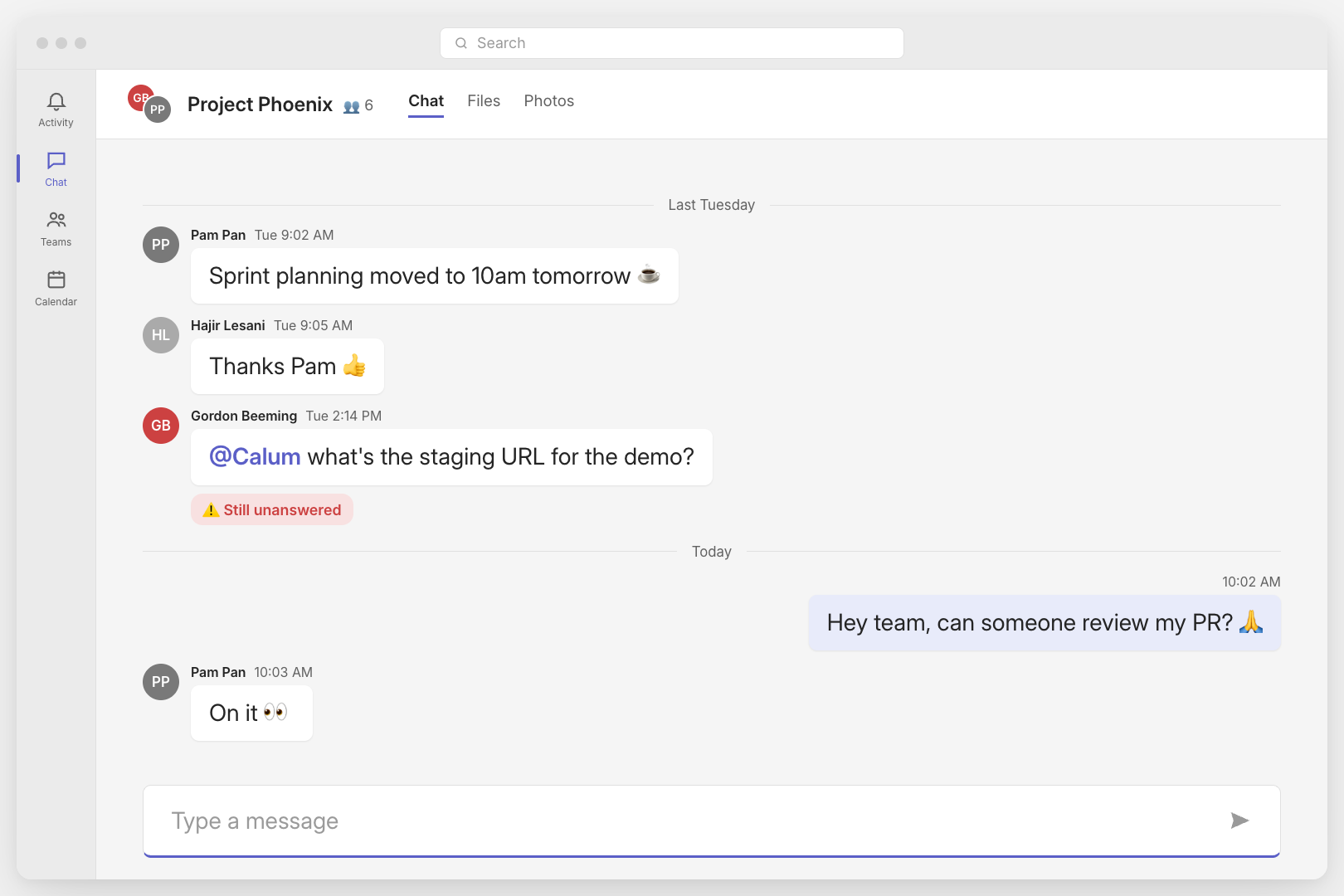
❌ Figure: Bad example - Bad example - A new question pushes last week's unanswered question further up the chat
Follow up the old question first
If you find an unanswered question, follow it up before you ask your own, even when the question was for someone else. Reply to the original message so the context is quoted, and @mention the person who needs to answer.
Once the old question is answered, go ahead and ask yours.
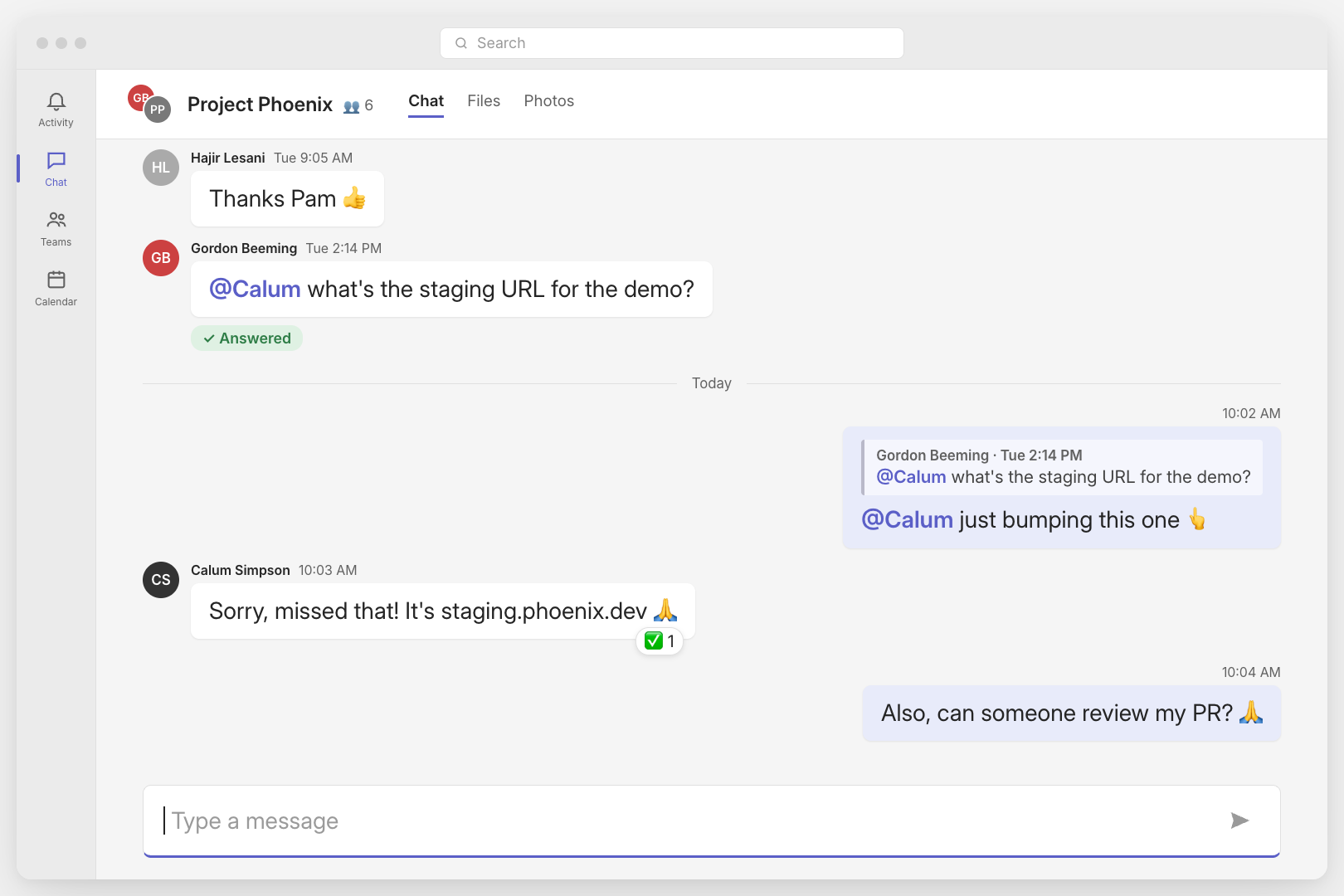
✅ Figure: Good example - Good example - Following up the unanswered question first, then asking your own
Tip: If the unanswered question is in another chat or channel, link directly to the message when you follow it up.
Ask what happened to discussions that went quiet
Sometimes a discussion starts, a few people reply, and then it just stops. There is no decision and no clear next step. If you are not sure what became of it, ask for the status before you move on.
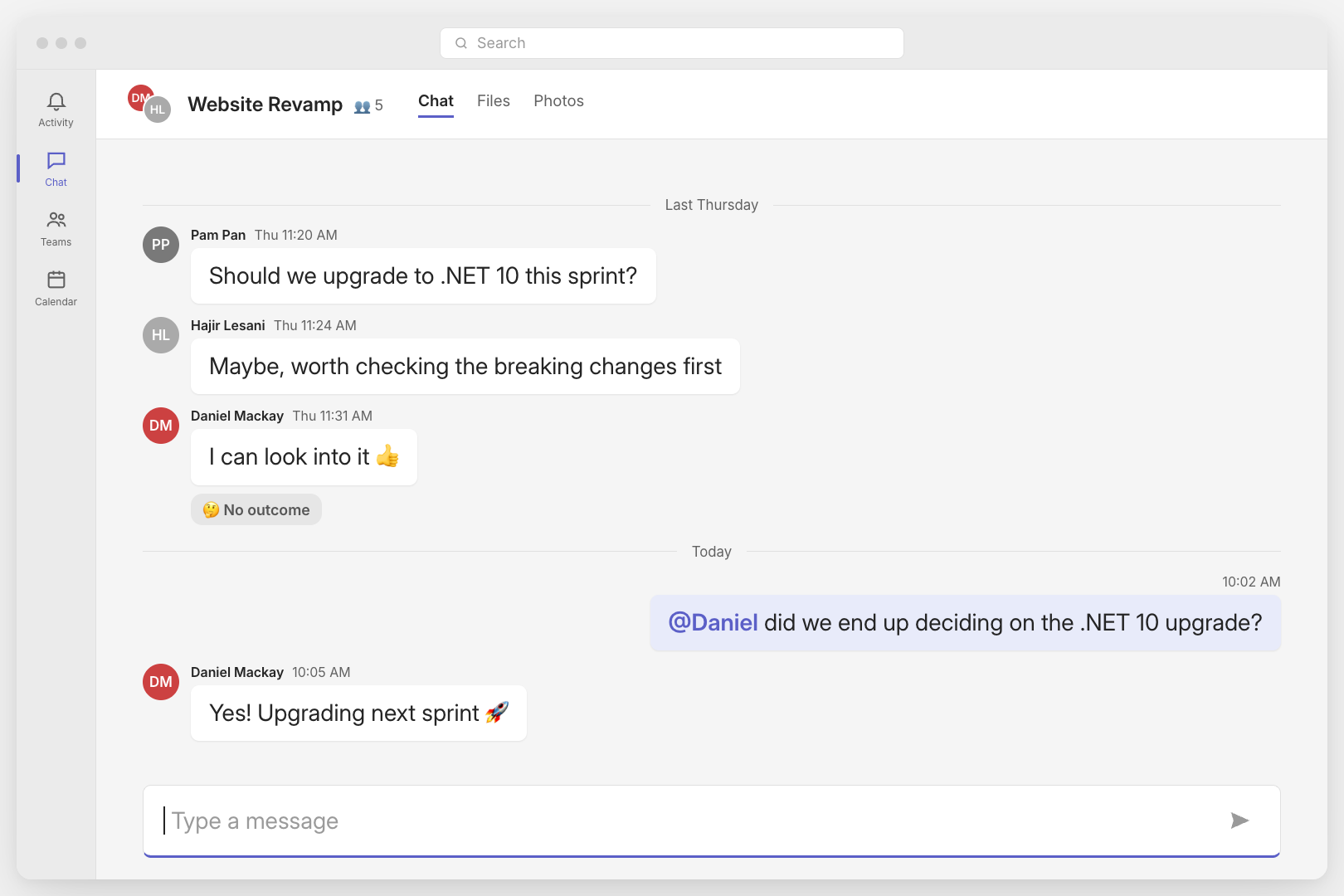
✅ Figure: Good example - Good example - Asking for the status of a discussion that ended without an outcome
Once a question is answered, react to it so everyone can see it is done. See Do you use clear emoji reactions to show message status?