Do you shut down dev and test resources when you no longer need them?
Loading last updated info...
Often we use Azure VM's for presentations, training and development. As there is a cost involved to store and use the VM it is important to ensure that the VM is shutdown when it is no longer required.
Shutting down the VM will prevent compute charges from incurring. There is still a cost involved for the storage of the VHD files but these charges are a lot less than the compute charges.
Please note that is for Visual Studio subscriptions.
Deallocate the VM (e.g. with az vm deallocate) so its status reads Stopped (deallocated). Shutting down from inside the VM leaves it Stopped, and Azure still bills the compute. Set auto-shutdown so dev VMs stop on their own after hours.
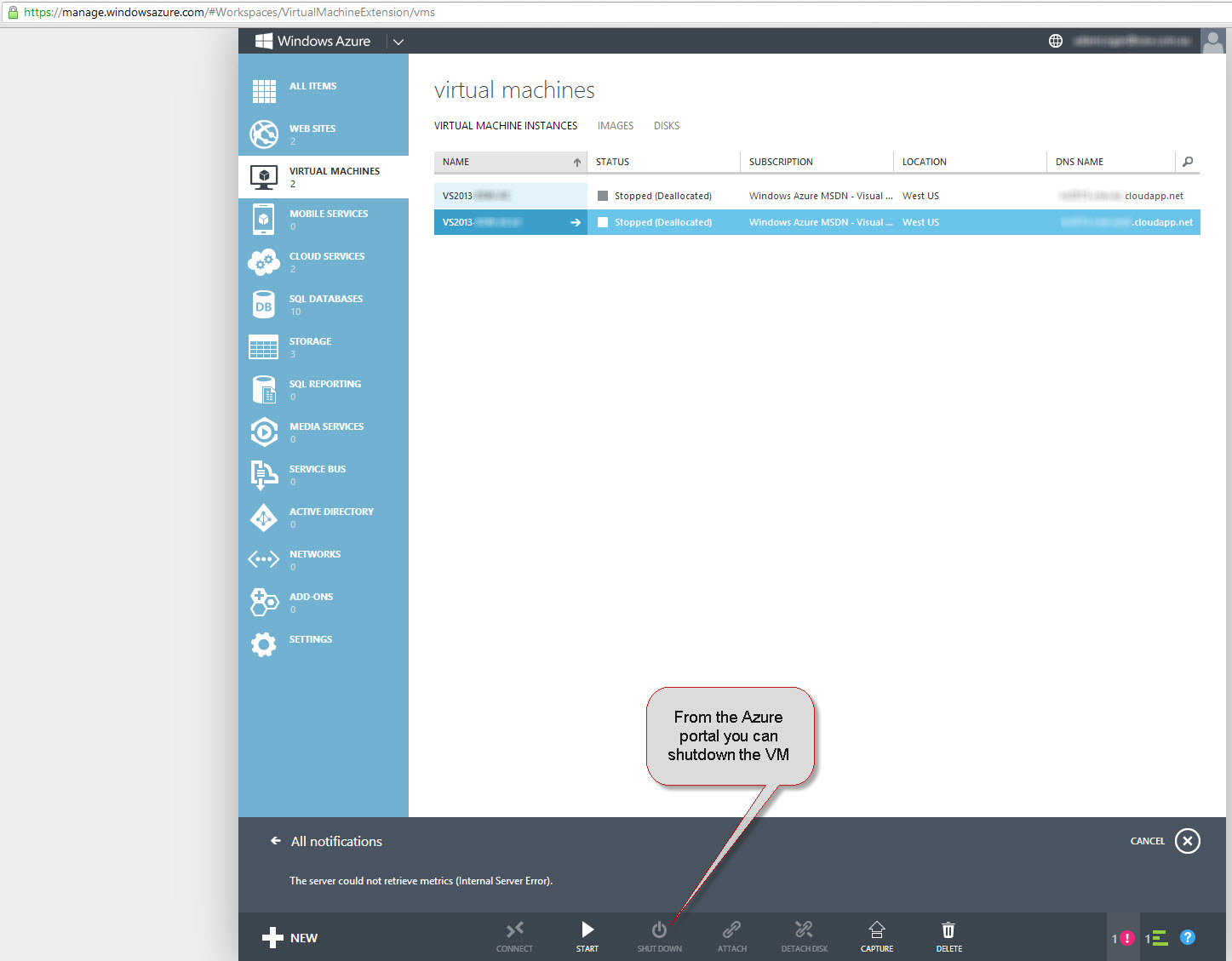
Figure: Azure Portal
| VM | Status |
|---|---|
| northwind-dev-vm | Stopped |
❌ Figure: Bad example - Shut down from inside Windows. The VM is still allocated, so the compute is still billed
| VM | Status |
|---|---|
| northwind-dev-vm | Stopped (deallocated) |
✅ Figure: Good example - Deallocated with az vm deallocate. The compute is no longer billed
Idle dev and test resources still cost money
Dev and test environments are used during work hours and billed around the clock. Each service stops costing money in a different way:
| Resource | How to stop paying while it is idle |
|---|---|
| App Service | Scale the plan down to the Free tier, or delete it. The plan is charged even with no apps in it |
| Container Apps | Set the minimum replicas to 0. At zero replicas there are no usage charges |
| Azure SQL Database | Use the serverless tier with auto-pause. While it is paused, only storage is billed |
| Azure AI Search | It cannot be paused. On the Dedicated model you must delete the service to stop the bill |
| AI model deployments | Pay-per-token deployments are only charged when called. Provisioned and fine-tuned deployments are billed by the hour whether they are used or not, so delete them |