Do you know how to run RSAT from a non-domain computer?
Loading last updated info...
With more companies adopting BYOD policies, it is important for SysAdmins to be able to connect to Remote Server Administrative Tools (RSAT) like Active Directory Users and Computers (ADUC) in a secure way, even if their computer is not connected to the domain.
Note: You should make sure any personal devices connecting to your network are secure, with Intune or a similar solution.
RDP to the domain controller (don't do this!)
The least secure way is to use Remote Desktop Connection to make changes directly on the domain controller. Domain controllers should be locked down to only accept log ins from domain admin accounts - and should only be used when changes require these credentials.
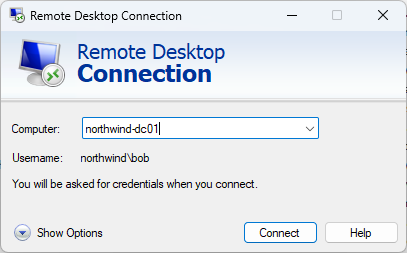
❌ Figure: Bad example - RDP directly to the domain controller
Another option is to connect to a different computer or server that is on the domain, like a jump box. This is a more secure solution, but for many companies it adds infrastructure that is not necessary.
Windows Admin Center
Microsoft have a browser-based server management tool called Windows Admin Center. It is very useful for managing servers, and it can also be used to manage your AD environment - as well as DHCP, DNS and other Windows Server services.
Since the tool is browser-based, you only need to allow access to one port for HTTPS communication.
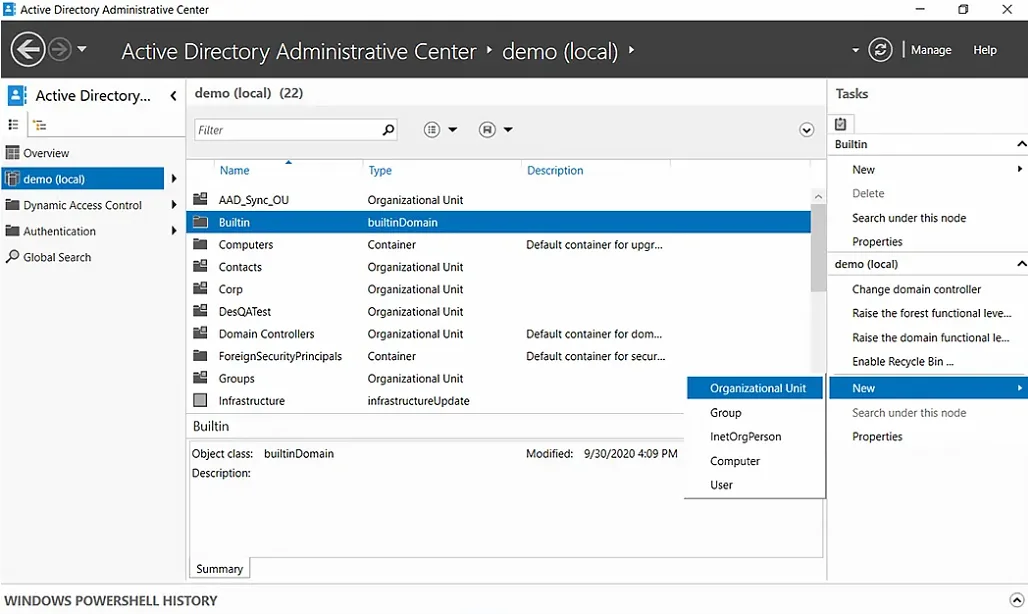
✅ Figure: Good example - Managing AD in Windows Admin Center
Read more about Windows Admin Center here: Do you use Windows Admin Center?
Running RSAT from a non-domain joined computer
While Windows Admin Center is a great solution, many SysAdmins prefer the extra functionality and classic interface of RSAT (Remote Server Administration Tools) in MMC (Microsoft Management Console) that you can easily run from a domain joined computer.
You can also use this if you have a domain-joined computer, but you need to use a different account to the one you log in with to access RSAT.
To get RSAT connected on a non-domain joined computer, there are some extra steps:
- Make sure you have the RSAT features you need: Install RSAT Features
- Run Command Prompt as Administrator
- Run this command to open an empty MMC window (replace admin@domain):
runas.exe /netonly /noprofile /user:"admin@domain" mmc.exe - Go to File | Add/Remove Snap-in... to add the tools you need, e.g. ADUC, DHCP, DNS, GPO Management
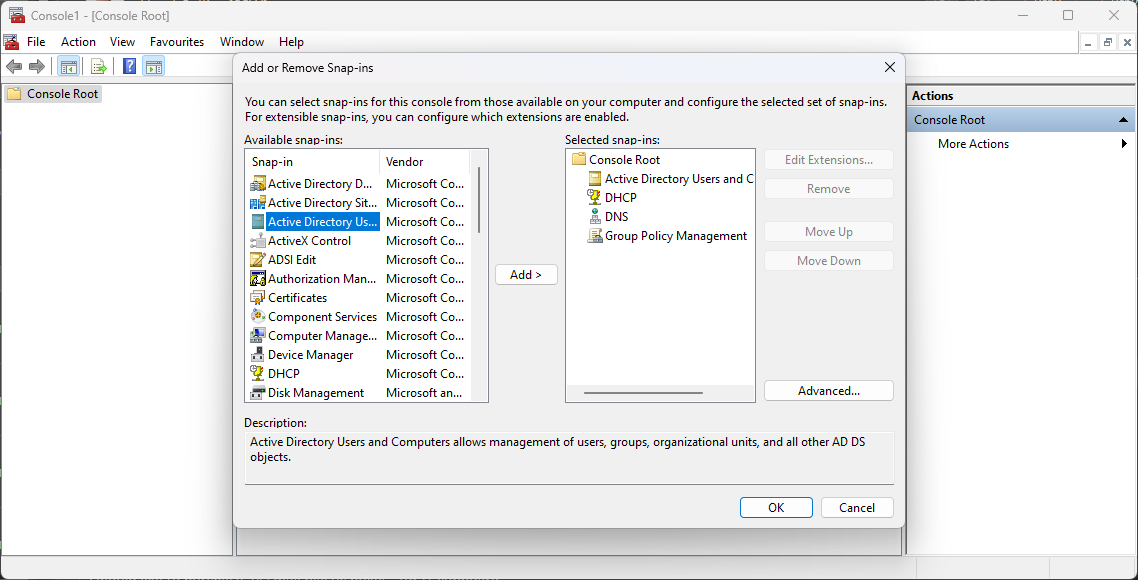
Figure: MMC | Add or Remove Snap-ins
- For ADUC (and possibly other tools), you will need to specify the domain to connect to. Make sure you tick the box Save this domain setting for the current console.
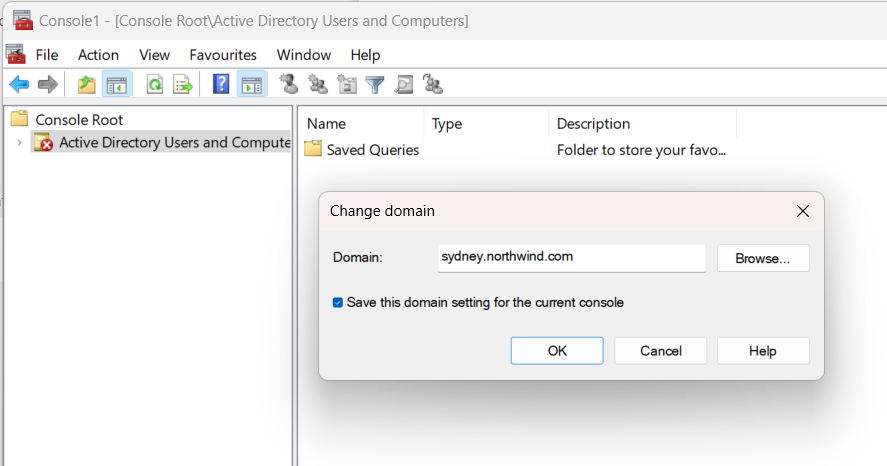
Figure: ADUC | Change domain
- Go to File | Save As... and save the console somewhere appropriate, e.g. C:\work\rsat.msc
- Create a batch file with this command - similar to the command above, but we specify the .msc file to use:
runas.exe /netonly /noprofile /user:"admin@domain" "mmc.exe "C:\work\rsat.msc"" - Save the batch file and run it as administrator.
- Your MMC window will open with your snap-ins ready to go!