Do you use screenshots instead of a 'wall of text'?
Loading last updated info...
Avoid long walls of text. Screenshots communicate information faster, reduce ambiguity, and make requests easier to action.
Screenshots are powerful because they:
- Are efficient – People cc’d can quickly skim and understand the task without opening multiple links
- Capture the moment – Tasks may not be reviewed for weeks or months. Reports and dashboards change over time, and without a screenshot, developers may not know what was originally seen
- Are clear and concise – Screenshots act as the “x” in the format 'change from x to y, making the requested change specific and unambiguous
Plain screenshots are good. Enhanced screenshots are better.
While a basic screenshot provides context, a few simple enhancements can make it clearer, more intentional, and easier to act on.
Here are ways to improve how you communicate with screenshots:
Tip 1: Add visual indicators to guide attention
You can take screen captures to the next level by visually guiding the user through the interface instead of relying on surrounding explanation.
Apart from plain screenshots (when no emphasis is needed), you can use:
- Circles / boxes
- Arrows
- Balloons
Note: Follow the rule on adding branding to screenshots for visual consistency.
See more details on how to configure balloons' branding in Fullshot and Snagit.
Circles & rectangles
Use circles or rectangles to highlight key areas in screenshots and guide the viewer’s attention to what matters most.

✅ Figure: Good example - Rectangle highlighting the exact area users should focus on, keeping the screenshot clean and intentional
Arrows
Use arrows to indicate direction or flow, especially when you need to show where to click, what to follow next, or how elements relate to each other.

✅ Figure: Good example - Arrow pointing to the exact action to take, clearly guiding the next step without adding clutter
Warning: Pay attention to the arrow tail. When using an arrow in a screenshot, make sure it starts from a logical and unobtrusive position.
Balloons (aka speech bubbles)
Adding balloons is great because you can point to a specific part of the image and provide extra text information. It is much easier than reading the old ‘Wall of Text’.

❌ Figure: Bad example - No visual cue. Users may wonder what they’re supposed to focus on or do

✅ Figure: Good example - A balloon clearly highlights the intent, removing ambiguity and guiding attention immediately
Warning: Do not overuse balloons. Screenshots often provide enough context, and extra callouts can clutter the image and distract from the key message.

❌ Figure: Bad example - Too many balloons competing for attention
Tip 2: Avoid blank spaces
By cropping empty spaces in screenshots, you can make things easier to read and understand. Most times you can achieve this by resizing the application window before taking the screenshot.
It's like zooming in on the important bits, making them bigger and friendlier for the users.
More information on Do you make sure your screenshots are readable?
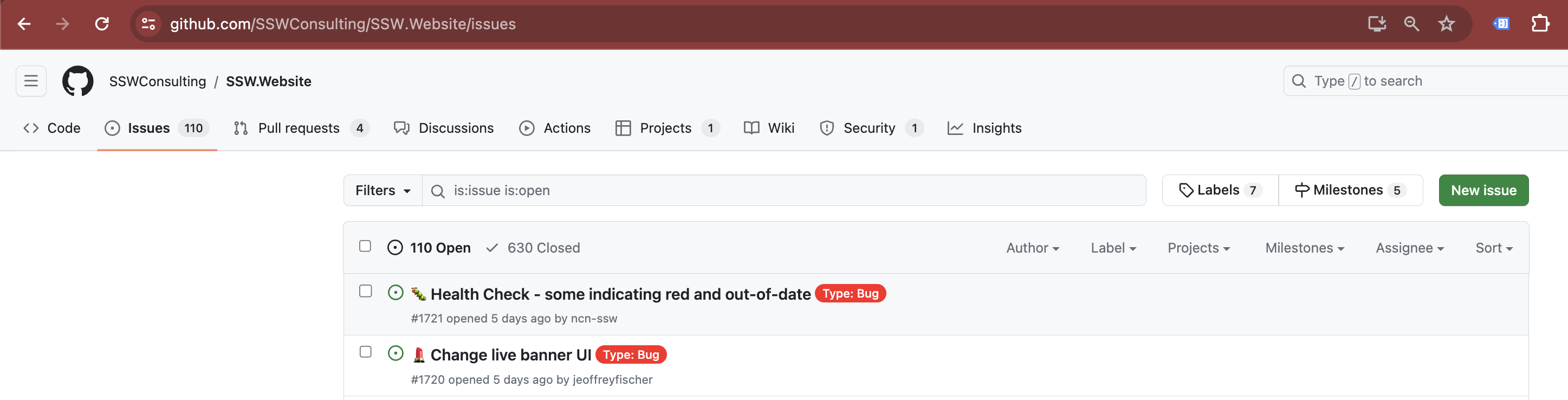
❌ Figure: Bad example - Unnecessary blank space makes screenshots hard to read
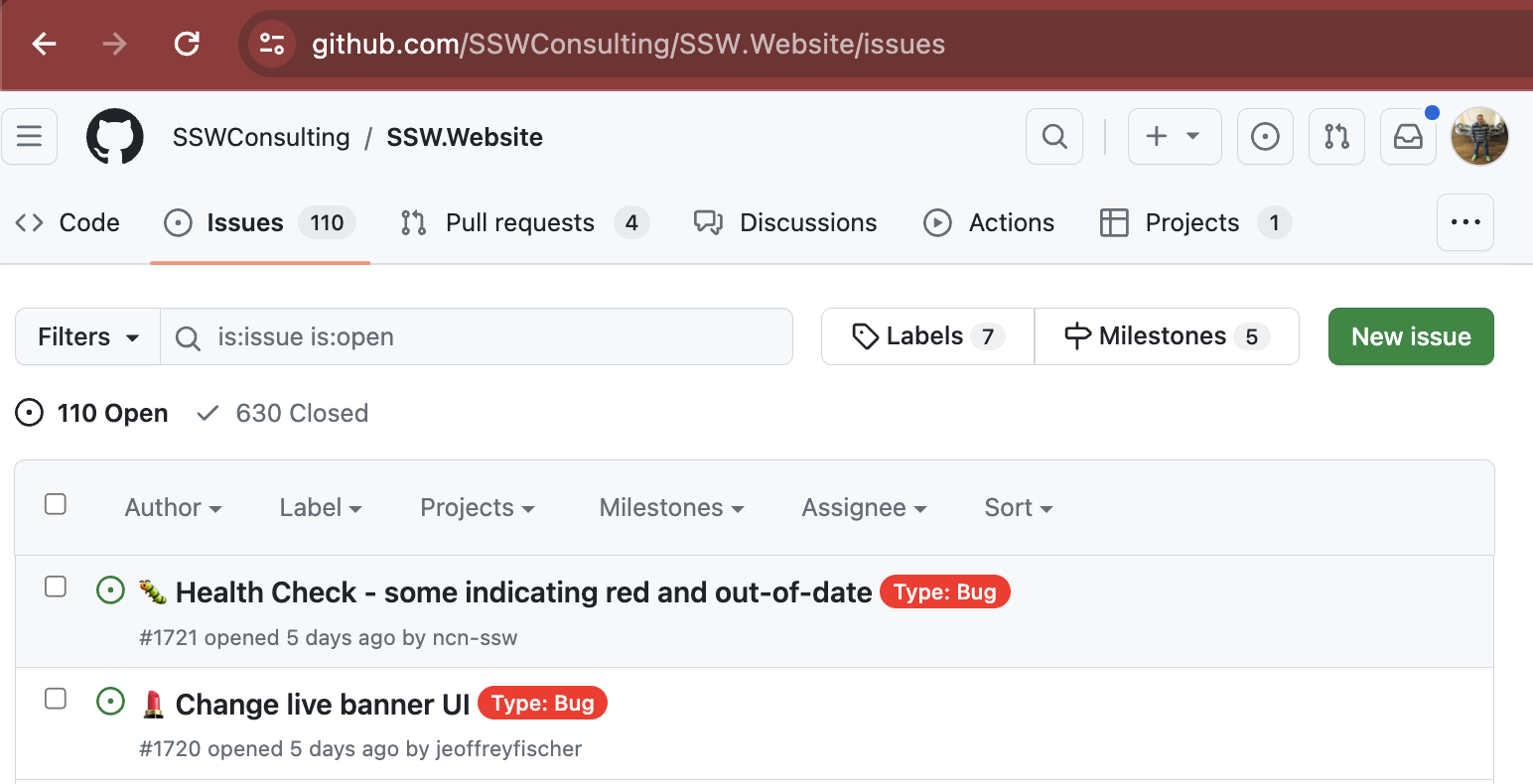
✅ Figure: Good example - Focus on what matters makes screenshots clear
Extra - Related video
Video: Adam Cogan talks to Betsy Weber - TechSmith - Creator of Snagit (13 min)
Need more than a static shot?
Use a screen recording.

Want to take it to the next level?
YakShaver makes it effortless to capture context and turn it into actionable work items, whether you’re reporting a bug or suggesting a feature.