SSW Diagnostics
> Screenshots

This utility checks that your system is up-to-date.
To better enable our developers to analyze your problem,
it helps if we collect information about your system.
This application will collect that information and then
email it to our developers, you may view the information
before you send it if you wish.
SSW Diagnostics User Guide
1.
Prerequisites
2.
User Guide
|
-
Prerequisites
1.
To install, view the
Installation User Guide
No install needed now as now
a Click Once app
2.
To register, view the
Registration User Guide
No registration needed now
as free
-
User Guide
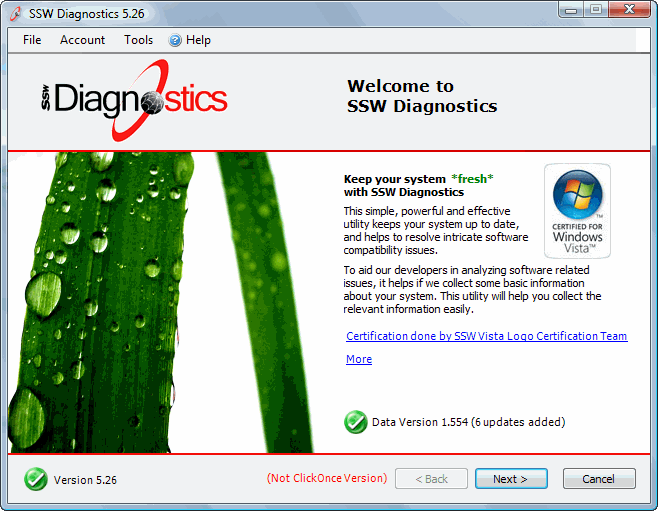
Figure: The first screen of SSW Diagnostics
provides a brief introduction to the scanning
process
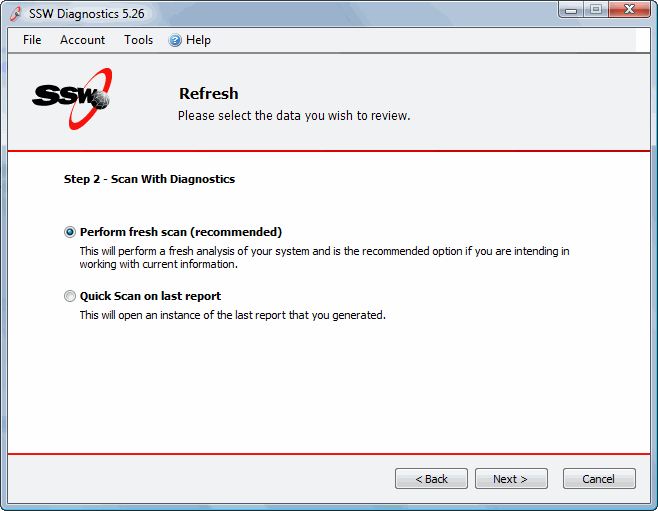
Figure: It gives the options to perform a fresh
scan or to view the last report
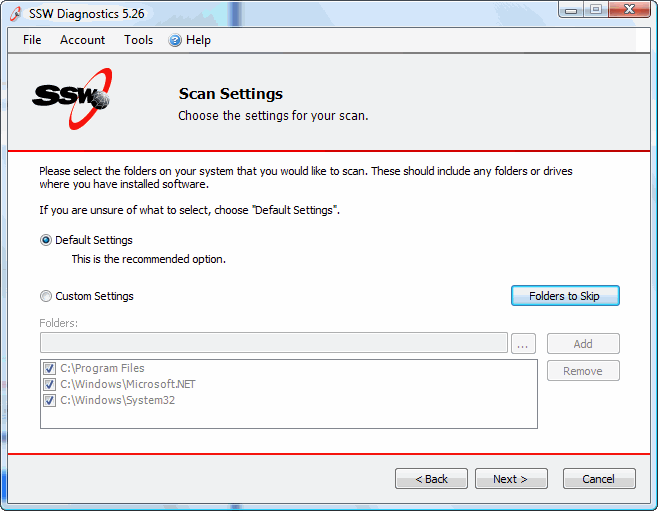
Figure: Select the directories you would like to
scan
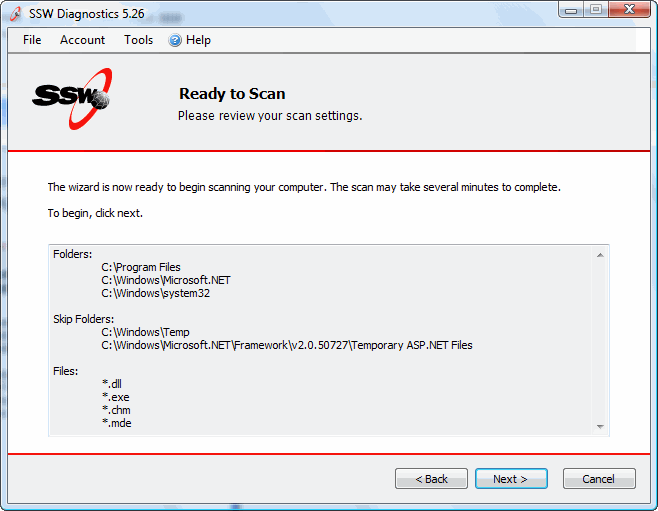
Figure: Reviews the scan settings before scanning
starts
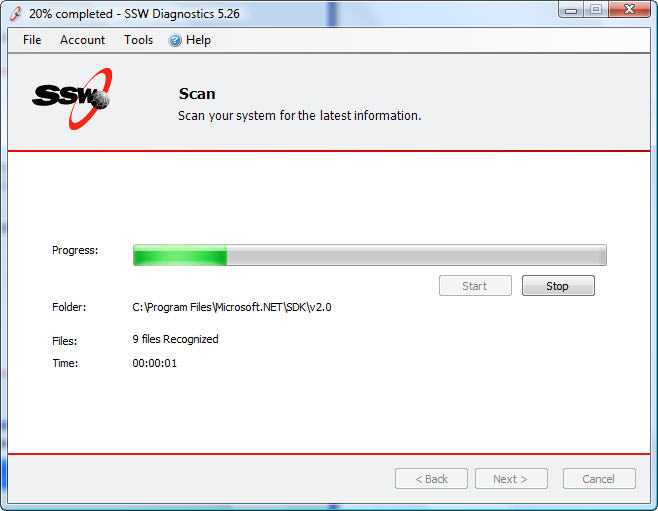
Figure: The SSW Diagnostics performing the
scanning process
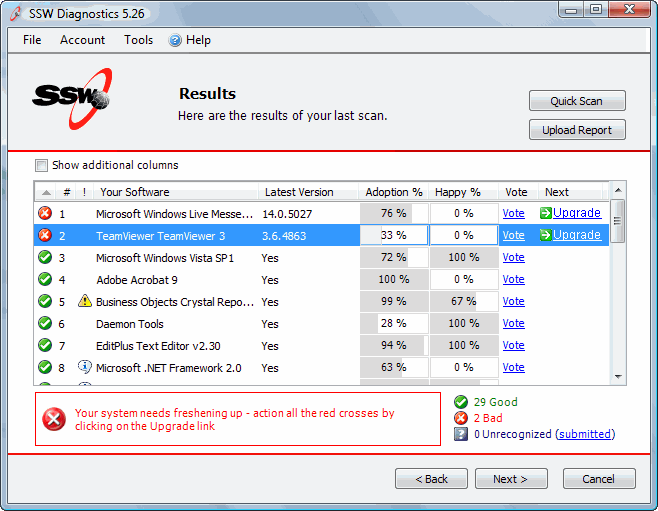
Figure: The result screen shows old or latest
version of the installed software, marked by
red-cross and green-tick symbol.
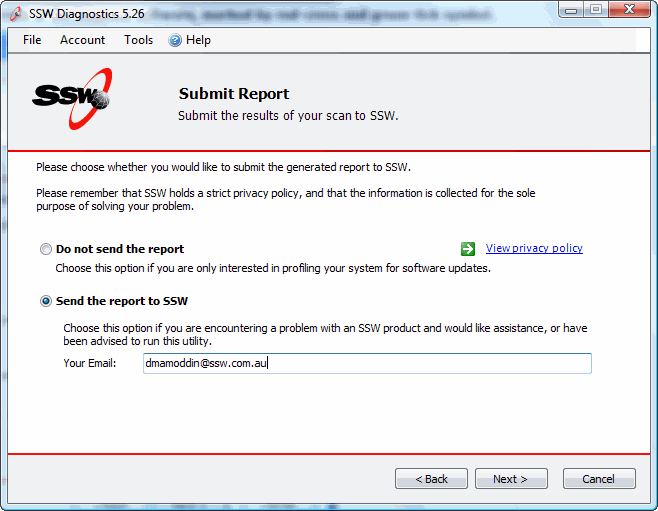
Figure: Email the report to SSW Diagnostics Team
for any assistance or feedback
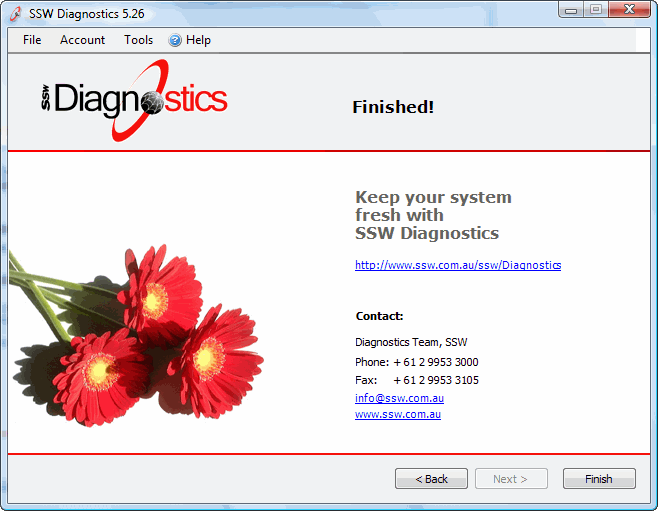
Figure: Diagnostics process Completed