SSW UpsizingPro
> Screenshots

Migrate from Access to SQL Server safely with SSW
Upsizing PRO!
If your business is growing and you demand a scalable
database solution, upsize from Access Jet to the robust
SQL Server environment. SSW Upsizing PRO! prepares your
Access database for the Microsoft Upsizing Wizard,
preventing known errors, and ensuring a smooth
migration.
Upsizing PRO User Guide
1.
Prerequisites
2.
User Guide
|
Prerequisites
User Guide
When you run the install exe there is a simple wizard
interface to guide you through the setup process. All
you have to do is select which directory you want SSW
Upsizing PRO! to be installed into.
SSW Upsizing PRO! provides a simple wizard interface to
scan and report on errors in your Access database
-
Before Upsizing
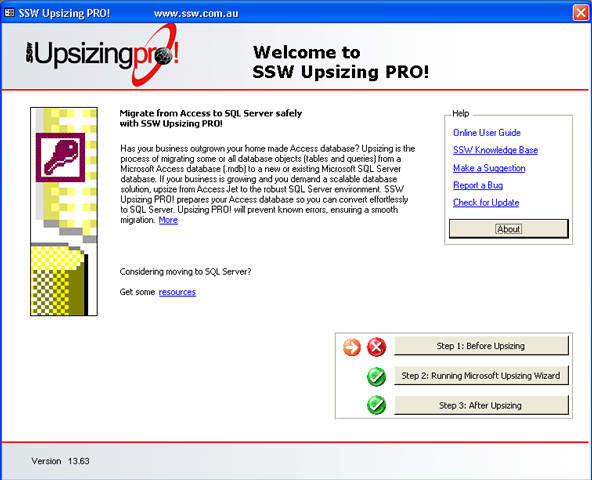
Figure: Migrate from Access to SQL Server safely
with SSW Upsizing PRO!
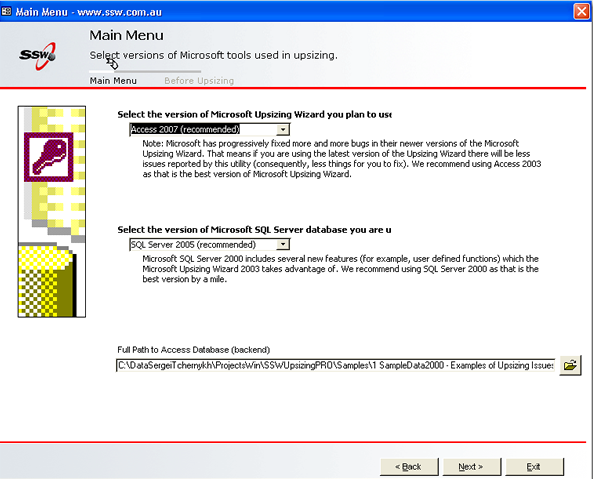
Figure: Select versions of Microsoft tools used in
upsizing
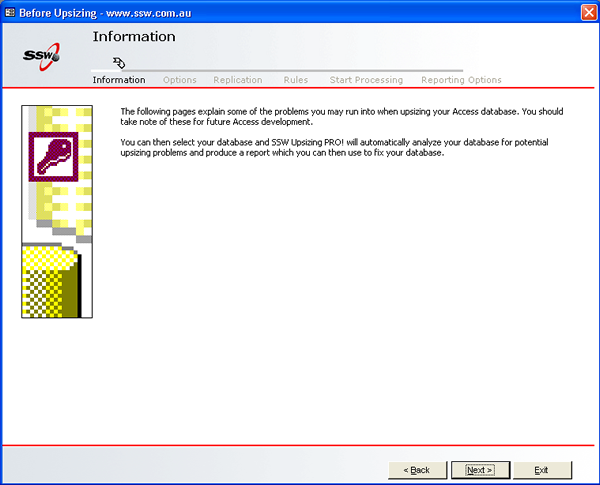
Figure: Information
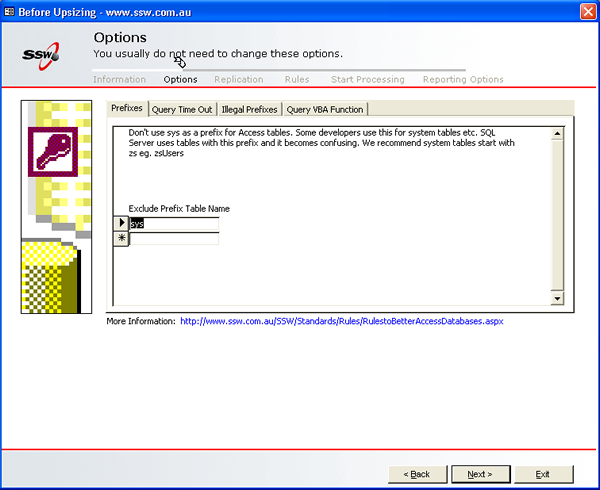
Figure: Options
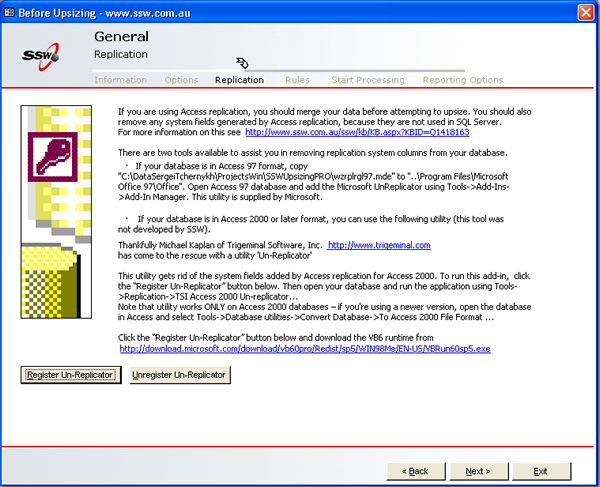
Figure: Replication
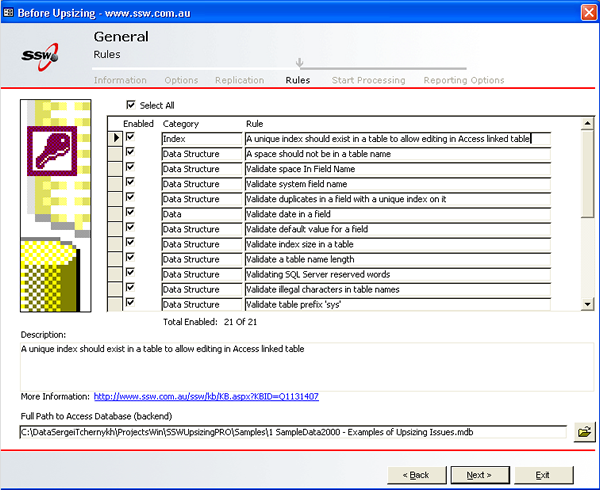
Figure: Rules
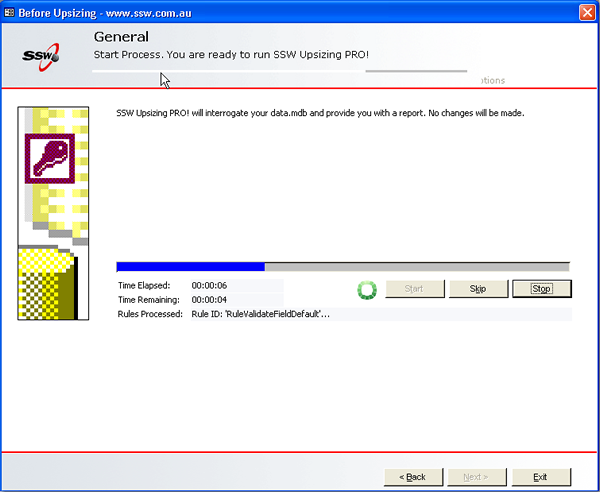
Figure: Processing rules
-
After Upsizing
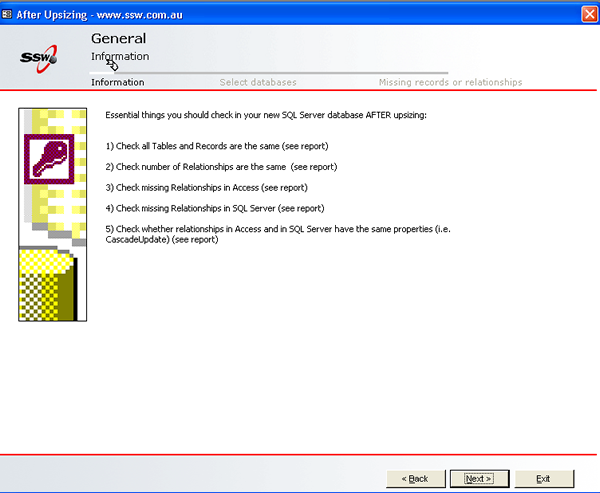
Figure: Information
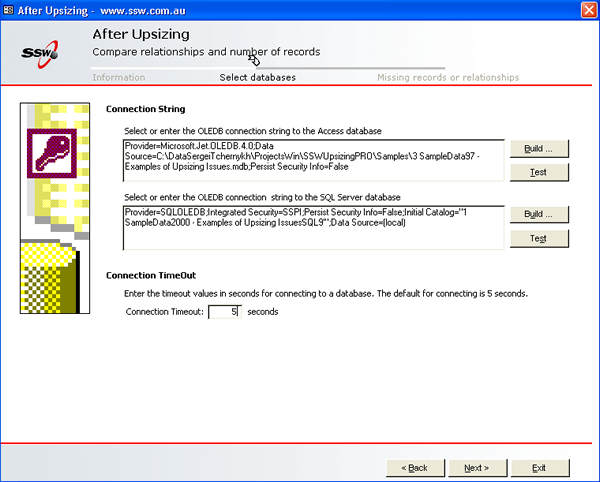
Figure: Comparing relationships and number of
records
Things to check before running SSW Upsizing PRO!
Running Upsizing Wizard
Things to check after running SSW Upsizing PRO!