Video data - Do you share source files with your video editor?
Loading last updated info...
When you ask for changes to a video, it's tempting to just send the exported video and assume the editor can make quick fixes. However, without the original project files and media, the editor is stuck with a "flattened" version and can't properly tweak audio, video timing, or transitions without redoing work or risking quality loss.
All editing tools have their own way of saving source files. Some editing tools save multiple video files separately. For example:
- Clipchamp exports two distinct .mp4 files - one for the screen recording and another one for the webcam footage
- Other tools, like Camtasia, use specific source files: The .trec file contains the recorded media assets (like screen recording, webcam, mic audio, and system audio), and the .tscproj file (optional) contains the project edits, timeline layout, and references to media files (including .trec files) that references all the media assets
If you have made edits, and want to share the edited file with a TV team member – you should provide them with the cut timings and the raw footage.
In most cases, it's better to pass the file over before edits are made to avoid double handling.
Sharing these complete project files or all related media ensures your editor can work efficiently and maintain professional quality.
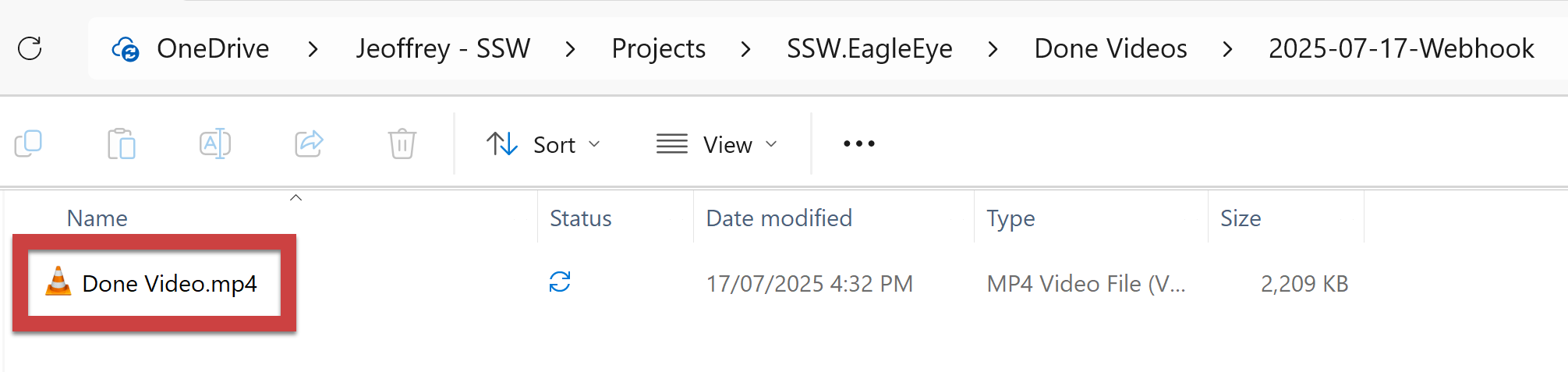
❌ Figure: Bad example - Only the exported video file (.mp4) is shared
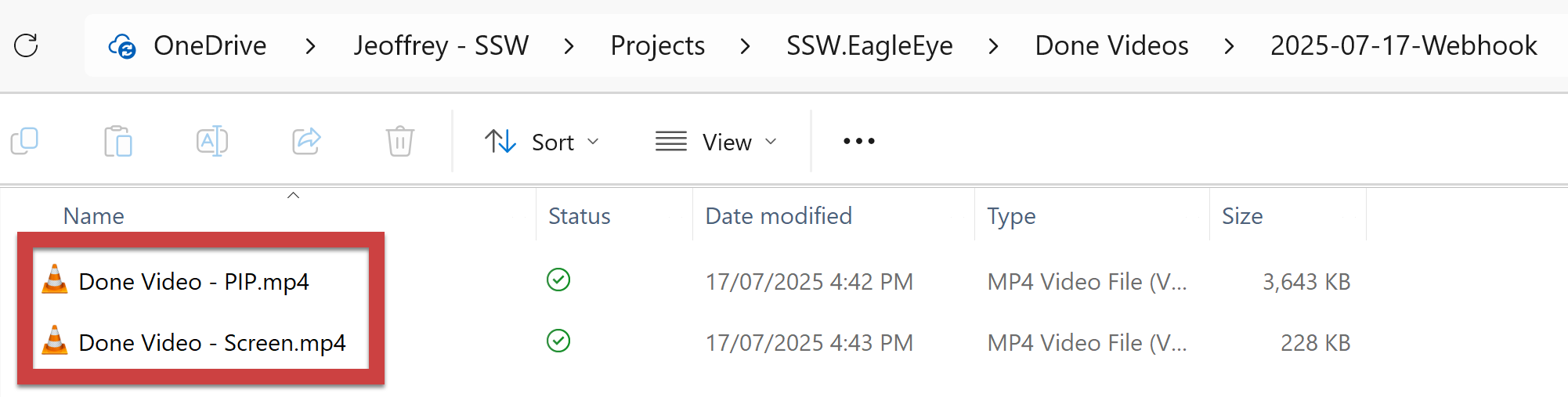
✅ Figure: Good example - Clipchamp - The 2 video files are shared
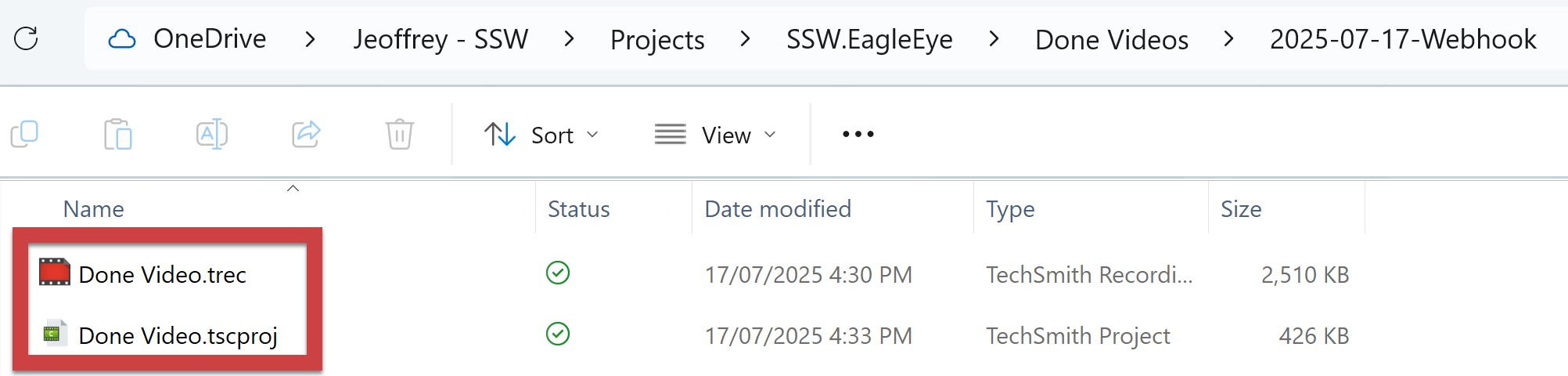
✅ Figure: Good example - Camtasia - The source file and project file are shared