SSW SQL Deploy
> Screenshots

SQL Deploy Users Guide - Database Deployment
Software for SQL Server and SQL Server Express
How many times have you deployed an initial
version of your SQL Server or SQL Server Express
Database application to your clients or
departments, then wondered how you are going to
make updates to the Database schema in the
future without hassle?
|
-
Prerequisites
-
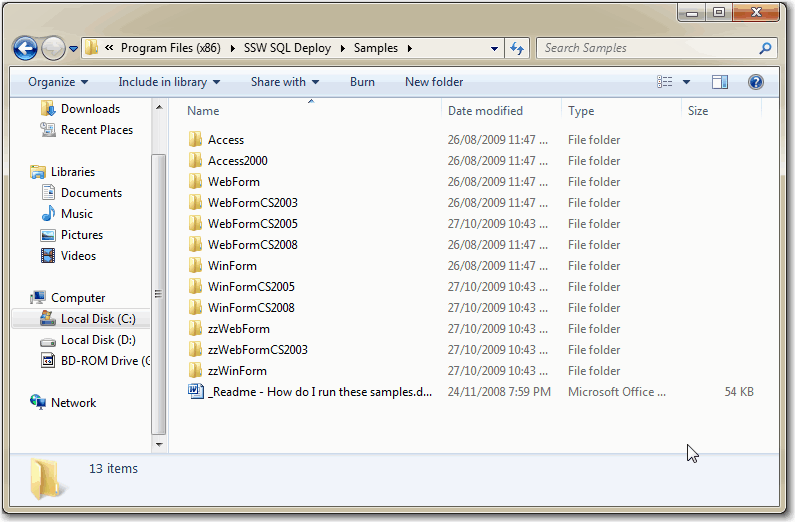
First install SQL Deploy by downloading and running
the setup package. When the installation is
complete, view the
Samples
folder that the setup package has opened.
-
-
Figure: The first thing you should do is view the
sample and look at the sample code
-
Please take the time to look at the samples that are
installed with the application. There are samples
for:
- Microsoft Access
- .NET Windows Forms
- ASP.NET Web Forms
The
SampleData
folder contains sample SQL scripts that work with the
supplied sample applications.
SQL Deploy can run on 2 modes:
-
Running as an .exe
-
Integrated with Application