Do you get AI to create your Done Videos/screenshots?
Loading last updated info...
Everyone makes Done Videos, as per Do you know how to record a quick and dirty 'Done Video'? Now AI can make them for you.
An AI agent changes a header component, sees the code compile, and reports "done". The reviewer checks out the branch and finds the header overlapping the nav on mobile - a full round trip for a bug the agent could not see.
Loop AI into the visual review, and it can resolve obvious visual bugs before they ever reach you. To do this, the agent takes screenshots in a real browser and fixes obvious issues. Double dip by using these screenshots to document your work on the PR and in a Done comment.
Video: AI: It's a Skill Issue | Calum Simpson | SSW User Group - Calum shows an AI agent recording its own Done Video with Playwright and text-to-speech (watch from 1:14:21 - 1:20:07, 6 min)
How the agent creates a Done Video
The screenshot is a by-product of a verification loop, not a separate step. Give the agent a browser and make the loop part of its definition of done for any UI change:
- Open the page - The agent drives a real browser with the Playwright MCP or CLI or the Chrome DevTools MCP
- Check against the Acceptance Criteria - It walks the flow the PBI describes and compares what it sees with what the Acceptance Criteria say
- Fix what it finds - The agent fixes issues before a human looks
- Keep the capture - Use screenshots or videos as evidence of the work
Prompt: Create a Done Video for the PBI I just finished. Users can now select the Azure OpenAI region for their EagleEye instance. Read this chat and the PR to see what changed.
✅ Figure: Good example - A prompt that gives the agent the PBI and where to find what changed
Video: Azure OpenAI Regions for SSW EagleEye | Done Video | Hark Singh AI 🤖 - A Done Video made end to end by AI (1 min)
Better still, bake the loop into AGENTS.md, a skill, or the PR template, so every UI change gets the same visual review without anyone asking for it. This is back pressure for UI work - the browser gives the agent a signal it can act on, the same way a linter or a failing test does.
What to capture
Match the capture to the change:
- Before and after screenshots for visual changes. Take both at the same viewport size so the reviewer can compare them
- A short video for flows. Playwright can record the run, and 10 to 30 seconds is enough
- One screenshot per state for conditional UI. These are the states a reviewer rarely clicks through by hand
Where your Done screenshots and Done Videos go
The agent already has the capture, so put it where the review normally happens.
- The PR description - Taking advantage of screenshots or Done Videos is an awesome way to improve the review process, see the
{{ SCREENSHOT / DONE VIDEO }}line in Do you know how to write a great Pull Request? - The Done comment on the PBI - Definition of Done lists these kinds of screenshots or Done Videos as good evidence when you close out the PBI
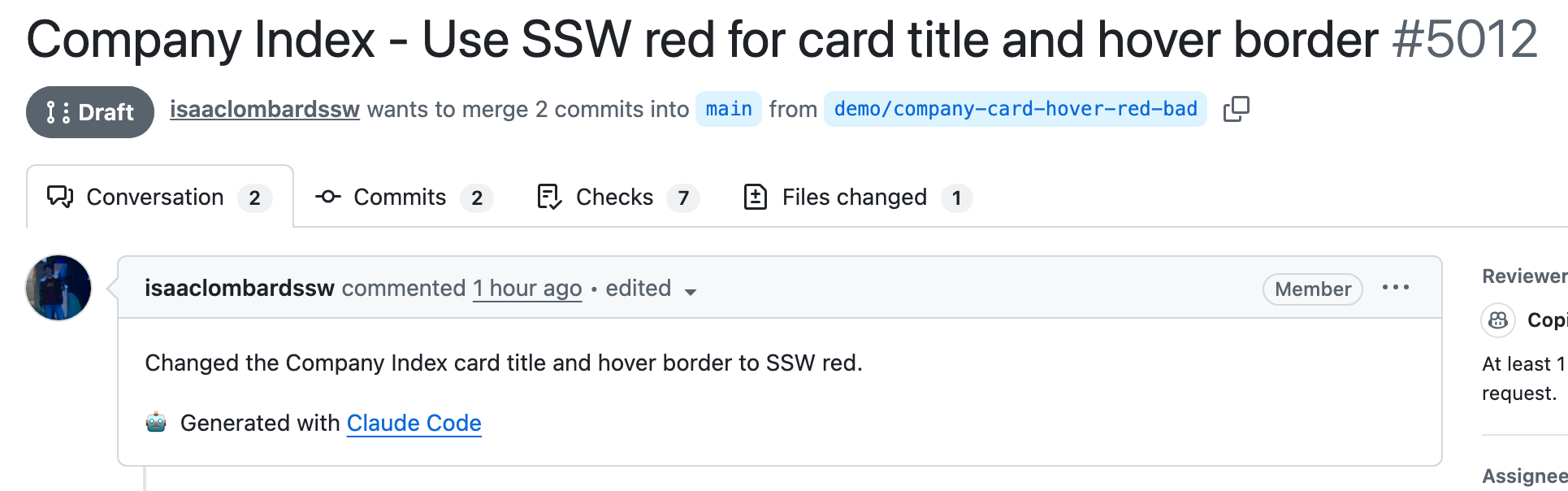
❌ Figure: Bad example - The reviewer has to stop what they're doing, check out the branch, and run the app just to see what changed
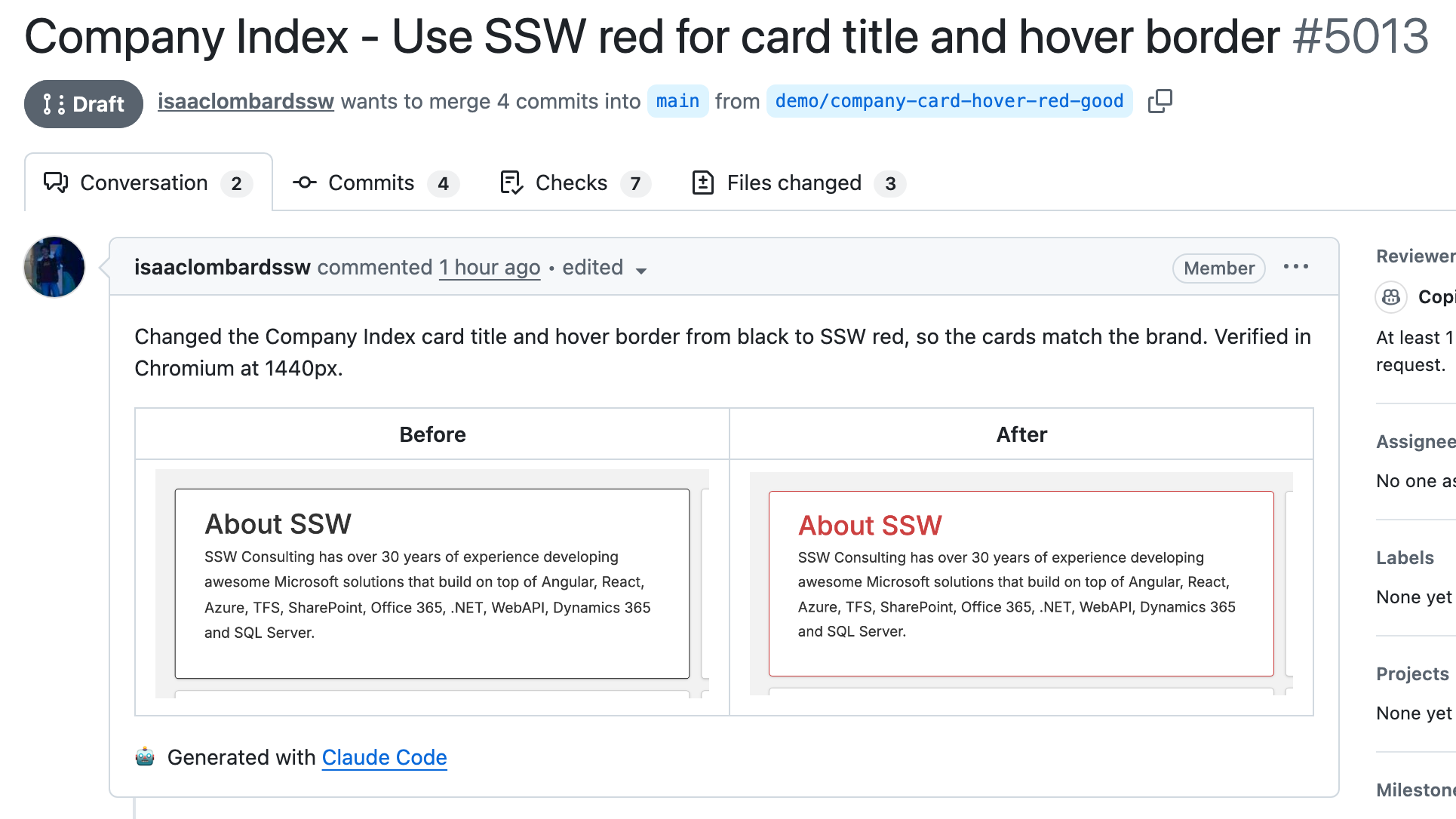
✅ Figure: Good example - A before/after pair the agent captured during its own verification, so the change is obvious without leaving the PR
Tips
- Keep images small - Crop to the component that changed and follow Do you make sure your screenshots are readable?. A full-page capture of a 3,000 px page helps nobody. If the reviewer needs to look at one spot, add a box or arrow
- Caption every image or video - One line saying what the reviewer should look at. See Do you add useful text captions to images and videos?
- Never capture secrets or customer data - The agent runs against a local or test environment with seed data. Apply the same care as Do you hide sensitive information?, because the capture ends up in a PR that stays visible forever
- Prefer the PR body over a comment - The body is what GitHub shows first, and it survives when comments are collapsed
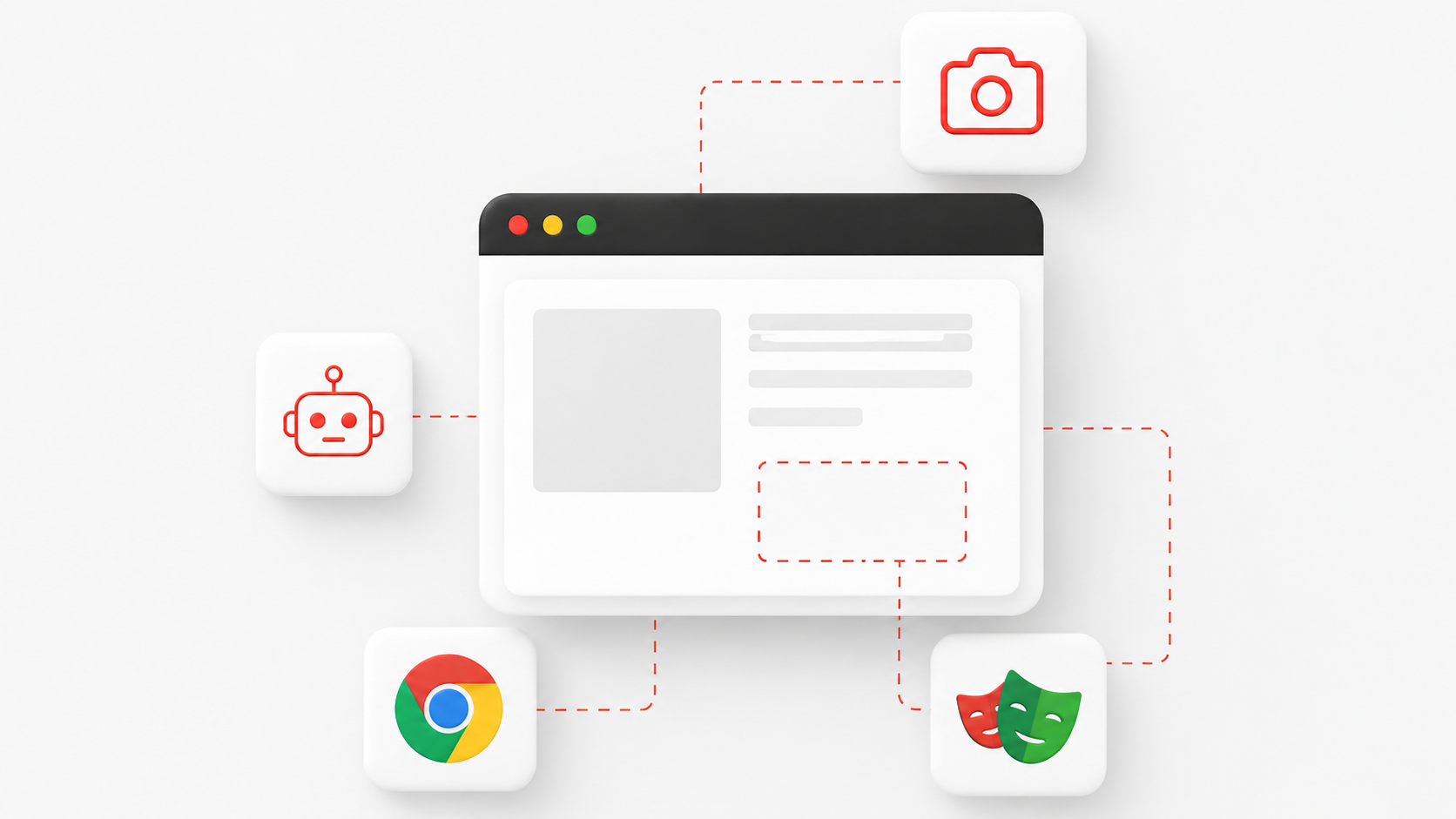
Figure: Taking advantage of tools that easily integrate with agents allows for automated UI checks
Tooling
- Playwright MCP and Playwright CLI - The agent navigates, reads the accessibility tree, and takes screenshots or records video from the same session
- Chrome DevTools MCP - Gives the agent a real Chrome instance with screenshots, performance traces, and console access
- Puppeteer - Drives Chrome or Firefox from Node and takes screenshots or records the session. A good fit when the project already uses it, or when you do not want a second browser stack
- Steel - Open-source cloud browser sessions for agents, with screenshots and session recordings built in. Useful when the agent runs in CI or a sandbox with no local browser
- Remotion - Makes videos from React code. The agent puts the recordings, captions and narration together, then renders the Done video
- ElevenLabs - Clones your voice from a short recording, so the agent narrates the Done video in your own voice. Voice cloning needs a paid plan
- GitHub CLI - Lets the agent write the PR description without leaving the terminal
Tip: This is the developer-side twin of Do you walk through UI changes using DevTools and screen recordings?. A designer records the change they want. The agent records the change it made.